Content quality without the audit weekend

Always on
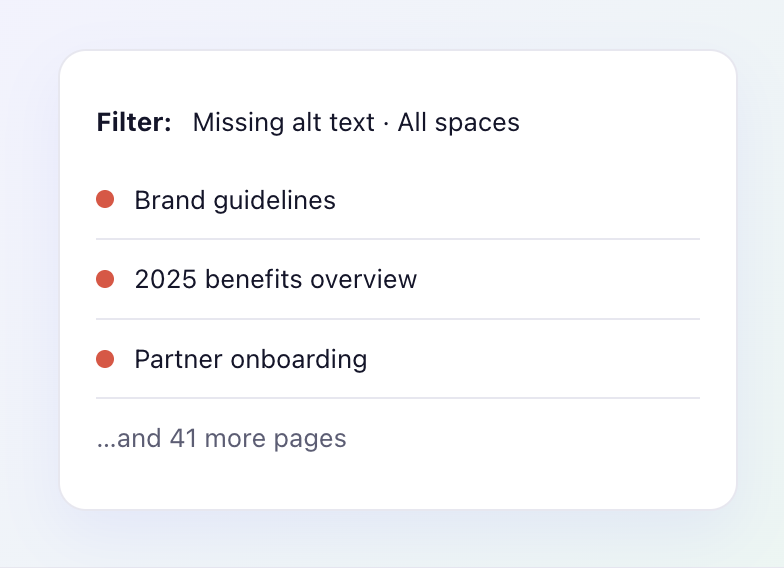
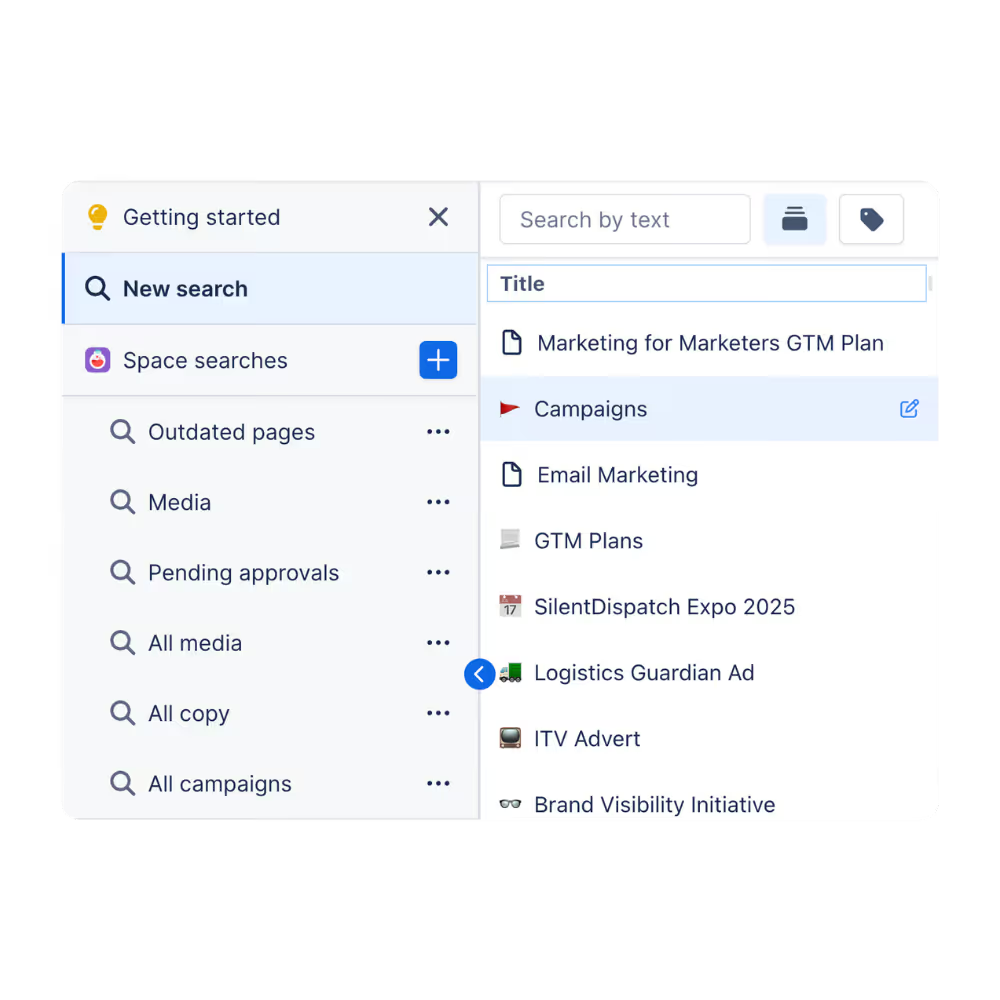
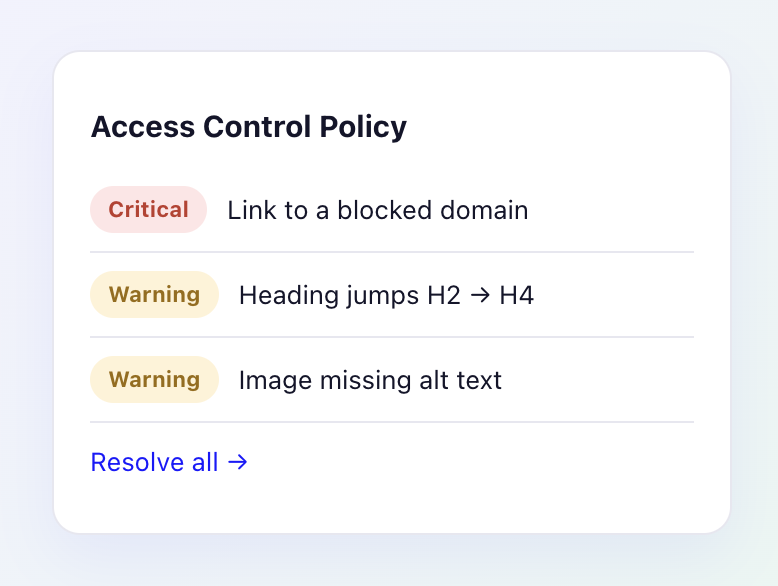
Pages are scanned automatically as they're created and edited. There are no audits to schedule and no reports to run - issues surface the moment they appear, across every space in your instance.
Find out more

13 rules
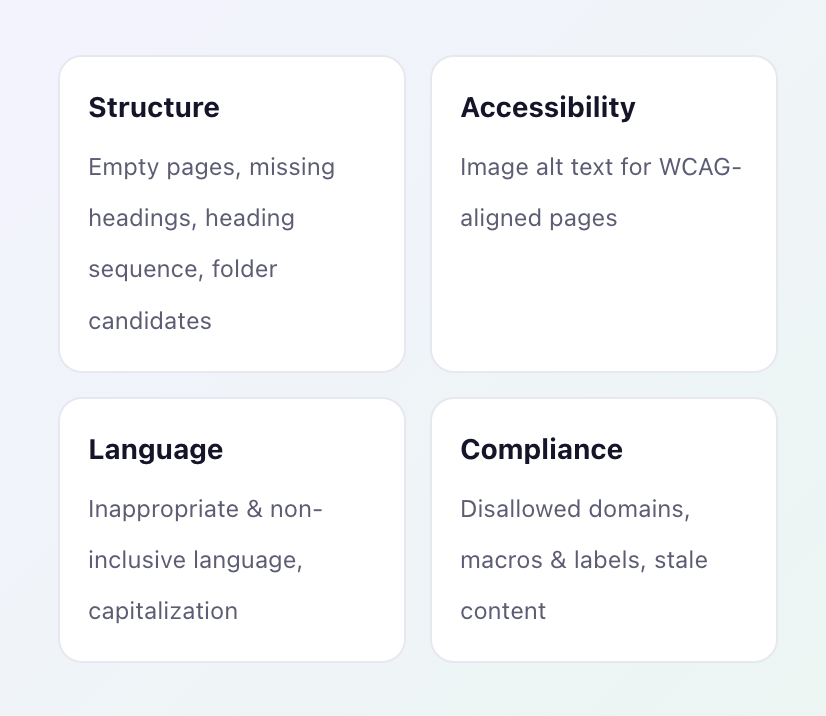
Capable Quality ships with thirteen built-in rules, grouped the way governance teams actually think.
From Our Blog
Wikis decay by default. Capable Quality gives Confluence a rules engine - 13 configurable checks for structure, accessibility, language, and compliance, with one-click fixes.

From Our Blog
Thirteen rules. Four categories. One place to see - and fix - the things quietly going wrong in your wiki.


Capable makes Atlassian do more: richer features out of the box, consistent UX across apps, and fewer vendors to manage.
%20(800%20x%20200%20px).avif)