


Bringing Confluence Approvals into Slack
May 28, 2026
Most Confluence teams have a familiar problem. A policy update, release note, or compliance document is ready for review. The author requests approval, the page sits patiently waiting for sign-off, and the reviewers, who are doing real work in Slack, never see it. Hours pass. Sometimes days. Someone follows up in a thread, a screenshot gets shared, the reviewer promises to "get to it after stand-up," and the publishing deadline drifts.
The bottleneck is rarely the reviewer's intent. It is the context switch. People who spend their day in Slack do not naturally open Confluence three times an hour to check whether something needs their attention. Email notifications help, but the inbox is noisy, and approval requests get buried under newsletters, calendar invites, and CI/CD alerts.
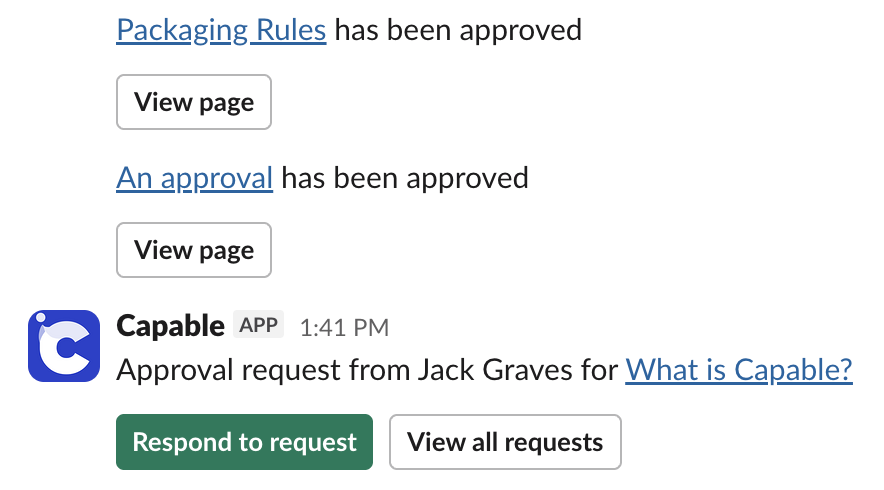
Capable Approval closes that gap by sending approval activity straight into Slack, so reviewers see requests where they already work. This post walks through how it fits into a content workflow, what gets delivered to Slack, and how to roll it out across your team without creating notification fatigue.

Why Slack delivery changes the dynamic
Receiving an approval request in Slack feels different from finding one in your inbox. It arrives in a channel or DM, alongside the conversation already happening about the work. A reviewer can click through to the page, leave a comment, and respond, all within a few minutes of the request being raised. That tight loop matters for these reasons.
First, it cuts cycle time. Approval requests that used to sit overnight often clear within the same workday because reviewers see them in real time. For teams shipping documentation alongside product releases, that is the difference between launching with current docs and launching with a "TBD" page.
Second, it enhances transparency. Unlike email, where unread messages can go unnoticed, Slack gives each recipient a Direct Message (DM) to respond. This encourages timely responses and reduces the need for follow-ups.
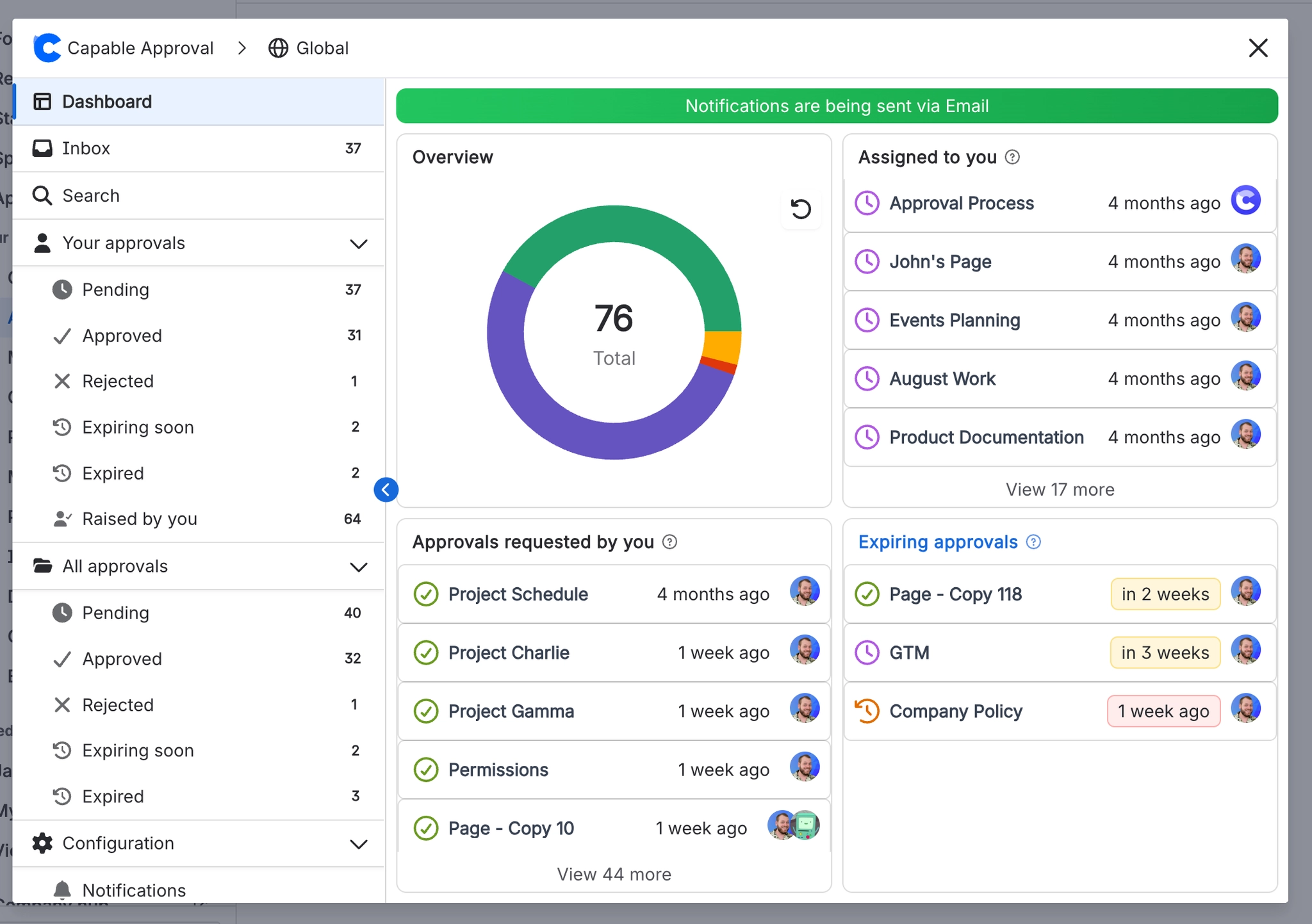
Connecting Slack to Capable Approval
Setting up Slack notifications for Capable Approval is short. You open any Confluence page, choose Capable from the menu, and select Approval. A "Connect to Slack" button takes you through the standard Slack OAuth flow, where you authorize the app and pick the workspace you want notifications delivered to. From there, requests, approvals, rejections, and reminders begin flowing into Slack against your Confluence identity.
This setup only needs to be completed once by a system administrator. After that, all recipients will automatically receive requests.

What good notification hygiene looks like
The mistake teams make with any new notification source is treating it as broadcast. If every page change pings every reviewer in #general, the channel becomes noise within a week, and people start muting it. A few patterns work better.
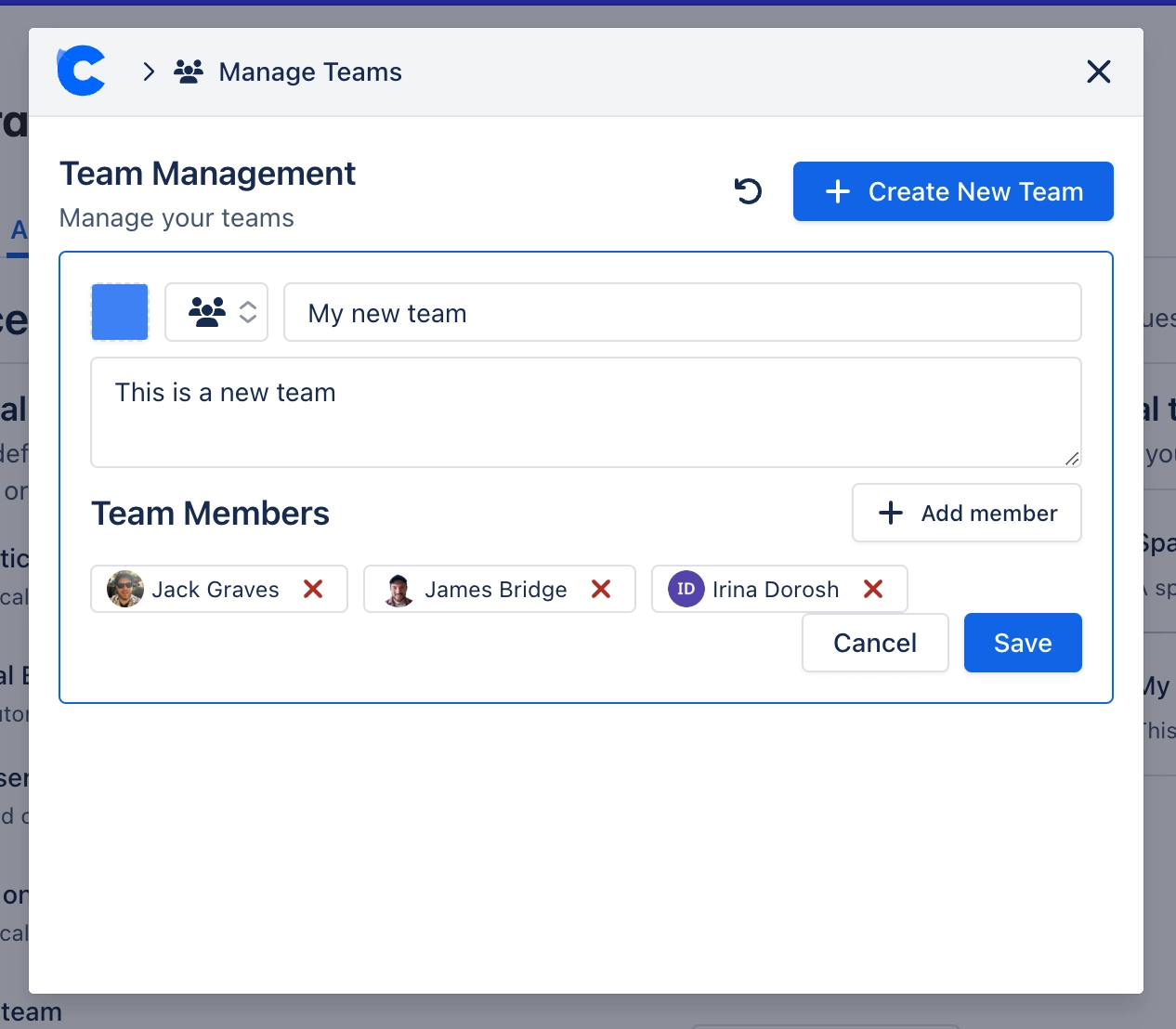
Route by content domain, not by team. Engineering policies, customer-facing documentation, and HR guidance usually have different reviewer pools. Notifications are most useful when they reach the people who actually need to act, so map your predefined approval teams to a notification routing logic that mirrors them. A security policy goes to the security reviewers. A product release note goes to the docs team.
Pair Slack with the dashboard, do not replace it. Slack is excellent for prompts. It is poor as a system of record. The approval dashboard is where reviewers should go when they want the full list of what they owe, sorted by age and priority. The Slack notification is the nudge. The dashboard is the queue.
Use Slack-aware approval thresholds for sensitive workflows. If a page needs three approvals before it can be published, the Slack notification can fan out to three reviewers in parallel, all of whom see the request at the same time and can respond independently. That is faster than serial routing and gives you the audit trail you need.
Combine Slack notifications with workflows
For regulated teams, Slack notifications are not just a convenience feature. They are part of the evidence chain. When a SOC 2 auditor asks how you ensure that policy updates are reviewed by the right people in a timely manner, "we send a Slack notification, then capture the response in the audit log" is a clean answer. The notification proves the request reached the reviewer. The log proves the reviewer responded.
This becomes more important when you layer in eSignatures and MFA approvals. The Slack notification can prompt the reviewer to act, but the actual sign-off still happens inside Confluence with multi-factor authentication, so you get the speed of Slack and the rigor of MFA in one workflow.
The same applies to automated approvals for recurring page reviews. A policy that needs to be re-approved every six months can fire its review request automatically, land in Slack, and clear within hours rather than weeks. The whole cycle, from "this needs review" to "this is approved through the next period," shrinks to something a busy team can actually sustain.
An actionable takeaway
If you take one thing away from this post, make it this: pick the three approval workflows that most often slow your team down, identify the reviewers on each, and have those reviewers connect their Slack accounts to Capable Approval this week. Do not try to roll it out everywhere at once. Pilot it on the three workflows where Slack visibility will most clearly accelerate cycle time, measure how long approvals take before and after, and use the data to decide where to expand from there. Most teams find that the first three workflows pay back the setup time within a single sprint, and the rest of the rollout becomes a much easier conversation.
For the implementation steps, check out the Slack notifications setup guide, which walks through the auth flow page by page.
.avif)





%20(800%20x%20200%20px).avif)