

.avif)
Introducing Capable Studio for Confluence
April 29, 2026
Meet Capable Studio - your new assistant in Capable for Confluence, designed to streamline content creation and enhance productivity.
Capable Studio offers a suite of features tailored to simplify complex tasks and improve workflow efficiency. Whether you're generating diagrams, creating macros, or searching for specific content, Capable Studio provides intuitive solutions that save time and effort.
- Diagram Studio - Ask for "flow diagram of our auth system" and the diagram appears
- Macro Studio - Ask for "cards for our values" to generate cards with text and images.
- Search Studio - Ask for "pages created and approved in the last week" to view page results.
- Markdown Studio - Ask for a document in Markdown, supports inline diagrams.
This feature is not available if 'AI features' have been disabled by a Confluence admin.
Confluence Diagram Studio
Create amazing diagrams using natural language, then use a chat feature to explain the changes you want to make after you have a starting point. Describe what you need in plain English, and Studio builds it for you using the best format - whether that’s Mermaid, PlantUML, DBML, or Capable (drawio.xml-compatible) diagrams.
- “Sequence diagram of our OAuth flow” → ready-to-use diagram
- “Multi-tenant SaaS schema” → structured ERD
- “System architecture with services and queues” → editable visual
- "/page gantt diagram of the process on the page" → editable gantt chart
No syntax. No trial and error. Just accurate diagrams on the first pass.
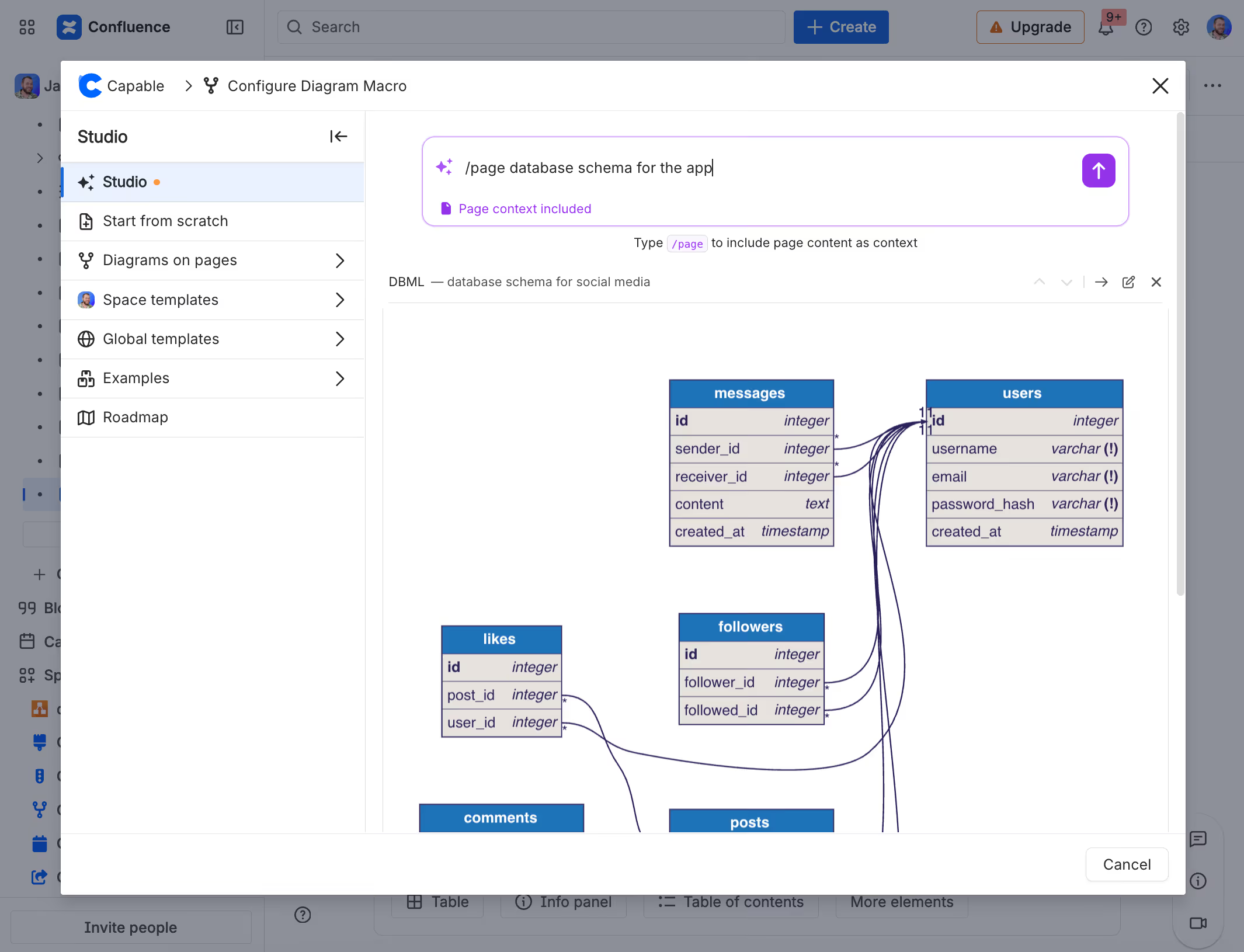
You can access the Diagram Studio when inserting a diagram macro in a page with /diagram or from the main Capable Diagrams interface.
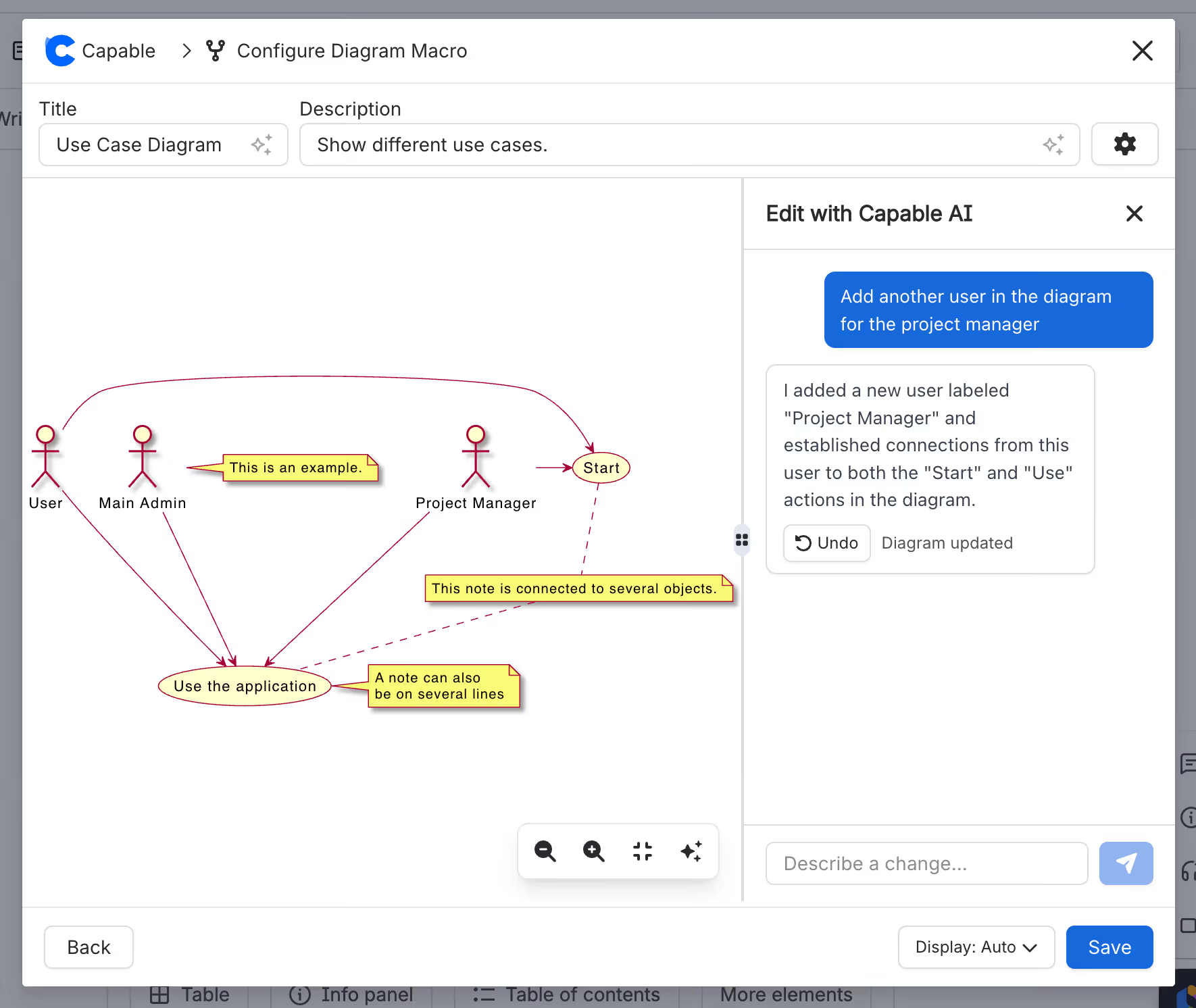
Once you've created the initial diagram shape, you can also use the Diagram Assistant to make changes to your diagrams, all without touching the underlying code or markup:
Confluence Macro Studio
Capable Macro Studio revolutionizes the way you create and manage macros in Confluence.
By leveraging natural language processing, you can effortlessly generate a list of macros tailored to your needs.
This feature allows you to reorder macros, create custom HTML elements, and design visually appealing pages without unnecessary complexity. The intuitive interface ensures that even complex tasks are simplified, enabling you to focus on content rather than configuration.
- "Generate five cards for modes of travel"
- "Colorful HTML banner with gradient background"
- "Code block with a sort function in Python"
- "Generate a matrix math equation
- "Create a banner for my page"
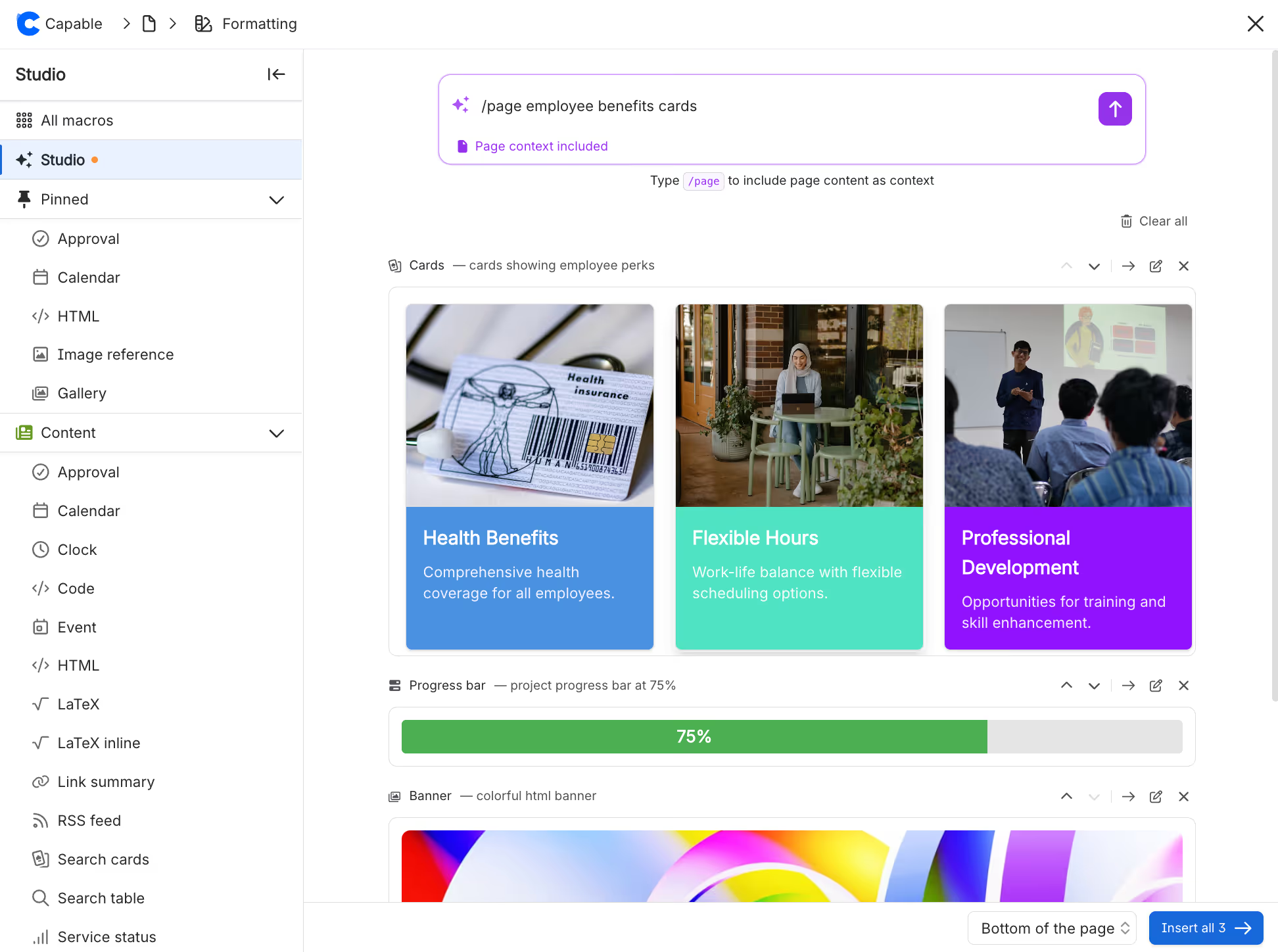
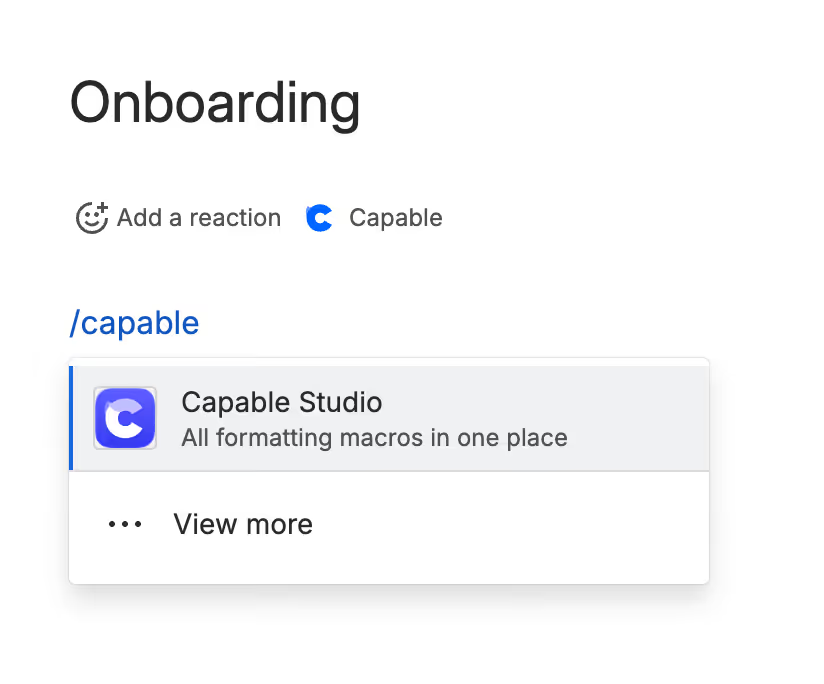
You can access the Capable Macro Studio from the Capable Menu at the top of a page, or using the new 'Capable Studio' macro that lets you insert multiple macros in one go in the exact place you want.
Confluence Search Studio
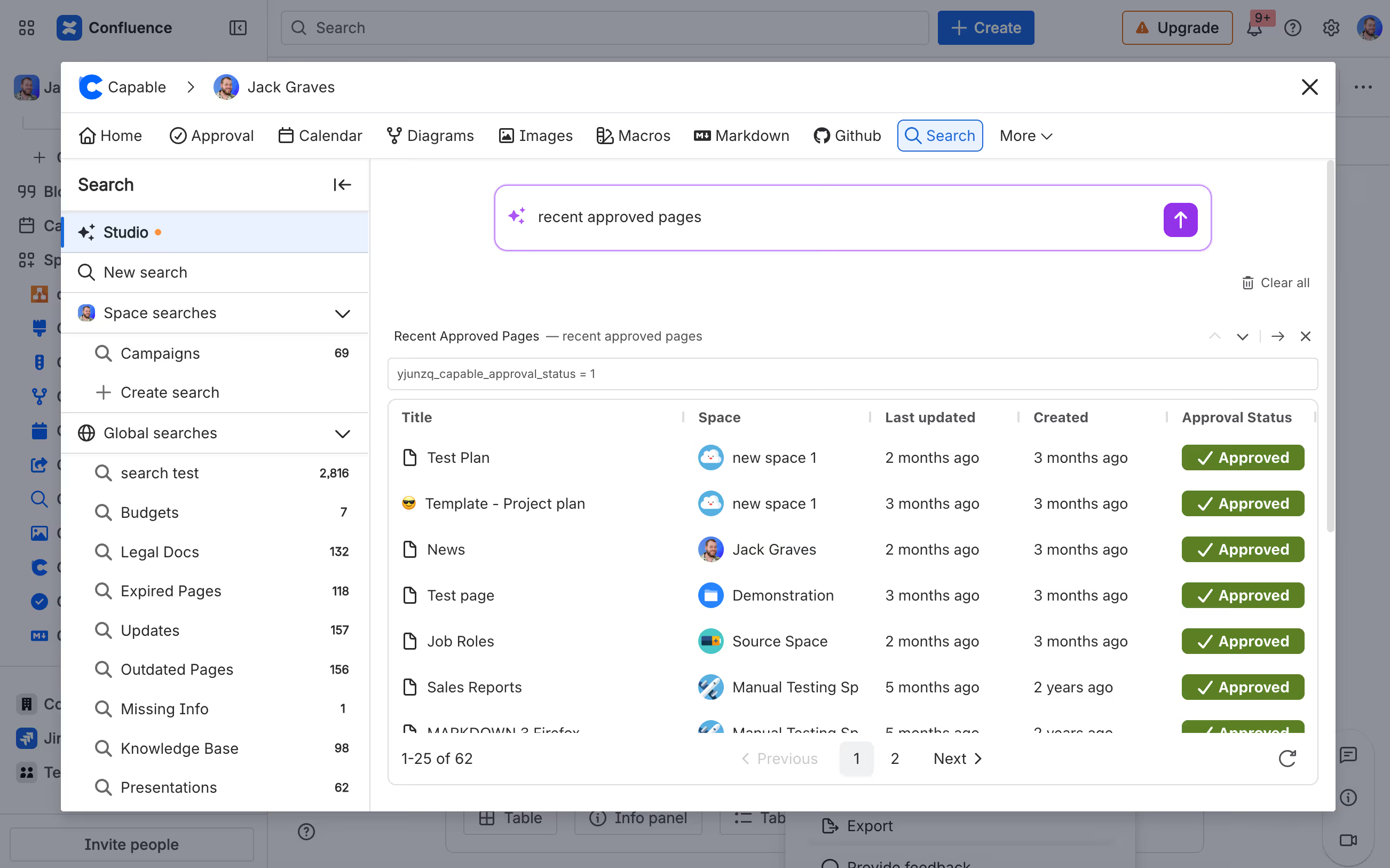
Effortlessly locate and organize pages using natural language. Simply describe your needs, and Studio crafts precise queries and presents the results in an easily digestible format.
This feature allows users to streamline their search process, saving valuable time and enhancing productivity. By leveraging advanced algorithms, Search Studio ensures that even the most complex queries are handled with ease, providing accurate and relevant results every time.
- “Engineering pages updated in the last 30 days tagged RFC” → done
- "pages approved in last month"
- "pages with over 200 words"
- "pages with diagrams on them"
You can search across all Capable features and built-in Confluence searchable fields.
Confluence Markdown Studio
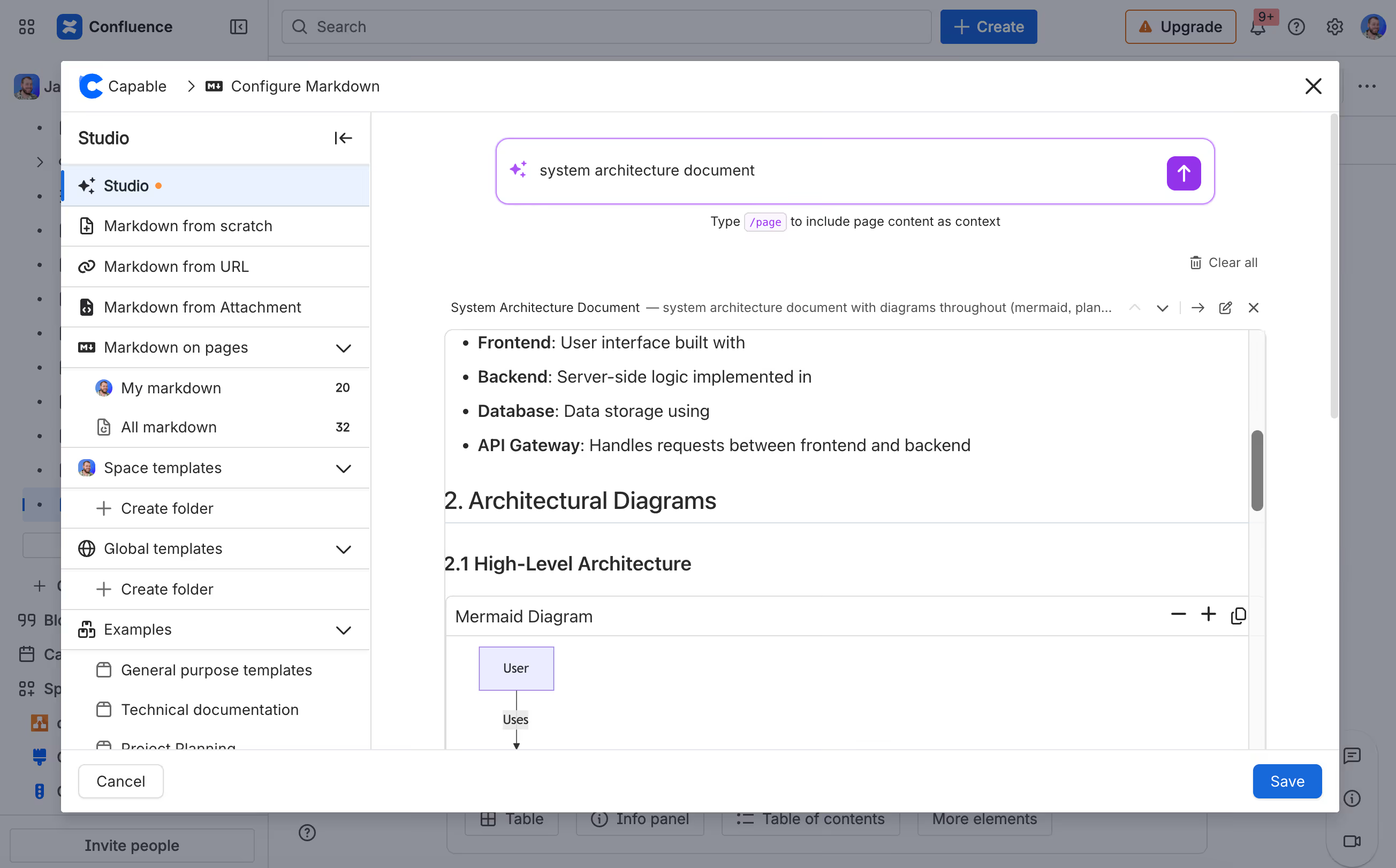
Capable Markdown Studio empowers users to create detailed markdown documents effortlessly - with support for headings, tables, diagrams, and placeholders, it is perfect for producing precise technical documents. This functionality ensures that your content is not only well-structured but also visually engaging, making it ideal for technical teams looking to maintain clarity and consistency in their documentation.
- "Generate an RFC for..."
- "Create a runbook"
- "Build an onboarding guide for our team"
- "Meeting template"
- "Technical document for engineering team"
Try it today!
Experience the power of Confluence today with Capable Studio and discover how it can transform your Confluence page creation process, making content creation faster and more efficient than ever before!






%20(800%20x%20200%20px).avif)
