


Using Confluence with Signavio
May 7, 2026
Open the renewal process page on your Confluence. Scroll past the policy text, the linked Jira issues, the comments from last quarter's retrospective. Find the process diagram. There usually isn't one. Or if there is, it's a flattened PNG that someone exported from SAP Signavio in 2014 that nobody trusts anymore.
This is the quiet gap in every organisation that uses Signavio for serious process modelling. The modelling team has the right tool. The audience for the model - the engineers, support leads, project managers, ops folks reading the runbook on a Tuesday - doesn't. They live in Confluence and they don't have a Signavio seat.
You can stop choosing.
Both tools speak BPMN 2.0
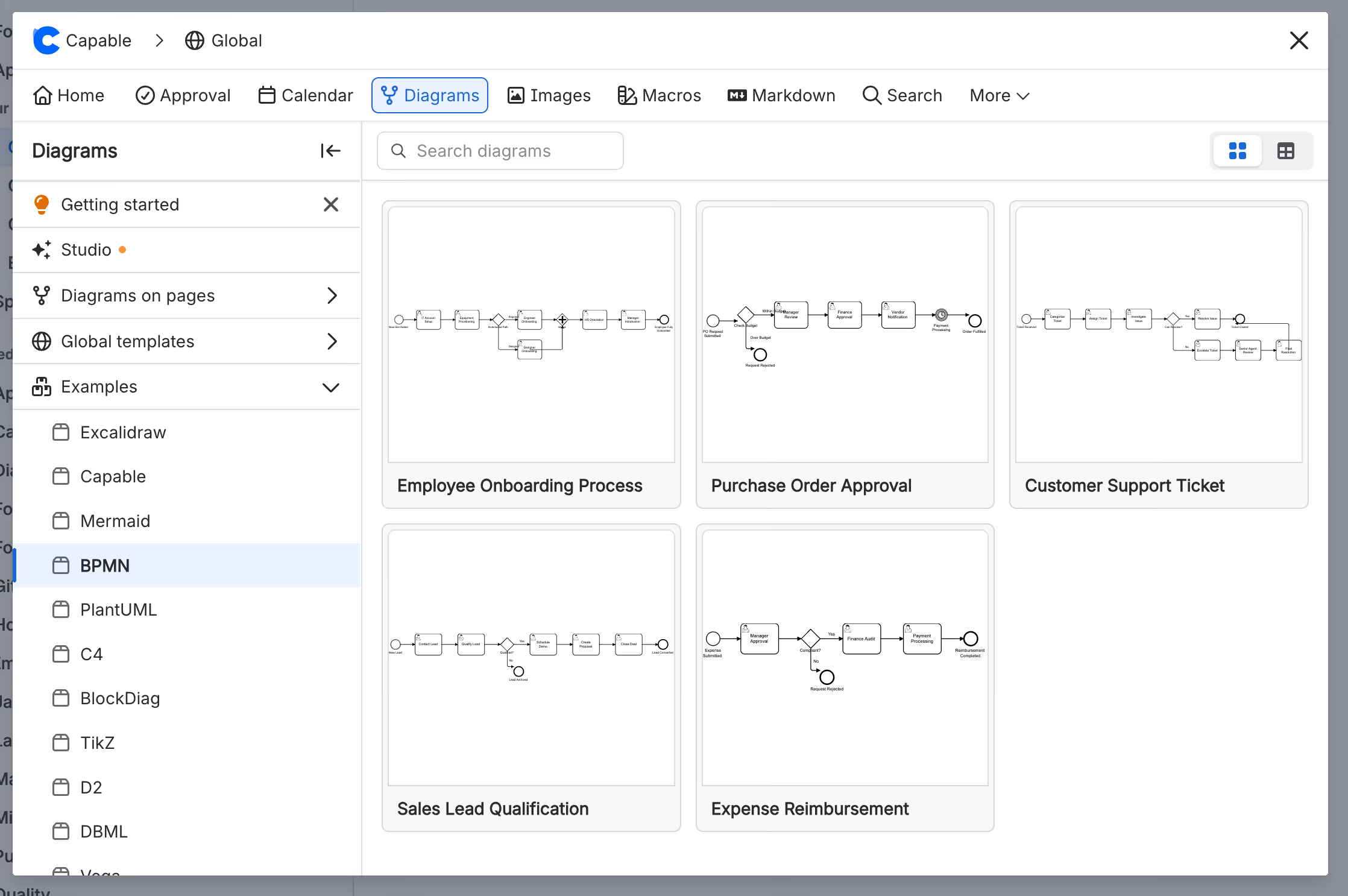
Capable Diagrams for Confluence supports BPMN 2.0 with a visual editor, a text editor, and standard BPMN XML import and export. SAP Signavio Process Manager exports the same standard XML. The two tools don't need an integration to work together - the file format is the integration.
That makes a workflow possible that wasn't before. Keep Signavio as the system of record for the people doing the heavy modelling, and use Capable Diagrams to bring those models into Confluence for everyone else. Same diagrams. Different surface. No extra Signavio seats.

How this plays out in practice
Imagine the customer onboarding process. The Process Owner in your Operations team maintains the canonical BPMN model in Signavio - that's where simulations run, where the process dictionary references live, where the governance happens. The audience for that model is far wider: Customer Success reads it to onboard new accounts, Support reads it to triage escalations, Finance reads it to understand the handoffs into billing.
The Process Owner exports the model from Signavio as a .bpmn file, opens the relevant Confluence page, drops in the Capable Diagrams macro, picks BPMN, and imports the file. The model is now a live diagram on the Confluence page, sitting alongside the policy text, the SLA table, the linked tickets. Anyone who can read the page can read the diagram. Nobody else needed a Signavio seat to do it.
When the canonical model changes in Signavio, the Process Owner re-exports and re-imports. Or - for working copies that don't need Signavio governance - the diagram is edited directly in Confluence and never round-trips at all. The point is that you choose, deliberately, where each diagram lives.


The licensing math
Process modelling tools like Signavio are priced for the people who model. That's correct - those tools are doing real work, and the modellers using them daily are the right people to license. But in most organisations the modellers are a small fraction of the people who need to see the resulting models.
Bringing the diagrams into Confluence shifts the cost curve. Your Signavio seat count is sized to the modelling team, not the entire audience. Everyone else reads, comments on, and references the model inside Confluence at no incremental cost - they're already there.
For most teams we talk to, that's the difference between a Signavio licence count of a dozen and a licence count of several hundred - the savings show up clearly.
Who owns the model
Once the same diagram exists in two tools, you need a clear answer to "where is the source of truth?" Otherwise the two versions drift and nobody trusts either of them.
A simple convention works well. Signavio owns anything formally governed - processes tied to compliance, audit, simulation, or the corporate process dictionary. Changes happen in Signavio and flow outward to Capable Diagrams via re-import. Capable Diagrams owns lighter, in-Confluence working copies - team-level processes, internal documentation, anything that never needed Signavio governance in the first place.
For diagrams that live in both, decide direction per diagram and label the embed in Confluence so readers know what they're looking at. A short caption like "Source of truth: Signavio - last synced 2026-05-12" removes the ambiguity. Two people editing the same model in two tools at the same time is the failure mode to avoid; treat the export-and-reimport as an explicit handoff, not a passive sync.
What survives the round trip
Both tools read and write the BPMN 2.0 standard, so the core of the model travels reliably between them. A few details are worth knowing before you commit.
The standard BPMN 2.0 elements - tasks, events, gateways, sequence flows, message flows, pools, lanes, and the surrounding attributes defined by the spec - travel well, by design. Diagram layout typically comes across rather than being auto-laid-out from scratch, because both tools implement BPMN Diagram Interchange. Signavio-specific extensions are a different story: dictionary references, simulation parameters, custom attributes, and metadata tied to Signavio's governance features live outside the BPMN 2.0 spec and may not be reconstructed on the other side.
The short version: the BPMN model is portable. The Signavio-specific layer around it is not. For the audience this workflow is aimed at - the people reading and referencing processes inside Confluence - that's almost always the trade you want. Run one representative diagram through a test round-trip before you adopt it as a regular workflow, and you'll know exactly what your team needs to be aware of.
Where to start
Pick one process that lives in Signavio today and has an audience in Confluence that doesn't have a Signavio seat. The renewal flow, the customer onboarding path, the incident escalation chain. Export it, import it into Capable Diagrams, embed it on the Confluence page that already documents the process, and watch what happens.
You'll know within a week whether the pattern works for your team. If it does - and for most teams it does - the same approach scales to every other governed process you have.
Try Capable Diagrams for Confluence free on the Atlassian Marketplace →
Capable Diagrams is part of the Capable suite of apps for Confluence Cloud - helping teams plan, document, and collaborate without leaving the tools they already use.
.avif)






%20(800%20x%20200%20px).avif)