
Whiteboards in Confluence
Miro for Confluence
Paste a Miro board link and the live board appears on the Confluence page. Embedding a board never changes who can see it.
- Built on Forge
- Confluence Cloud
Built on Atlassian Forge
A Confluence Cloud app on Atlassian’s own app platform.
How Capable apps are builtRead-only with Miro
It can list boards and look one up. It can’t change a board or its sharing, or invite anyone.
What Capable Miro is
Capable is used by teams at







Live playground
Paste a board link
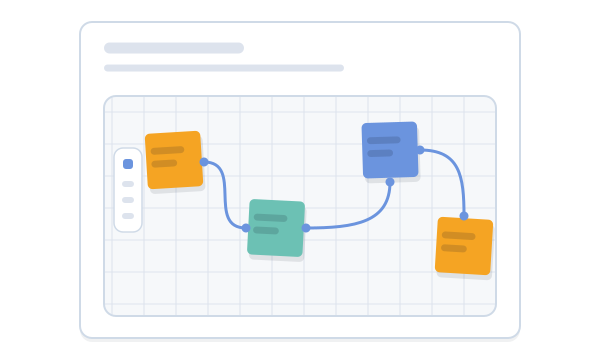
Paste a Miro board link, or pick a sample, and watch the sample page turn it into the macro. The board is our own drawing on sample notes.
Product discovery
Q3 discovery workshop
Notes from Tuesday’s workshop. The board below is where we grouped the interview findings.
Paste a link above, or pick a sample.
Live boards on the page
Without changing who can see them.
Paste a link, or pick a board
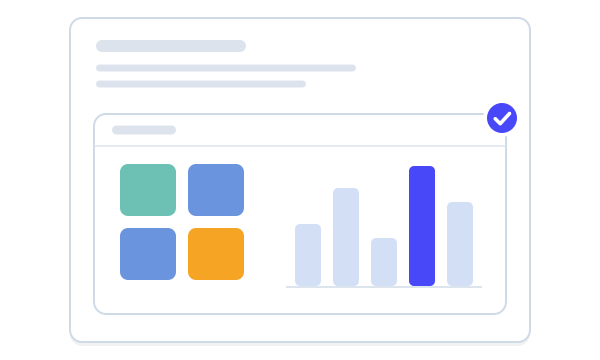
Paste a Miro board, embed or live-embed link into the editor and it becomes the Miro Board macro, rendering straight away. Connect your Miro account and the macro settings show a searchable, sortable grid of your team’s boards instead.
- No Miro sign-in needed to embed
- Board link and name filled in for you
See who can open a board before you publish
While you’re connected, the macro shows a read-only summary of the board’s sharing, reporting the widest of its link, team and organisation access, plus the people with access by name and role. Sharing itself is changed in Miro.
Every board in a space, in one place
Each space gets a Miro page listing the boards already embedded on its pages, with a count of the pages that use each one. It works without a Miro connection; connect to see real board names and your own team’s boards.
The live board, not a screenshot
The board renders in place on the page, and readers pan and zoom it without leaving Confluence. A click-to-interact overlay stops the board capturing the page scroll: one click hands control to the board.
- Width and height per board
- Works for logged-out readers when Miro’s sharing allows
From link to live board
Step 1: Install
Install Miro for Confluence from the Atlassian Marketplace. It adds the Miro Board macro, a Miro page in each space and an admin entry.
Get startedStep 2: Paste a board link
Paste the board’s link into the editor. It becomes the macro and the board renders, with no Miro sign-in.
Common tasksStep 3: Connect Miro, if you like
Connect your account to browse your team’s boards, see real board names and check who can open each one.
Who can open this board
More embed apps
Bring other tools onto the page the same way.

Docs and guides
Short, current pages from help.gocapable.com.
- What Capable Miro isA live Miro board on a Confluence page, and a gallery of the boards already embedded in each space.help.gocapable.com/miro/what-capable-miro-is
- Common tasksThe 10 things people actually do with Miro Embed, and where each one lives.help.gocapable.com/miro/common-tasks
- Who can open this boardA read-only summary of a board’s sharing, shown when you are connected and a board is selected.help.gocapable.com/miro/who-can-open-this-board
- Legacy Connect token importCustomers of the earlier Connect app keep their macros, and their Miro connections are imported on install.help.gocapable.com/miro/legacy-connect-token-import
Questions, answered from the docs
Each answer links to the page it comes from.
Do readers need a Miro account to see an embedded board?
It depends on the board’s sharing in Miro. Embedding a board doesn’t grant access to it: readers see the board if its Miro sharing lets them in, and otherwise get Miro’s sign-in or permission screen inside the frame. Logged-out and unlicensed Confluence readers can see a board too, as long as Miro’s sharing allows it.
Source: Readers see a Miro sign-in screen
Do I have to connect my Miro account?
No. Pasting a board link is enough to embed it. Connecting is optional and adds board browsing, real board names, and the read-only sharing and people summaries. Each person connects one Miro team.
Source: Common tasks
Can the app change a board or its sharing?
No. Everything the app does with Miro is read-only: it can list your boards, look one up and list its members. It can’t edit a board, change its sharing or invite anyone.
Source: What Capable Miro is
Which Miro links can I paste?
Miro board links (miro.com/app/board/…), embed links and live-embed links all convert into the macro and render immediately.
Source: Common tasks
We use the earlier Miro Whiteboard for Confluence app. What happens to our boards?
Existing macros keep working, because the app uses the same macro key, and Miro connections from the earlier Connect app are imported automatically on install. If the import can’t finish straight away it retries every hour, so occasionally someone may be asked to connect Miro again.
Source: Legacy Connect token import
Is Miro for Confluence included in Capable for Confluence (All-in-One)?
No. Miro for Confluence is licensed separately on the Atlassian Marketplace. PDF for Confluence is the only one of the newly added embed apps that the suite includes.
Source: Capabilities
Recognition

Put Miro boards on the page
Install Miro for Confluence from the Atlassian Marketplace and paste your first board link.