
Search for Confluence
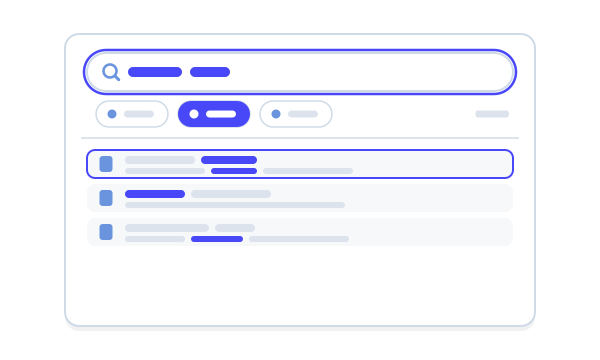
Find pages by what is on them, then save the search. A search table with the filters, columns and side panels Confluence search doesn’t have, and macros that put a live search on a page.
- Free
- Runs on Atlassian
- Built on Forge
Works inside Cloud
Free on the Marketplace
Licensing is switched off entirely, so it never shows a licence panel.
Search settingsRuns on Atlassian
Listed with the Runs on Atlassian badge on the Atlassian Marketplace.
View the listingConfluence permissions
It uses Confluence’s own index and permissions, so nobody finds a page they couldn’t already open.
What Capable Search is
Capable is used by teams at







Confluence search finds text
It can’t tell you which pages are stale, which carry a label, or which are waiting on someone. Three jobs Search makes quick.
| Job | Today | With Search |
|---|---|---|
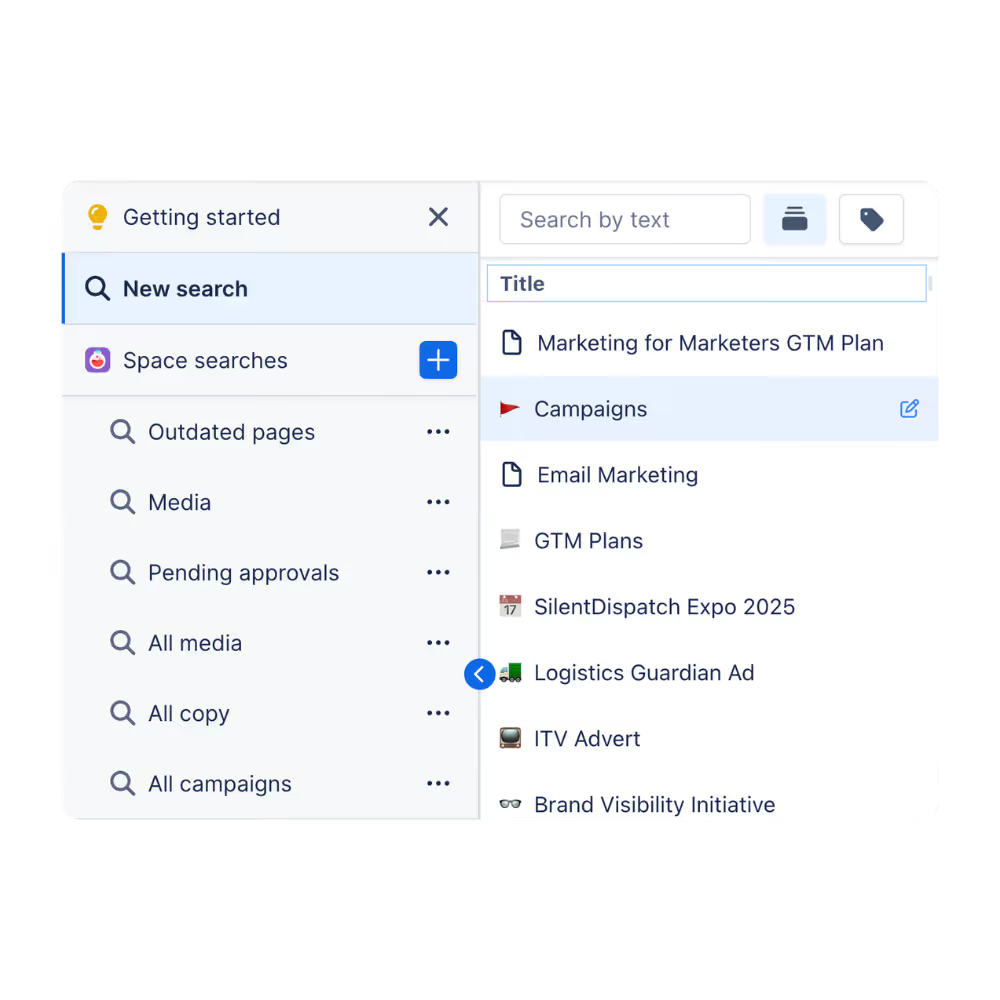
| Narrowing results | Scrolling a long list of keyword matches from every space. | Add filters for space, type, label, contributor or date, and the table narrows as you go. Switch to CQL to see the query it built.Source: Filters and sorting |
| Running it again | Rebuilding the same search every week, or sharing a screenshot of the results. | Save the search with its filters, columns and sort. A saved search is shared, so everyone sees the same current results.Source: Saved searches |
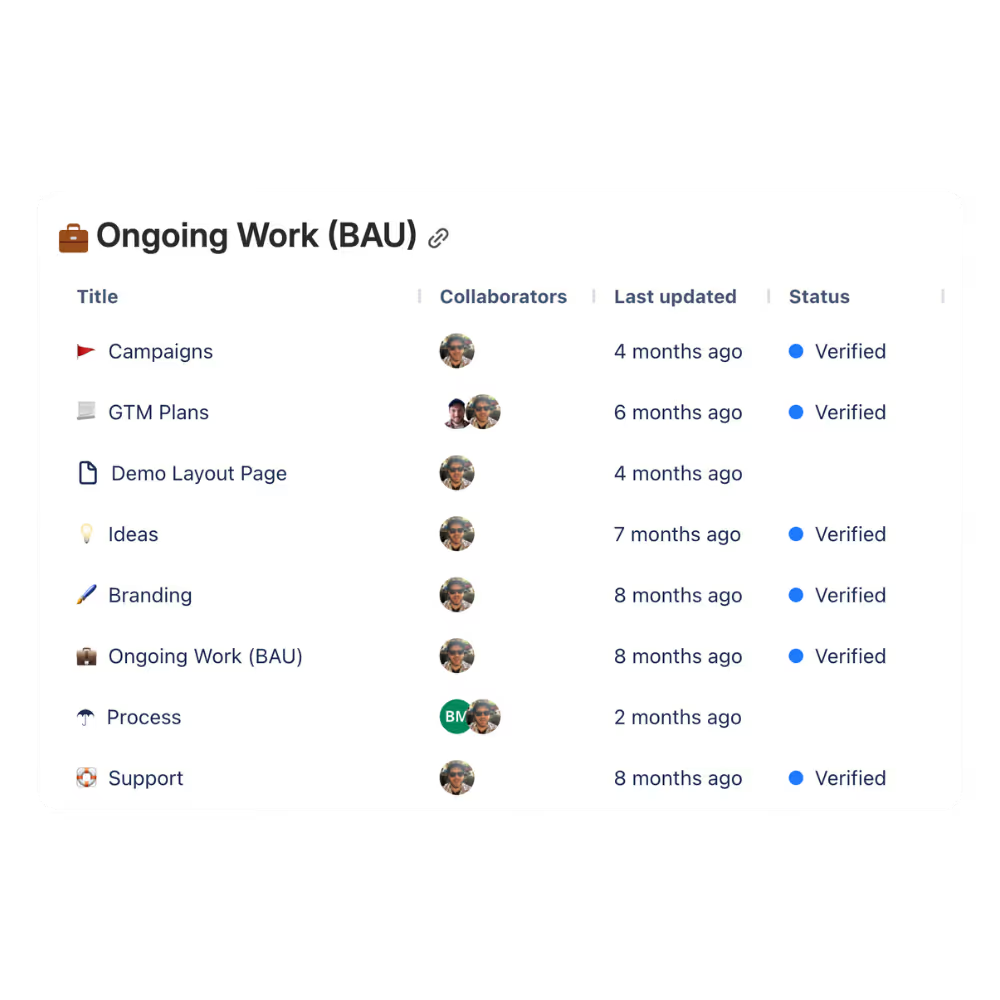
| Keeping lists current | Hand-maintained lists of pages that go out of date as soon as they are written. | Put a saved search on a page as a table or as cards. It follows the search, so the page stays current by itself.Source: Search macros |
Hands-on
Build a search
Fourteen sample pages across four spaces. Add filters, watch the results and the CQL change, then save the search.
CQLtype in (page, blogpost)
| Title | Space | Type | Labels | Updated |
|---|
What Search does
Pick one to see it.
One table across every page
Filter with chips in Basic mode, or write CQL. Search provides text, space, contributors, created, updated, mentions, favourited by, ancestor, parent, type and label, and Copy CQL hands you the query to reuse.
- Sort by any sortable column
- Choose your columns
Searches you can share
A saved search keeps the query, columns, sort order and page size, and other people can use it too. Built-in searches show what is queryable: copy one with Save as and make it yours.
- Space and global searches
Live results on a page
The search table and search cards macros put a saved search on a page. Both render for unlicensed and signed-out readers, so they are safe on public pages.
A page’s detail without opening it
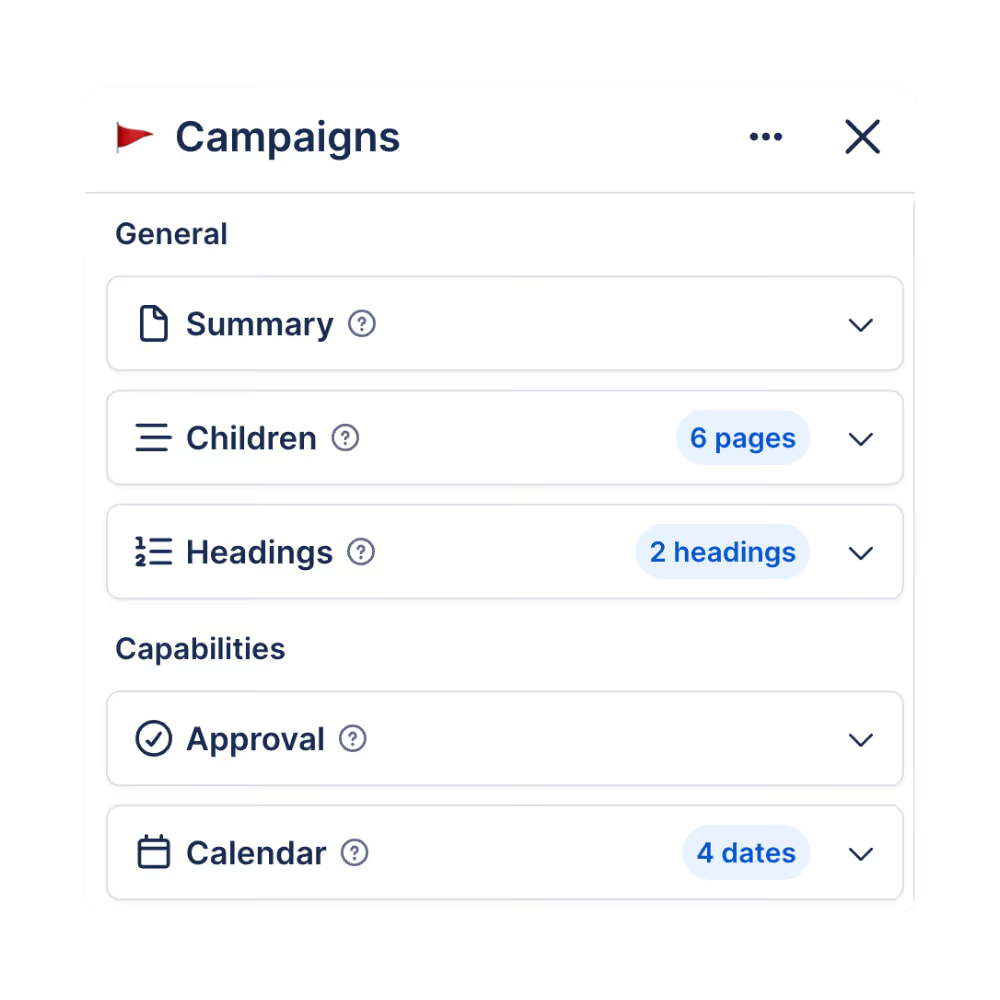
Select a row and a side panel shows the page’s summary, children, headings, versions and attachments. In the All-in-One, every other capability adds its own panels, columns and filters.
- Around a hundred extra fields in the suite
Coming from CQL Search?
The migration assistant converts third-party search macros into Capable Search macros.
From CQL Search (StreamlineSoft): its CQL Search macro converts to a Capable search table, carrying the query and the columns it was configured with.
CQL Search migrationThe search migrators appear when Capable Search or Capable for Confluence is installed, and nowhere else.
Search migrators
Moving from
Tools and guides
- What can I migrate?Every app we migrate from, and which of its macros convert.
- Your first searchTwo filters and about a minute.
App names are trade marks of their respective owners.
Up and running in three steps
Step 1: Install free
Install Search from the Atlassian Marketplace. It opens from the Apps menu in the Confluence sidebar.
Get startedStep 2: Let it index
Fields only have values for pages Confluence has already indexed, so a new site answers more as indexing catches up.
IndexingStep 3: Search and save
Filter by space, add a filter Confluence can’t do on its own, sort, and save the search with a name others will understand.
Your first search



Search gets better in the All-in-One
Every Capable capability writes what it knows about a page into the search index. In Capable for Confluence, that means word counts, links, diagrams, approvals, calendar dates and more as columns and filters.



Docs and guides
Short, current pages from help.gocapable.com.
- Get startedRun a search Confluence could not, then save it.help.gocapable.com/search/get-started
- Your first searchOpen the search page, add a filter that Confluence cannot do on its own, and save it.help.gocapable.com/search/your-first-search
- Search macrosPut a saved search on a page, as a table or as cards.help.gocapable.com/search/search-macros
- ReferenceBuilt-in searches, and the queries worth copying.help.gocapable.com/search/reference
Questions, answered from the docs
Each answer links to the page it comes from.
Is it really free?
Yes. The standalone Search app has licensing switched off entirely. What it doesn’t have are the extra fields other Capable capabilities contribute; on its own it works with Confluence’s native fields.
Source: Search settings
Does it replace Confluence search?
No. It uses the same index and the same permissions, so you never see anything you couldn’t already see. It adds filters, columns, saved searches and a better table on top.
Source: What Capable Search is
Why does a filter return nothing?
Usually indexing. Pages that indexing hasn’t reached yet have no values, so they don’t match the filter. Check index coverage before assuming the answer is zero.
Source: Your first search
What happens when I change a saved search?
Saving writes back to the shared search, so any page that shows it changes too. Use Save as when you want a personal variant.
Source: Saved searches
Can signed-out readers see search macros?
Yes. The search table and search cards macros render for unlicensed and anonymous readers, which makes them safe on public pages.
Source: Search macros
Recognition

Get Search free
Install it from the Atlassian Marketplace. It’s free, with no licence to manage.