







Markdown for Confluence

Write Markdown in Confluence with a live preview, or bring it in from a URL, an attachment or a template, and render it with tables, code highlighting and diagrams.

  • Built on Forge

Works insideCloud

Capable is used by teams at

Write Markdown, see the page

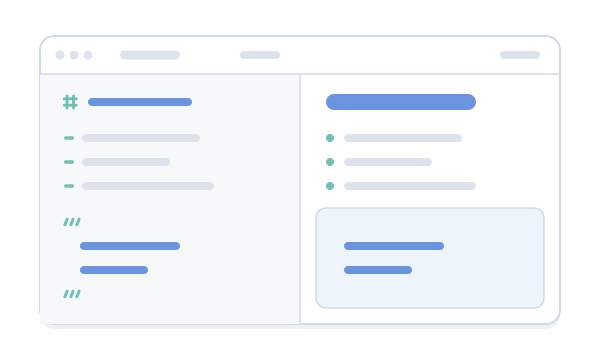
Source on the left, a rendered Confluence page on the right, with Edit, Live and Preview views like the real editor. Pick a sample or start typing.

Engineering RunbooksSample page

Checkout errors: runbook

When the checkout error rate goes above 5%, follow these steps in order.

Warning

Don't restart the payments service during a deploy.

Steps

  • Done: Check the deploy log for a release in the last hour
  • Done: Roll back if a release matches
  • To do: Post an update in #incidents
  • To do: Open a ticket for the root cause

Who to call

ServiceOwnerHours
CheckoutPlatform team24/7
PaymentsBilling team08:00–18:00

How it flows

flowchart LR
  A[Alert] --> B{Recent deploy?}
  B -->|Yes| C[Roll back]
  B -->|No| D[Escalate to on-call lead]
In Confluence, type /markdown on a page and write or paste this in. It renders the same way on the page.

Try it in Confluence, free

What teams say

Excerpts from public reviews on the Atlassian Marketplace.

Markdown that belongs in Confluence

Two macros, one library, and the GitHub rendering people already know.

Write it, attach it or point at a URL

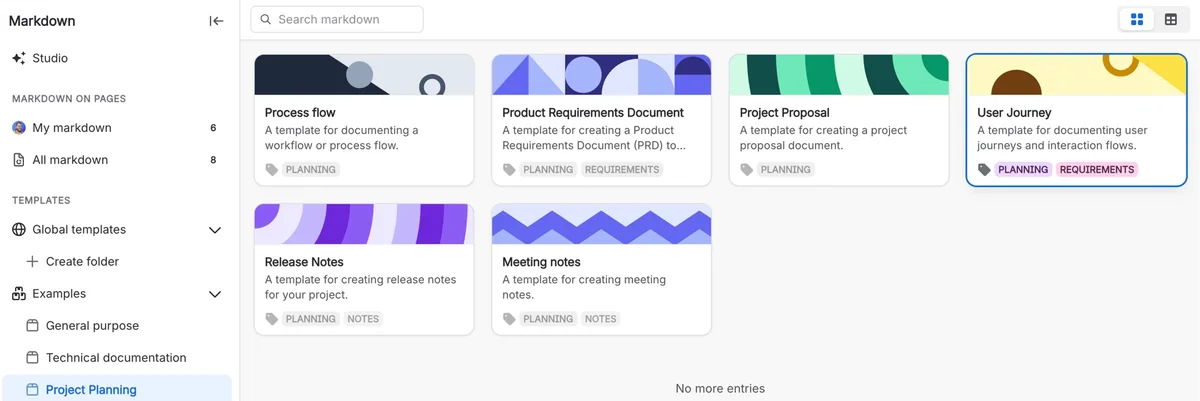
Write a document in place, start from a template, use a Markdown file attached to the page, or point at a URL. GitHub, GitLab and Bitbucket links are converted to the raw file automatically.

  • Three-mode editor: Edit, Live, Preview
  • README from a repository

Markdown without the copy and paste

Markdown without the copy and paste: before and after
JobTodayWith Markdown
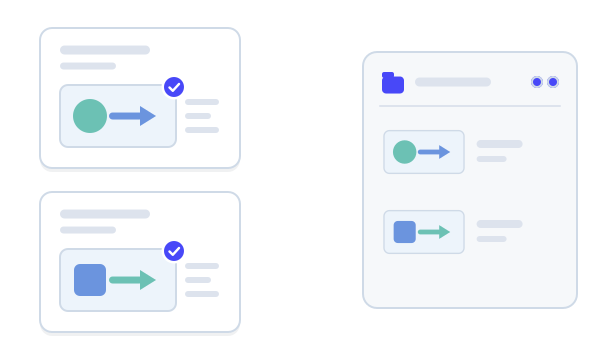
Docs that live in a repositoryThe README is copied into Confluence by hand, and the copy drifts from the source.Point the Markdown macro at the file’s URL. The document is fetched and shown on the page, not just linked to.Source: Markdown from a URL
Writing in MarkdownReformatting Markdown into Confluence’s editor, line by line.Write or paste Markdown into an editor with the source and the rendered preview side by side.Source: Three-mode Markdown editor
The same text on many pagesA checklist copied onto every page that needs it, then updated on one.Keep it as a template, and the reference macro shows its latest version on every page.Source: Template libraries

From install to first document

  1. Step 1: Install

    Install Markdown for Confluence from the Atlassian Marketplace.

    Get started
  2. Step 2: Type /markdown

    Insert the Markdown macro on a page and write, paste, or point it at a URL or an attached file.

    Three-mode Markdown editor
  3. Step 3: Share it

    Save a document as a template in the space or global library, and reference it from other pages.

    Template libraries

Also in the All-in-One

Markdown is one of the capabilities in Capable for Confluence. In the suite it also inserts images and diagrams from the Capable library, and Studio drafts documents with AI.

Questions, answered from the docs

Each answer links to the page it comes from.

How do I add Markdown to a Confluence page?

In the editor, type /markdown and choose Markdown macro (Capable). Write in the editor, which shows the source and the preview side by side, or load a template, an attached file or a URL.
Source: Three-mode Markdown editor

Can I show a README from GitHub?

Yes. Use Markdown from URL in the macro’s settings. GitHub, GitLab and Bitbucket links are converted to the raw file. Capable fetches the document through its proxy unless an administrator has approved the domain, and files over 2.5 MB are refused.
Source: Capable URL proxy and egress

Which Markdown features render?

GitHub-Flavored Markdown: tables, task lists, strikethrough, automatic links, footnotes, GitHub-style alerts, links on headings and syntax highlighting. Raw HTML is removed for safety.
Source: GitHub-Flavored Markdown rendering

Can I put diagrams in a Markdown document?

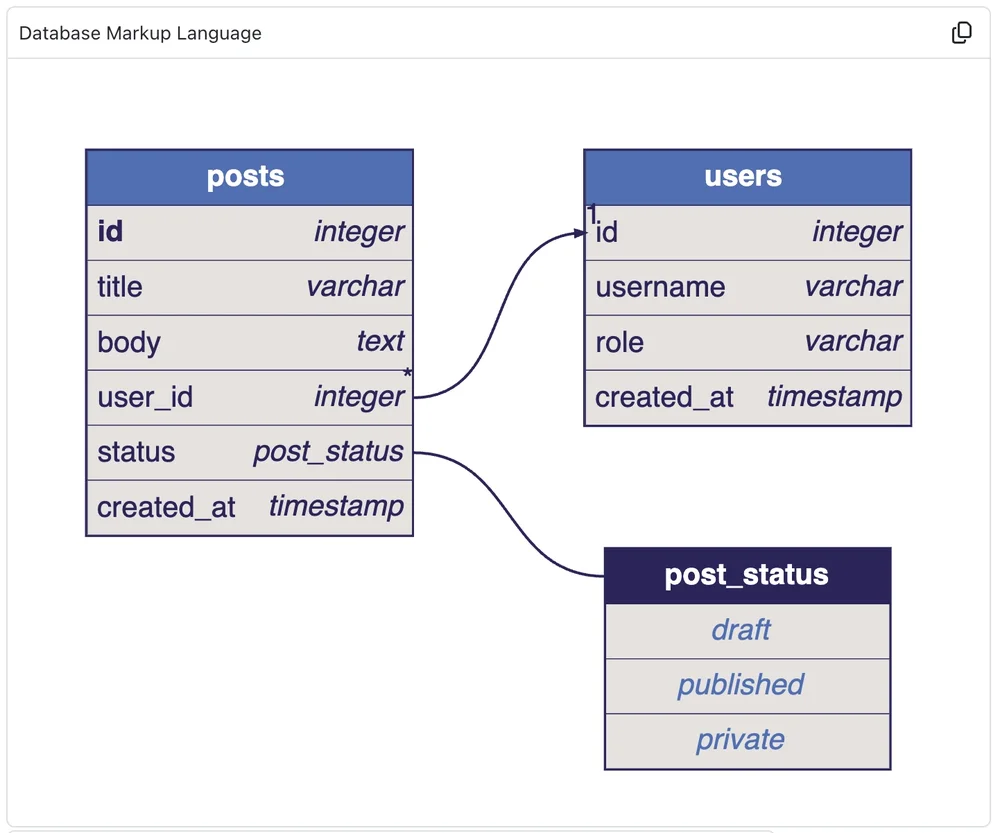
Yes. A fenced code block in any of 27 diagram languages, including Mermaid, PlantUML, Graphviz, D2 and DBML, renders as a diagram. Capable draws them as static images, so Mermaid syntax newer than the version Capable supports can fail.
Source: Diagrams from fenced code blocks

Do documents keep a version history?

Yes. A document’s Version history panel lists up to 50 versions. Loading one puts it in the editor for review; saving writes it as a new version.
Source: Version history

What’s different in Capable for Confluence?

The Markdown features are the same. The suite and the standalone app differ in macro names, page export, AI Studio, indexing and library inserts, and content isn’t shared between them, so moving across is a migration.
Source: What Capable Markdown is

Start writing Markdown in Confluence

Install Markdown for Confluence from the Atlassian Marketplace, or book a demo and we’ll show you round.

Cookie Settings

We take good care of you and your data. You can read more about how we use cookies, the third parties who set cookies and update your cookie settings here.