How to Add a Caption to an Image in Confluence
Select the image and type in the caption field under it. Plus inline images, clickable images, alt text and header images in Confluence Cloud, and where captions fall short.


A screenshot without a caption leaves the reader guessing which part matters. A floor plan, a diagram or a chart usually needs a line underneath: what it shows, where it came from, which version it is. Confluence has had built-in image captions since 2021, so you can add a caption to an image in Confluence in a couple of clicks, once you know where to type.
This guide covers captions, then the other things people look for in the same toolbar: inline images, clickable images, alt text, header images and image maps. Every step was checked against Atlassian's documentation and a Confluence Cloud site in October 2026.
How to add a caption to an image in Confluence
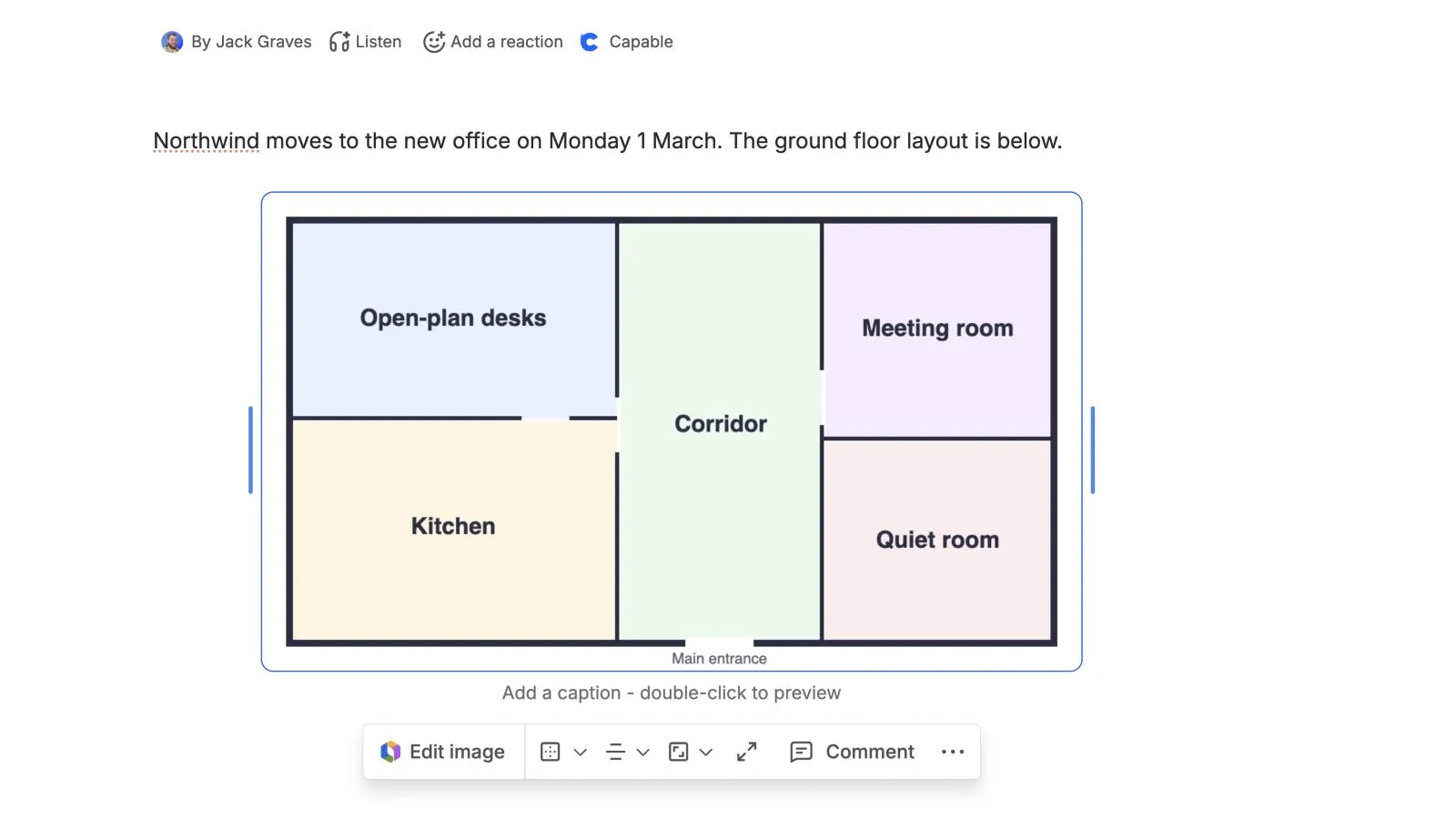
- Edit the page and add the image: type
/imageand choose Image, video, or file, or drag the file onto the page. - Select the image. A field reading Add a caption appears under it, with the image toolbar below that.
- Type the caption in that field.
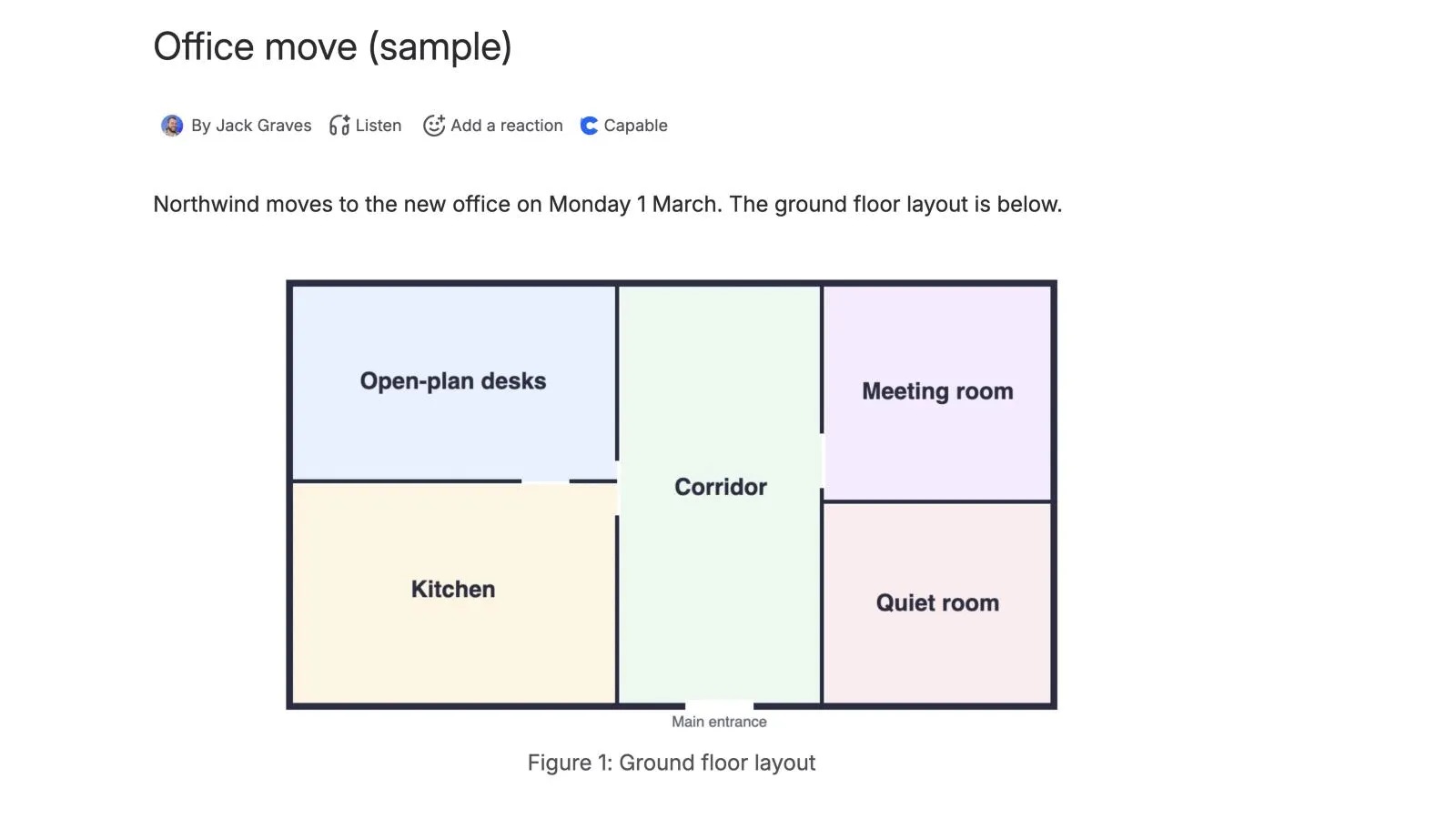
- Select Update (or Publish on a new page).
You can make words in the caption bold, italic or a link, but you can't change the caption's text size or alignment (Atlassian's guide to images).
How to make an image inline in Confluence
Select the image, open the size options in its toolbar and choose Inline. The image sits within the line of text, which suits small icons and buttons in instructions. Original size turns it back into a block of its own. The alignment options next to it (align left, centre or right, or wrap left or right) set how text flows around a block image.
How to make an image clickable in Confluence
- Select the image.
- Open View more (•••) in the image toolbar and choose Add link.
- Search for a Confluence page or paste a web address, and confirm.
Each image takes one link. For different links on different parts of one image, see image maps below.
How to add alt text to an image
Select the image, open View more (•••) in its toolbar and choose Add alt text. Alt text is what screen readers announce, so describe what the image shows ("Floor plan of the ground floor with the kitchen marked"), not what it's called. Our post on annotating screenshots in Confluence covers making the image itself clearer.
How to add a header image to a Confluence page
A header image (sometimes called a cover image) sits above the title rather than in the page.
- Edit the page and hover over the title.
- Select Add header image.
- Search Unsplash or upload your own image, and drag it to reposition.
- Select Apply.
Atlassian recommends an image at least 1,100 pixels wide. Hover over the header image to change or remove it.
Can you make an image map in Confluence?
Not with the built-in editor. Atlassian's documentation describes one link per image and no clickable areas within it. Hotspot apps on the Atlassian Marketplace add image maps if you need them.
Where the native way runs out
- Captions drop out of some exports. An open bug (CONFCLOUD-84787, July 2026) reports captions missing from Confluence's HTML and Word exports, with no known workaround.
- Captions can disappear when linked images are stacked with no gap between them; the workaround is a blank line between images (CONFCLOUD-84005).
- Fixed size and alignment, and no figure numbering or list of figures.
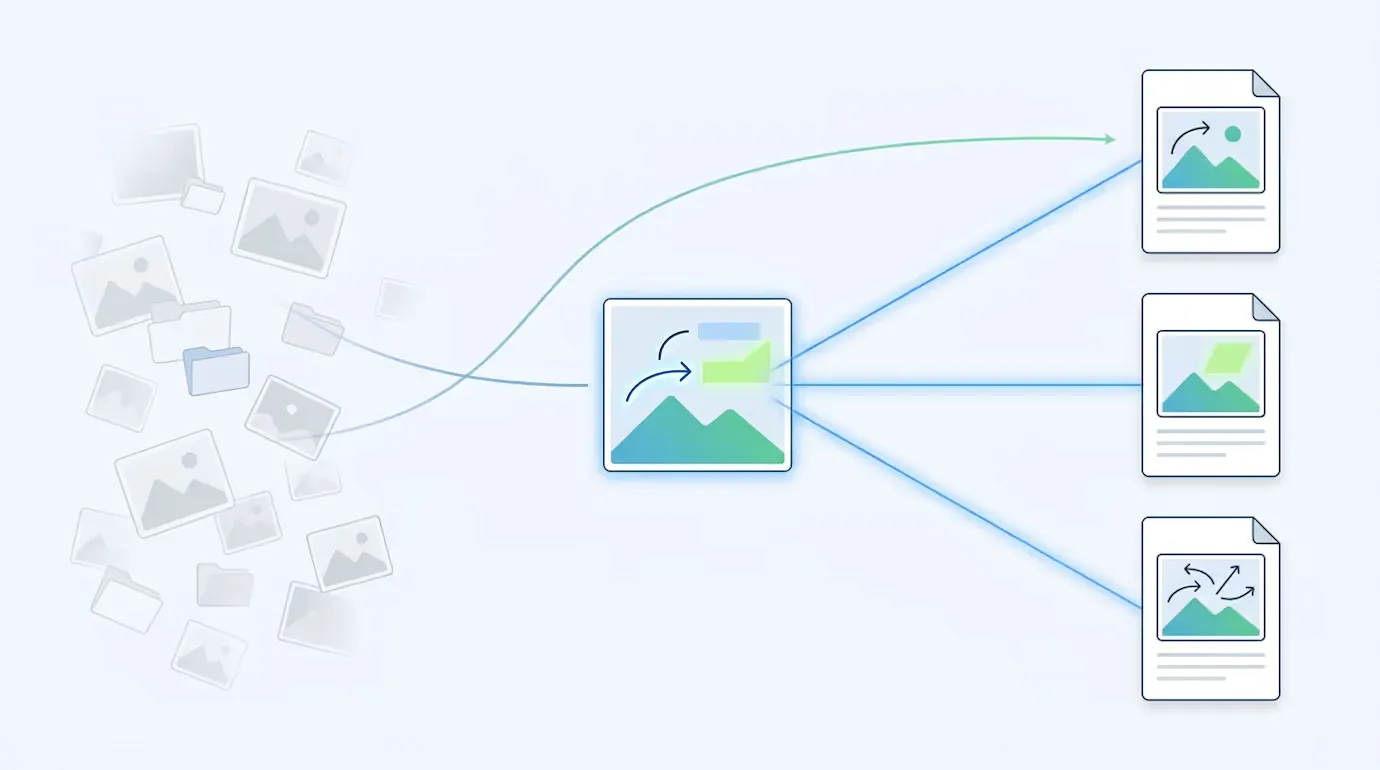
- Every copy is separate. Each time you add an image, Confluence attaches a new copy to that page, with its own caption. Use the same diagram on ten pages and you have ten files and ten captions to update when it changes.
That last one is where screenshots and diagrams go stale: the image is updated on one page and left behind on nine.
The shorter way: caption once in an image library with Capable Images
Capable Images keeps your images in a searchable library, per space and site-wide. Instead of attaching a copy, you place a live reference to the library image, and its caption comes from the library.
- Edit the page, type
/image referenceand choose Image reference (Capable). - In the Select Image dialog, on the Content tab, choose the image from your library (space images or global images) and set its width, height, aspect ratio and alignment.
- Turn on Show Caption. The caption is the library image's own title (or its description).
- Select Save, then publish the page.
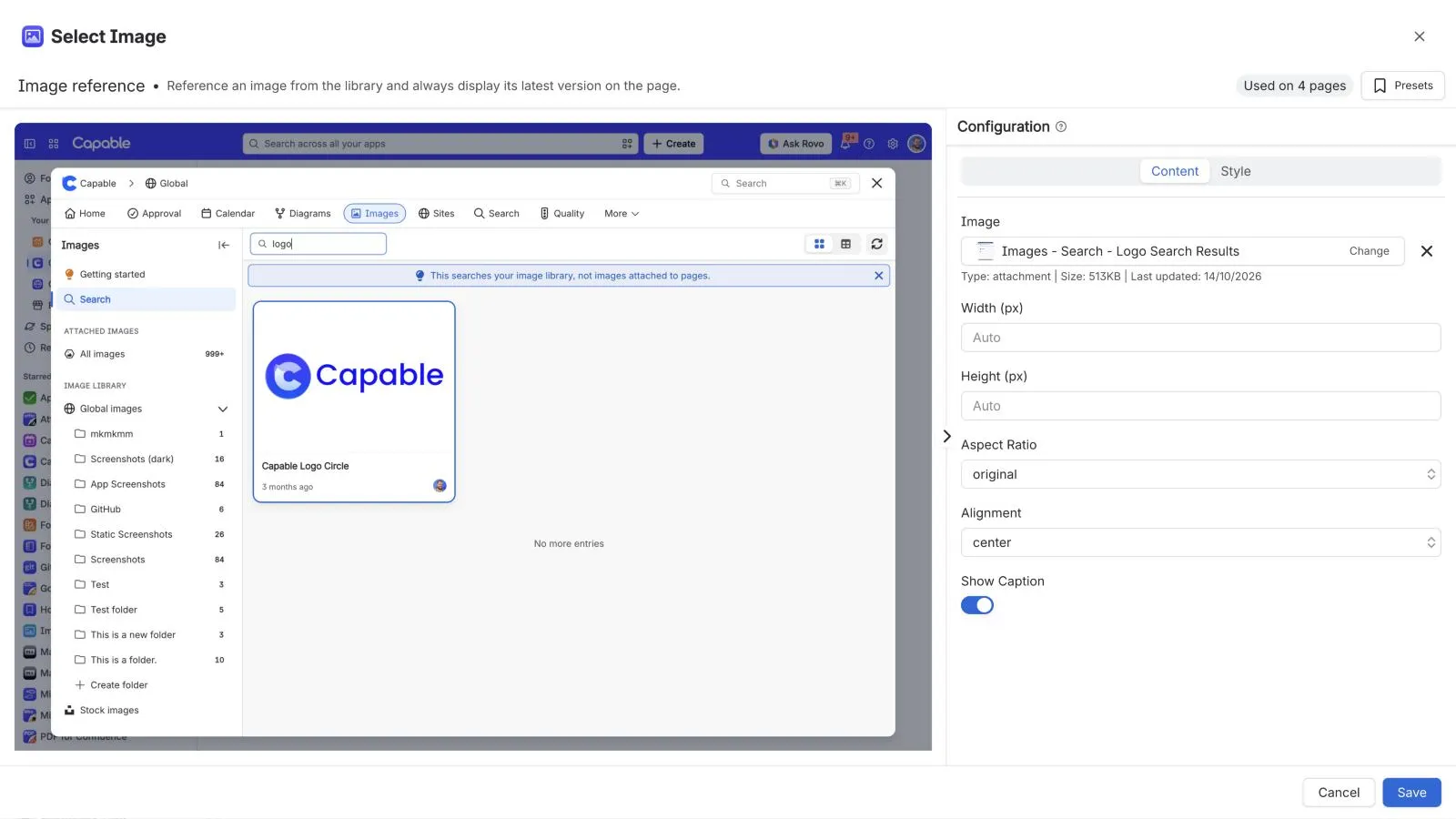
Update the image in the library and every page that references it shows the new version. Its title and description (up to 50 and 250 characters) are written once and used wherever the image appears. An image reference is a macro, so it doesn't take Confluence's Add link, and Capable Images doesn't add links or hotspots. For a clickable image, insert the library image as an ordinary image instead (it won't follow library updates), and use a hotspot app for image maps. Insert an image from your library in the docs covers the steps.
Try Capable Images free on the Atlassian Marketplace
See everything Capable Images does
Frequently asked questions
How do I add a caption to an image in Confluence?
Edit the page and select the image. Type in the Add a caption field that appears under it, then update the page.
How do I make an image inline in Confluence?
Select the image, open the size options in its toolbar and choose Inline to put it within the line of text. Original size turns it back into a block of its own.
How do I make an image clickable in Confluence?
Select the image, open View more (•••) in its toolbar, choose Add link, and add a Confluence page or a web address. Each image takes one link.
How do I add a header image to a Confluence page?
While editing, hover over the page title and select Add header image. Search Unsplash or upload your own, drag to reposition, then select Apply. Atlassian recommends images at least 1,100 pixels wide.
Can I make an image map in Confluence?
Not with the built-in editor: Atlassian's documentation describes one link per image and no clickable areas. Hotspot apps on the Atlassian Marketplace add image maps.
Atlassian and Confluence are trademarks of Atlassian Pty Ltd. Unsplash is a trademark of Unsplash Inc. Capable Works Limited is not affiliated with Atlassian or Unsplash.