
Introducing Capable Images for Confluence (Codegeist 2024)
In today’s fast-paced work environments, efficiency and collaboration are key to success. Whether you’re a small team or a large enterprise, managing visual content can be time-consuming and chaotic.

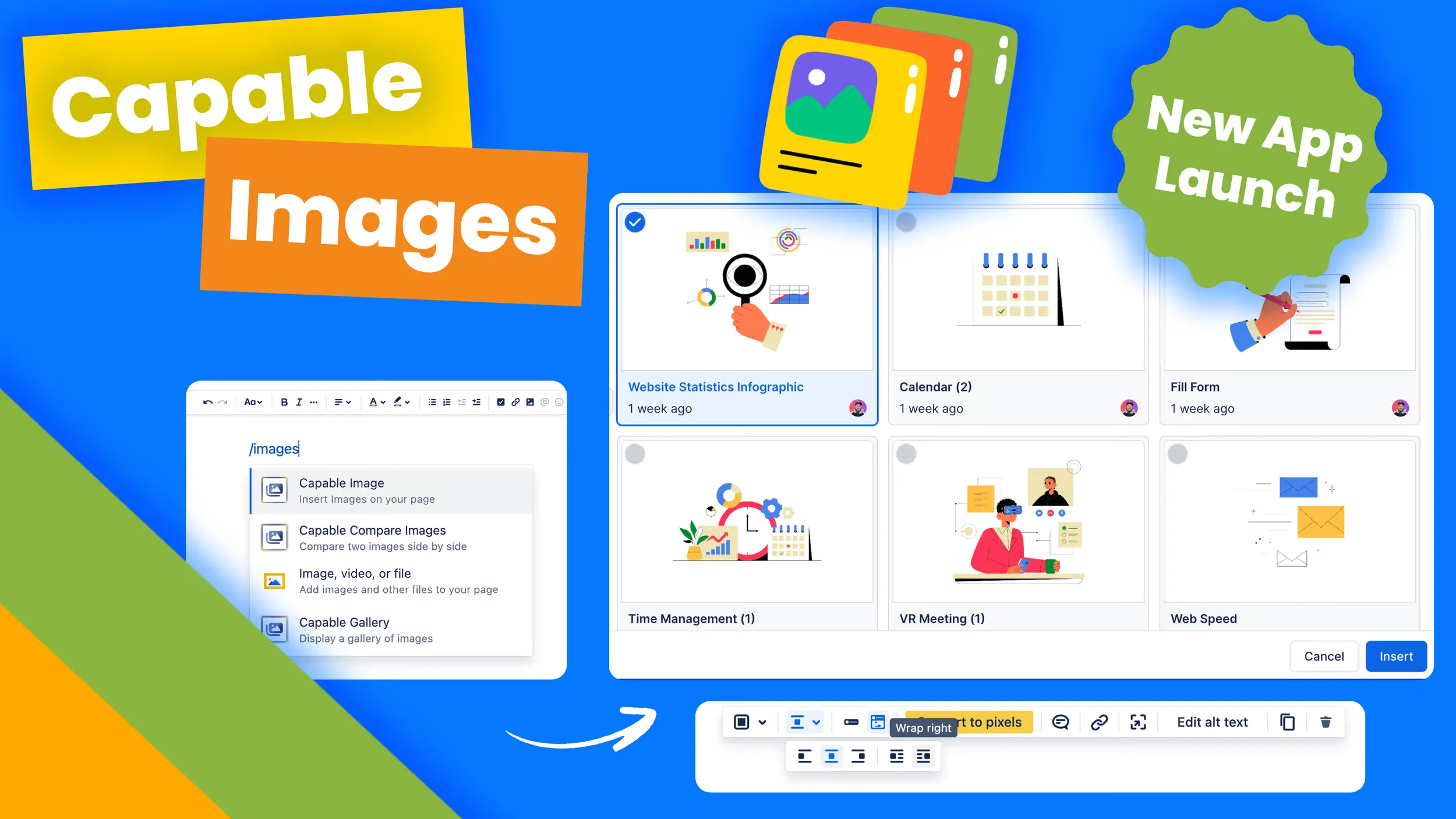
Managing images shouldn’t feel like a scavenger hunt. That’s why we built Capable Images for Confluence, a solution to centralize and simplify image management, turning Confluence into your team’s ultimate visual asset library.
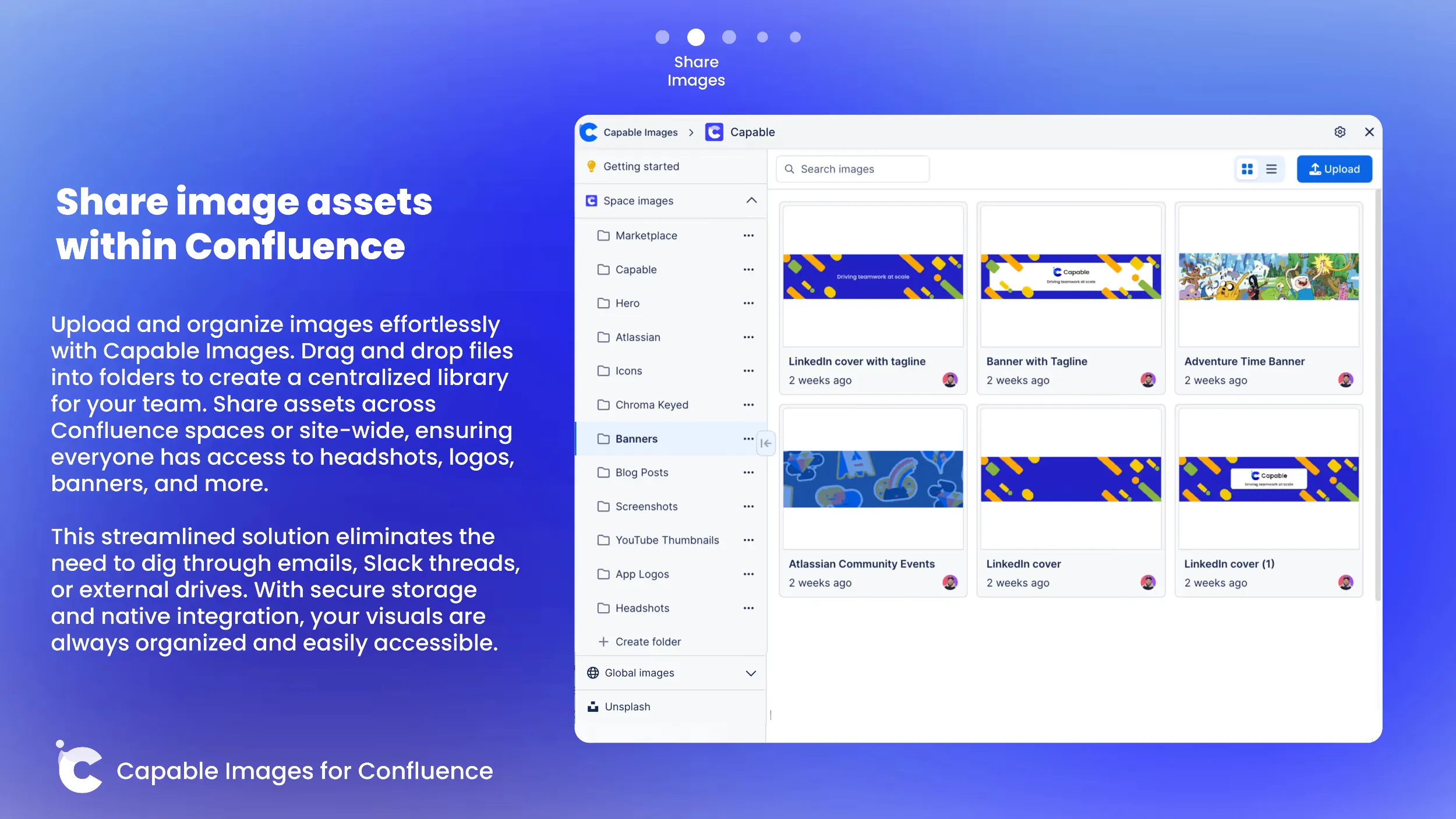
Why Capable Images?
Every team knows the pain of hunting down an image: buried in a Slack thread, lost in Google Drive, or mislabeled on someone’s desktop. With Capable Images, those frustrations are a thing of the past. We’ve created a tool that:
- Centralizes your visual assets within Confluence.
- Makes collaboration seamless with organized folders and easy sharing.
- Speeds up workflows with intuitive search and effortless insertion into pages.
Whether you’re creating marketing campaigns, product documentation, or team updates, Capable Images is here to streamline your visual workflows.
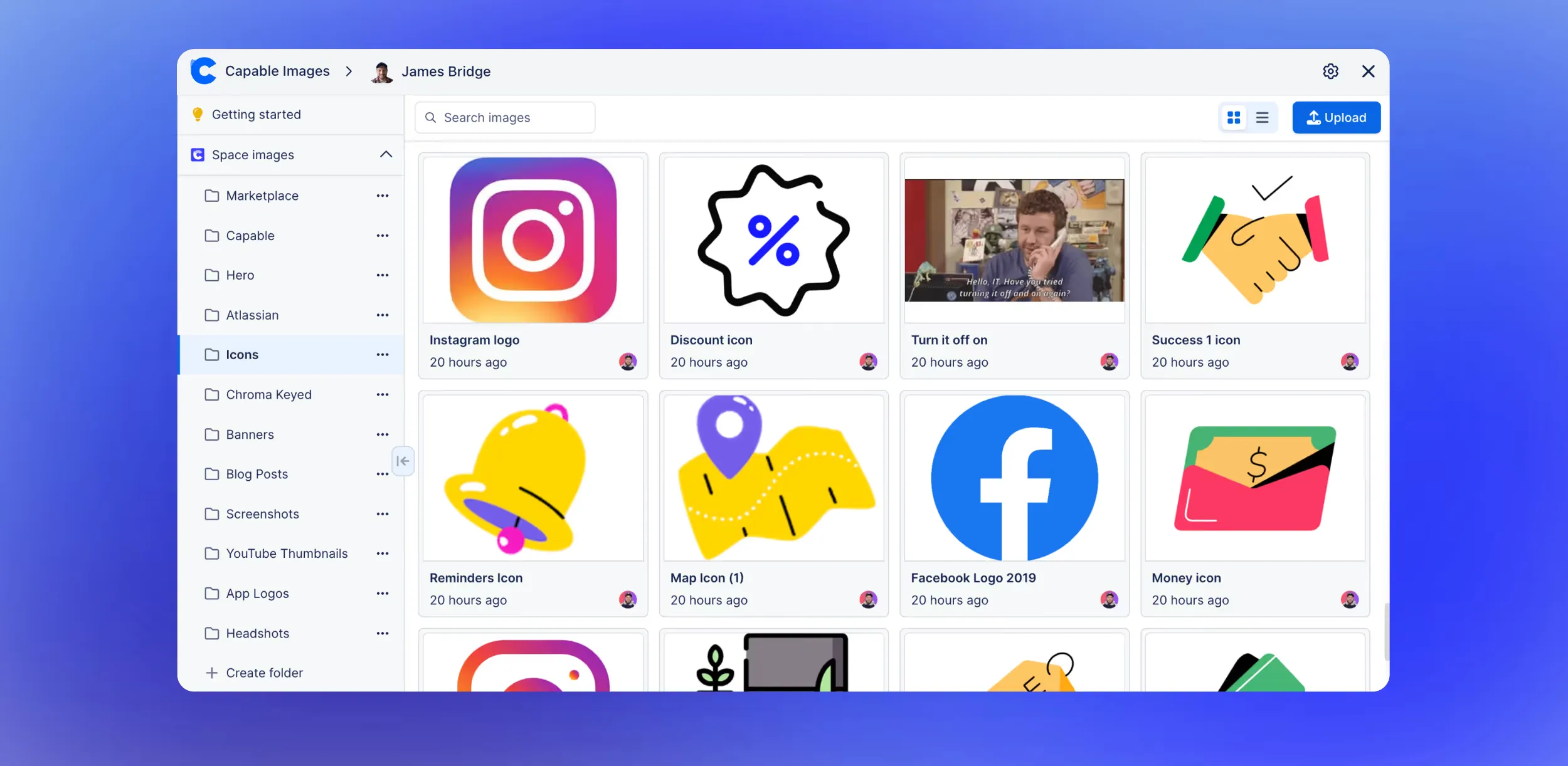
Features That Shine
Capable Images for Confluence is packed with features designed to make managing and using images effortless:
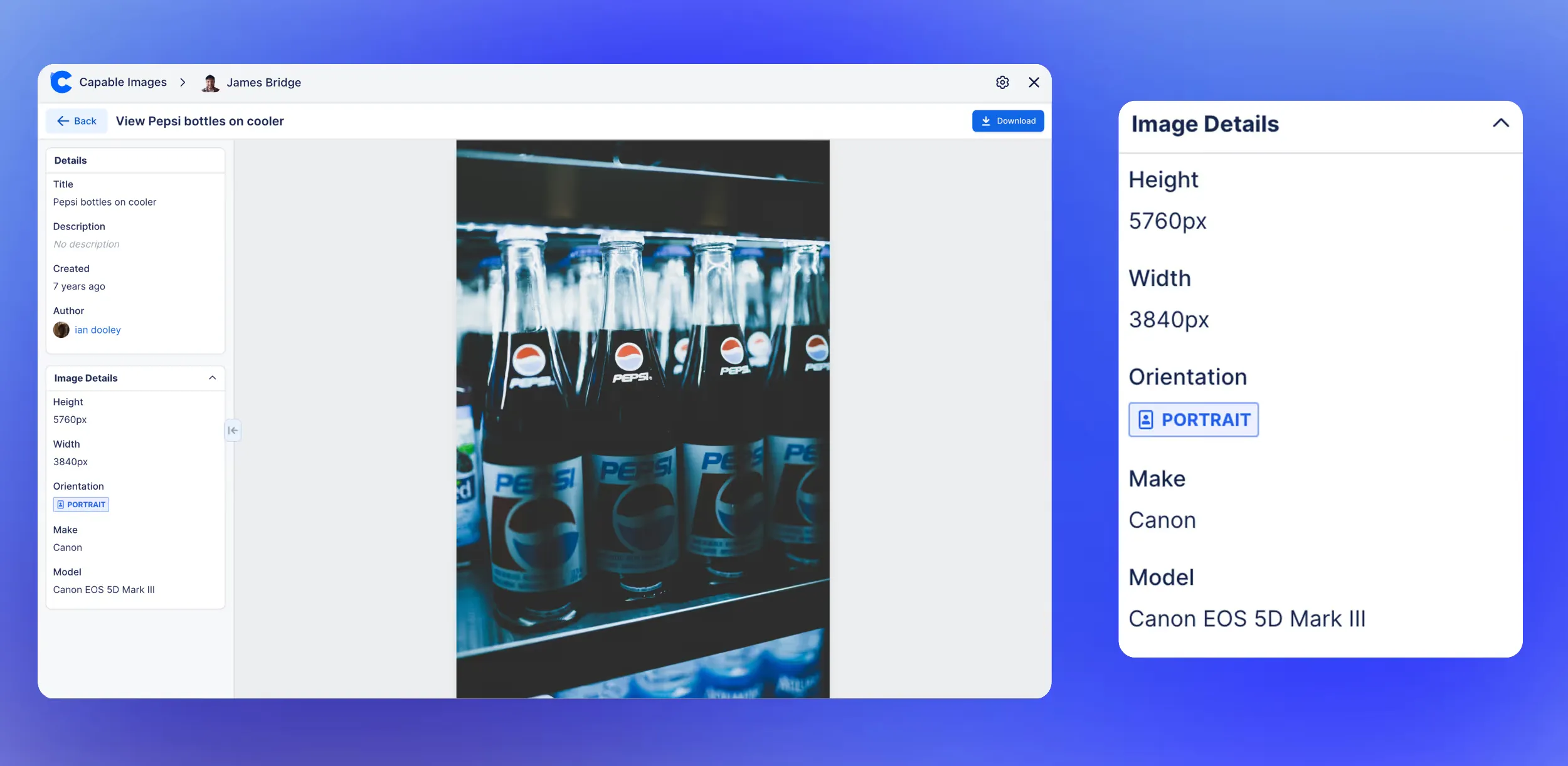
- Centralized Asset Library: Upload and store images in one place, accessible by your entire team. Keep assets organized within specific spaces or across your entire site.
- Folder Support: Categorize assets into folders like “Logos,” “Screenshots,” or “Banners” for fast navigation.
- Unsplash Integration: Browse and insert stunning, royalty-free stock images without leaving Confluence.
- Quick Page Insertion: Use our macro to add images directly to your pages with options like text wrapping, captions, and more.
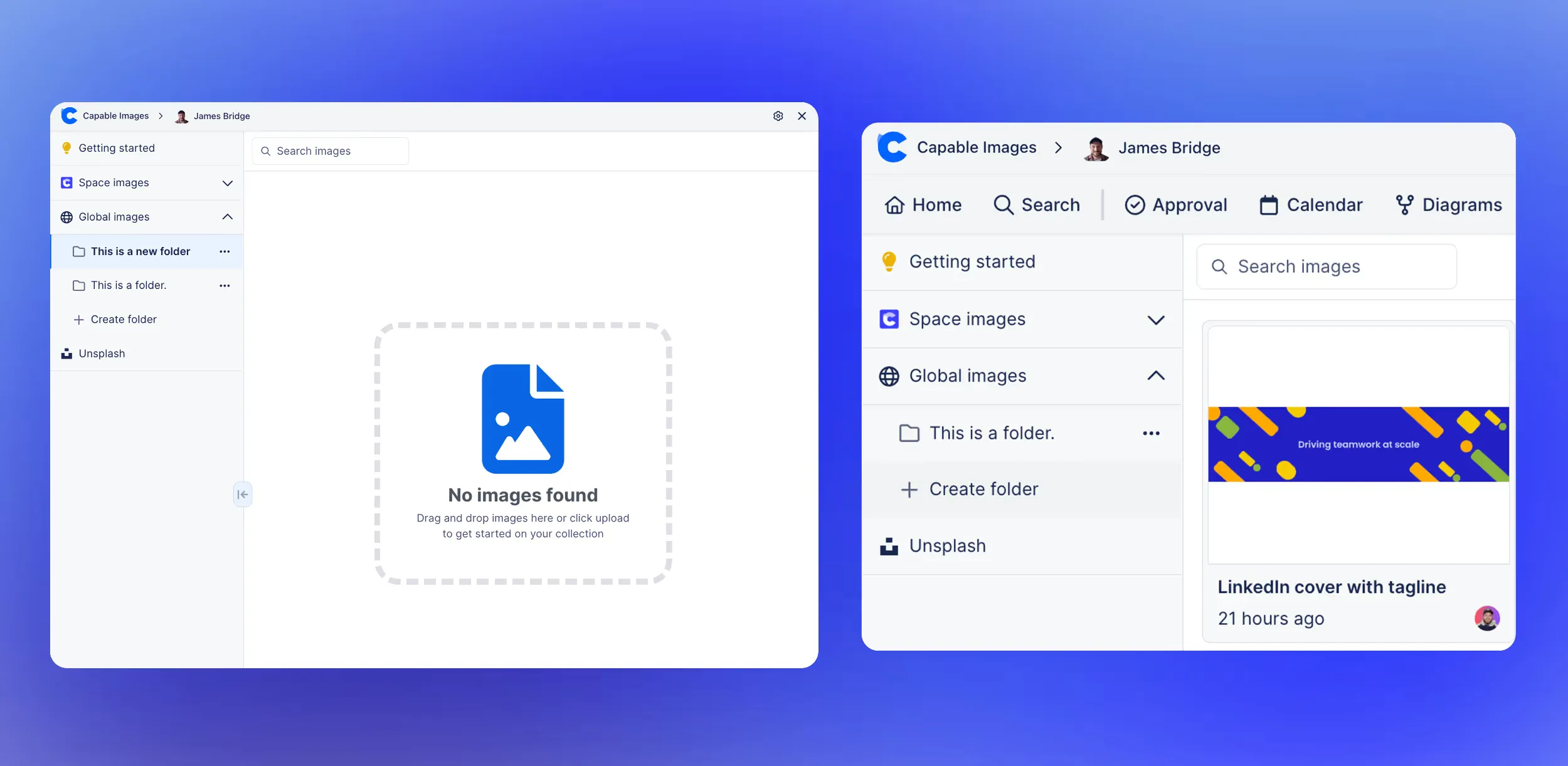
Built for Teams Like Yours
Imagine a marketing team juggling campaign visuals, or a product team organizing feature screenshots. With Capable Images, every asset is just a click away. HR teams can centralize brand materials, and design teams can ensure everyone uses the latest assets.
A Nod to Codegeist
We’re proud to share that Capable Images for Confluence was born during Atlassian’s Codegeist 2024 hackathon. Check out our Video for our submission via the link above.
It’s a testament to what happens when technical expertise meets a user-first mindset. But more importantly, it’s a solution built to meet real-world needs.

A Retrospective Conversation with the team
If you're interested in watching our short retrospective conversation please view via the link below
Codegeist retrospective with the team >
What’s Next?
We’re not stopping here. Our roadmap includes:
- Advanced Filters: Search by metadata, tags, or upload dates.
- Nested Folders: Add subfolders for deeper organization.
- GIF Integration: Insert dynamic visuals to add a spark to your pages.
- Enhanced Management Tools: Browse and manage images already inserted into pages.
Try Capable Images Today
We’ve reimagined image management for Confluence, and we’re excited for you to try it. Stop wasting time searching for scattered assets, and start collaborating visually with ease.
Ready to see the difference? Head to the Atlassian Marketplace and give Capable Images for Confluence a spin!