Ask AI for a published Confluence site
Ask AI for a published Confluence site answers from your pages and links the sections it used. You bring your own API key.

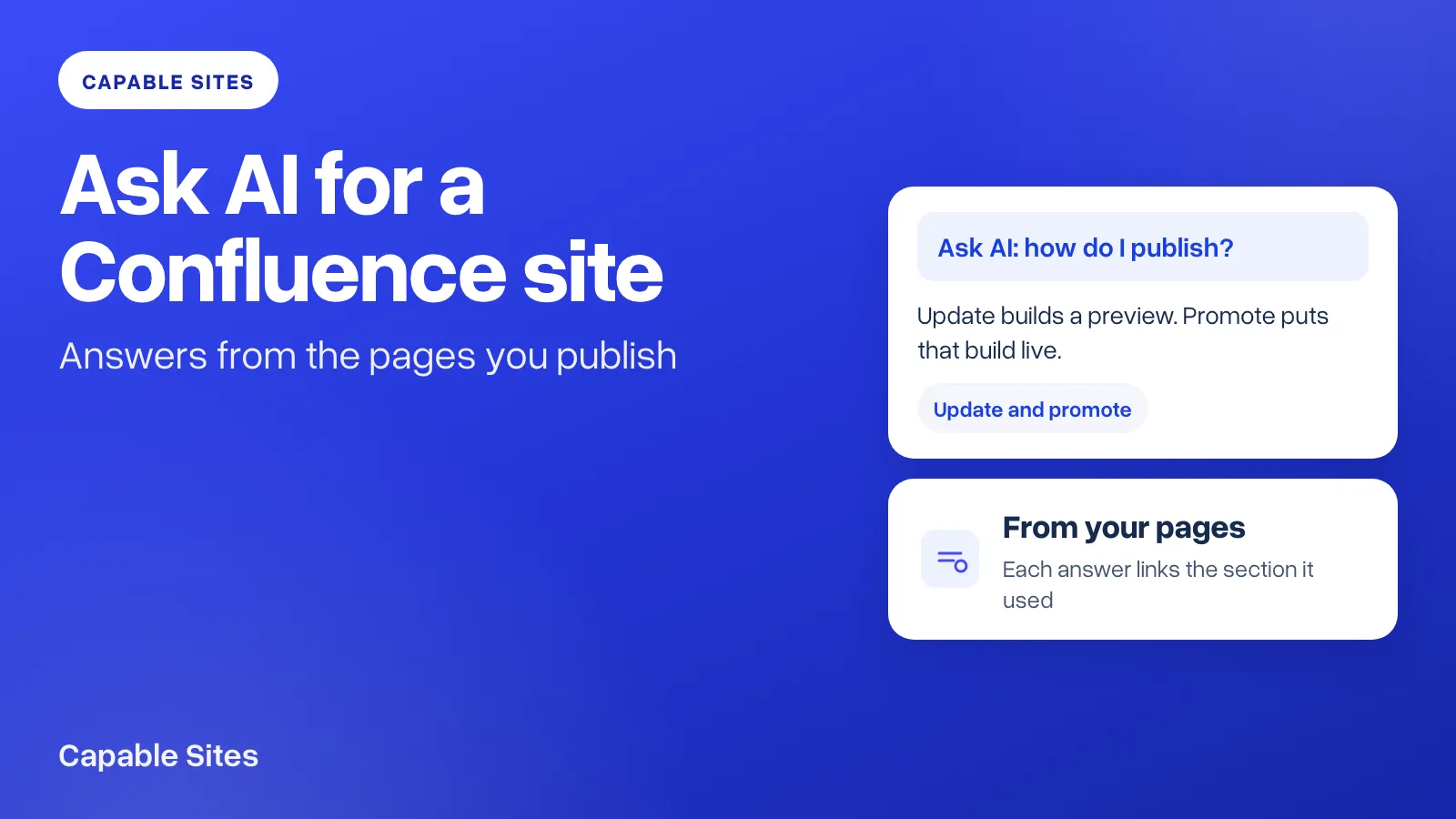
Search is fine when someone knows the words on the page. It is a poor fit when they know the problem and not the heading. Capable Sites can now take that question. Ask AI for a published Confluence site answers from those pages, and each answer links to the sections it used.
You choose OpenAI or Anthropic (Claude) and paste your own API key. The provider bills that key. Capable does not store the questions.
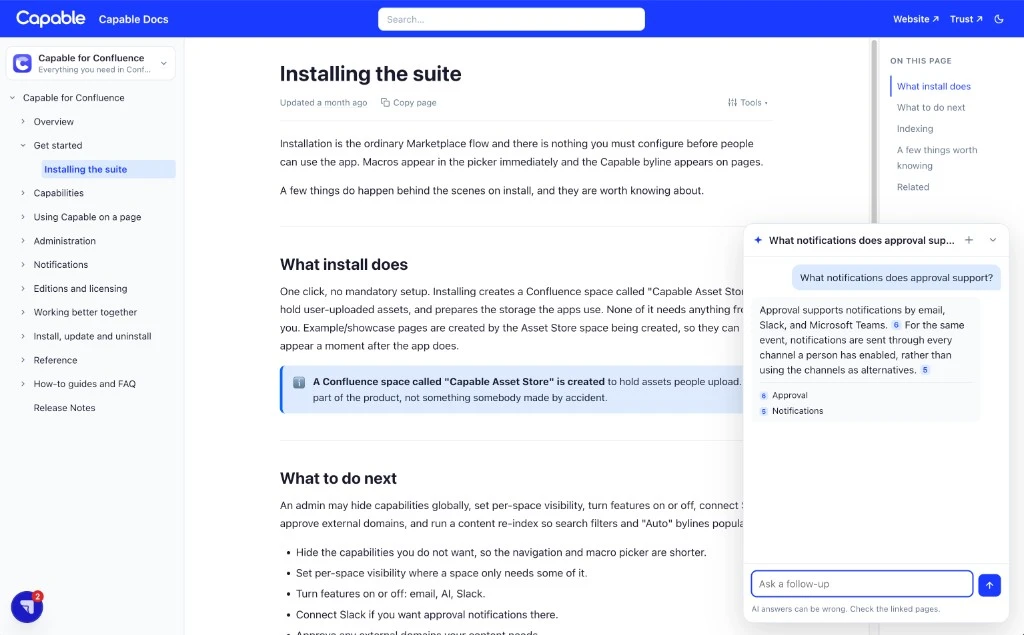
Where visitors ask on a Confluence site
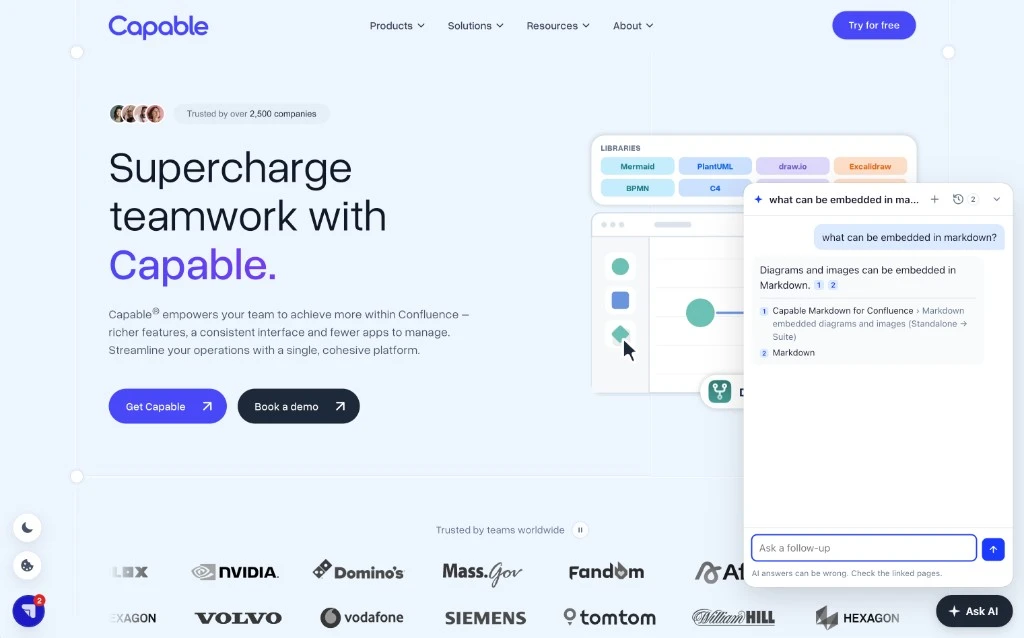
Once a site is published with Ask AI on, the chat is part of the site. There is nothing for a reader to install.
- The search box offers Ask AI as the first row, and Enter asks the question.
- The homepage has a question box under the title.
- Every page has an Ask AI button. The chat knows which page it was opened on, so "what does this page cover?" is answered from that page, and a wider question still searches the rest of the site.
You can try it on help.gocapable.com, and on gocapable.com, where the same chat is embedded.
Turn it on
A Confluence admin opens the site and chooses Ask AI.
- Turn Ask AI on this site on.
- Choose the provider: Anthropic (Claude) or OpenAI.
- Paste that provider's API key. A key with its own spend limit is the one to use. Once saved, the field shows only
****. The key cannot be read back. - Set Questions per day. The default is 100, and the most you can set is 5,000. The count resets at midnight UTC. Repeat questions answered from the cache are not counted. When the limit is reached, visitors are asked to try again tomorrow.
- Save, then update and promote. Turning Ask AI on or off takes effect with that update: on the staging preview first, and on the live site when you promote it.
Visitors' questions, and the parts of your pages used to answer them, are sent to the provider under your account. Set a spending limit there as well as the daily limit here.
Put the same chat on your own website
A public site can show the chat on other websites you name, such as a product or marketing site. On the same Ask AI page, open Embed on other websites.
List the websites that may show it. You can allow up to 10, and https://*.example.com covers every subdomain of example.com except example.com itself. Set the launcher label (up to 40 characters), choose the left or right corner, and pick a colour or leave the neutral default. Copy the snippet into the page, or into a tag manager.
Those website addresses apply as soon as you save. The chat files themselves arrive with the next update, the same as turning Ask AI on. Only a public site can be embedded. If you later require a sign-in, the embed pauses, because another website cannot pass that sign-in on. It resumes if the site is public again.
What it will not do
Answers come only from pages on that published site. If the pages do not cover the question, the chat says so rather than guessing from the wider web. Answers can still be wrong, which is why each one links the sections it used and the chat says to check them.
A zip export of the site does not include Ask AI. The chat needs the live site behind it. Removing the API key turns Ask AI off straight away. Revoke the key with the provider as well, so it cannot be used again.
Ask AI is available on every Sites edition, including Capable Sites on its own and Sites inside Capable for Confluence. The provider bill is yours, which is why it is not tied to an edition.
Try Capable Sites free on the Atlassian Marketplace →
Atlassian and Confluence are trademarks of Atlassian Pty Ltd. OpenAI is a trademark of OpenAI. Anthropic and Claude are trademarks of Anthropic, PBC. Capable Works Limited is not affiliated with, endorsed by or sponsored by Atlassian, OpenAI or Anthropic.