Google and Microsoft Entra sign-in for Confluence
Microsoft Entra sign-in for Confluence, plus Google Workspace. Limit a published site to your organisation. No shared password and no app to register.

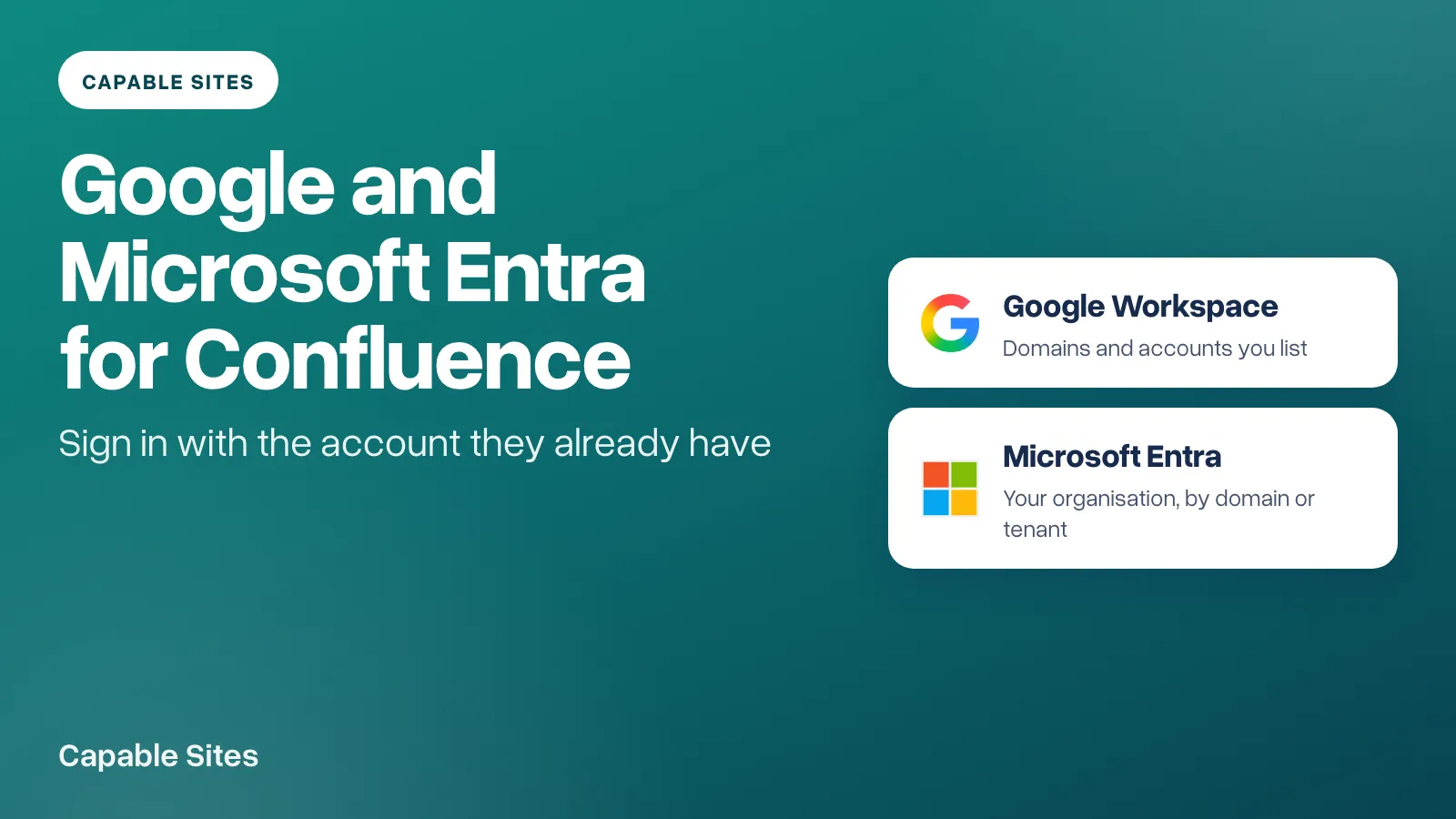
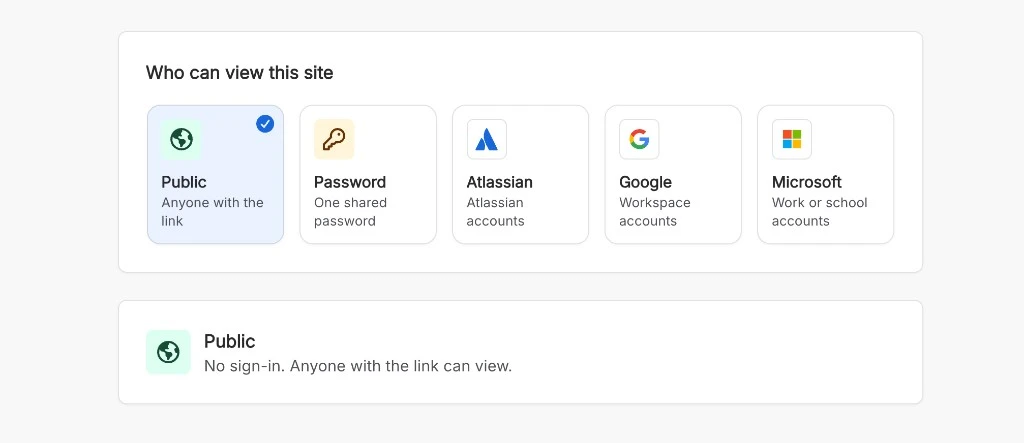
A Confluence site is public unless you say otherwise. A shared password is a secret you have to rotate, and an Atlassian login only helps people who already have one. Microsoft Entra sign-in for Confluence, and Google Workspace sign-in, use the work account they already have.
Capable Sites now offers both, beside the modes you already had. You do not create an OAuth app, a client ID or a secret. Capable runs the sign-in. You only say who may come in. A Confluence admin changes this under Settings, then Access. It applies straight away, including on the staging preview, with no update or promote.
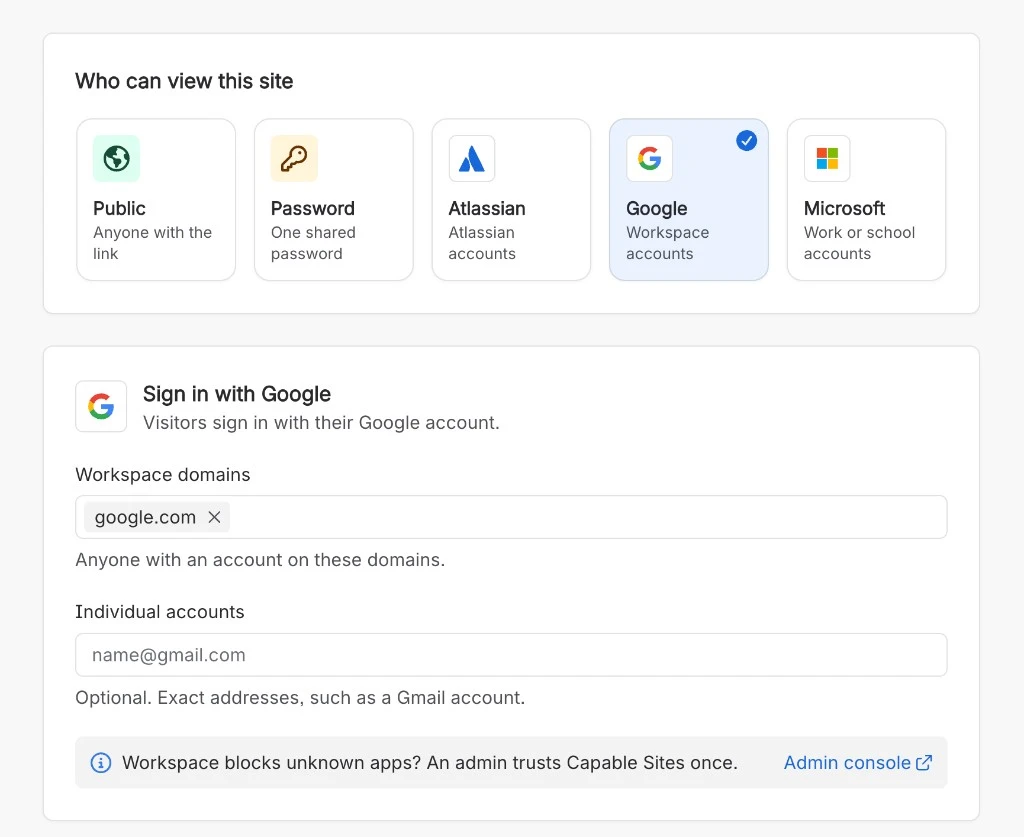
Google Workspace sign-in for a Confluence site
Choose the Google card and add each Workspace domain your people use, such as acme.com. You can also list individual accounts, which is how a contractor on Gmail gets in without opening the domain.
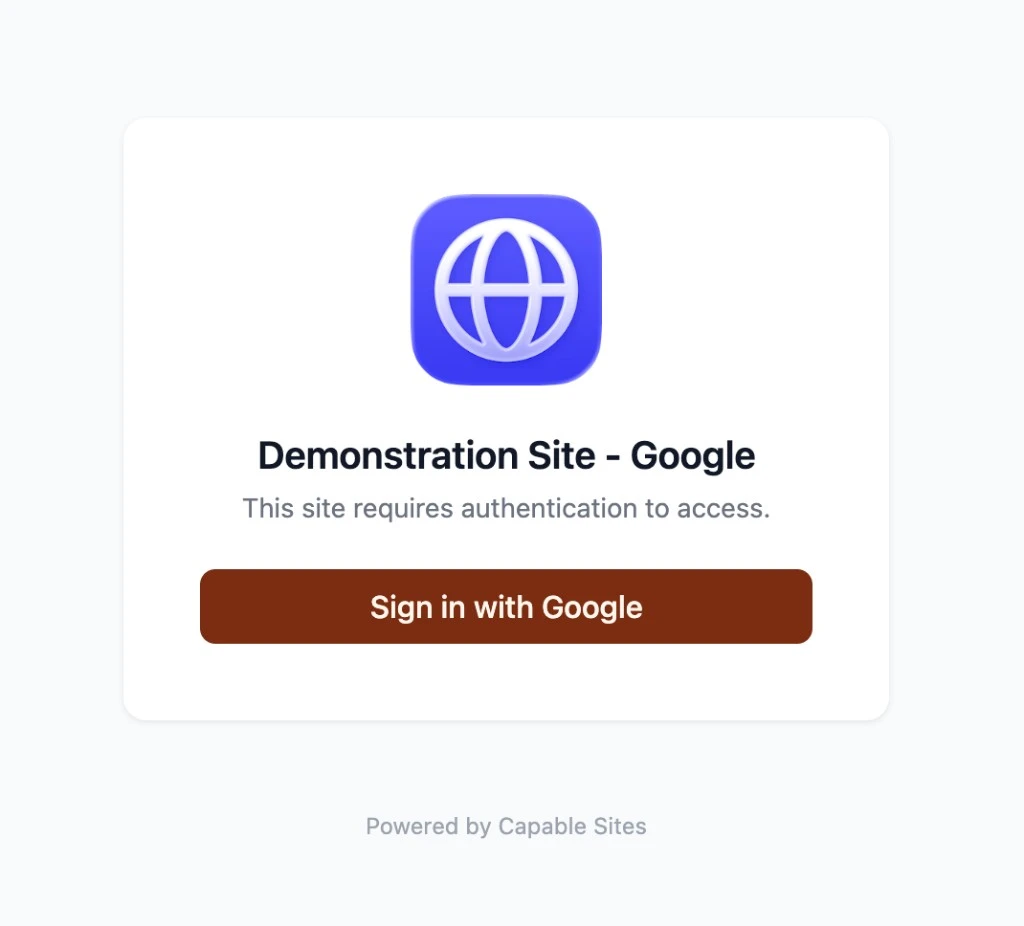
Save is refused until at least one domain or account is listed. A personal Google account is refused unless you have listed that exact address. If your Workspace blocks apps it has not been told about, a Workspace admin trusts Capable Sites once. The Access page links to the Admin console for that step.
The steps, and the messages a refused visitor sees, are in Let visitors sign in to a Confluence site with Google.
Microsoft Entra sign-in for Confluence
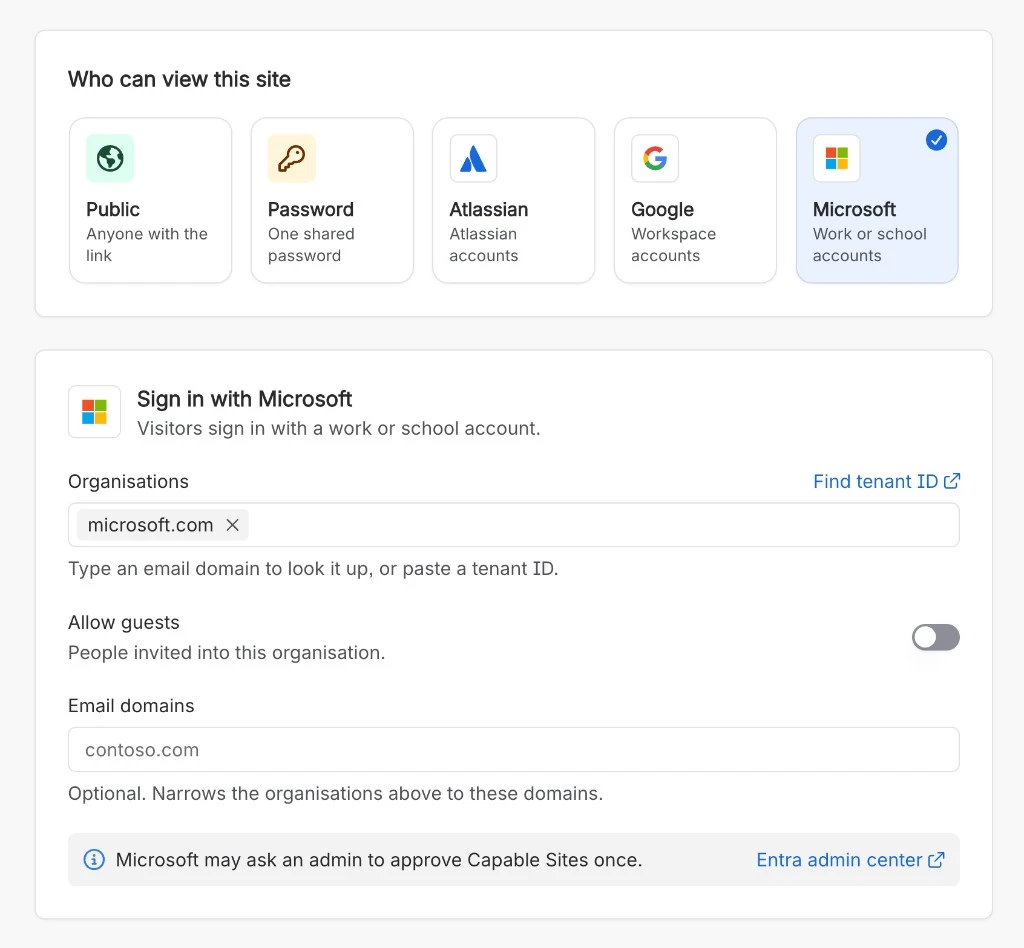
Choose the Microsoft card and add each organisation by its email domain, which is looked up to the tenant, or paste the tenant ID from the Entra admin center. Allow guests lets in people invited to that organisation, and it needs exactly one organisation. Email domains is optional and narrows an organisation to those addresses.
Personal Microsoft accounts are always refused, even as guests. Depending on your tenant's consent settings, an Entra admin may need to approve Capable Sites once. The page links to the Entra admin center.
The steps are in Let visitors sign in with Microsoft Entra ID.
What to set alongside the mode
Sessions for Google and Microsoft last 1 hour, 8 hours, 24 hours or 7 days. Seven days is the longest, so someone who leaves the organisation loses access soon after. A site that was set to 30 days on password or Atlassian sign-in drops to 8 hours when you switch it to Google or Microsoft.
Any change to who can get in signs every current visitor out, so they sign in again under the new rules. To end every session without changing the rules, use Sign everyone out on the same page. The published site has no sign-out link of its own.
A link to a particular page brings the reader back to that page after they sign in, rather than dumping them on the home page. That is what makes a protected site work as in-product help or an intranet.
Two limits are unchanged, and they matter more once a site is easy to open. Confluence page restrictions do not carry over: if a page is in a space you publish, it is on the site. And Okta, and any identity provider other than Atlassian, Google or Microsoft, is not available. The full set of modes is in Access modes.
Try Capable Sites free on the Atlassian Marketplace →
Atlassian and Confluence are trademarks of Atlassian Pty Ltd. Google and Google Workspace are trademarks of Google LLC. Microsoft, Microsoft Entra and Microsoft 365 are trademarks of the Microsoft group of companies. Capable Works Limited is not affiliated with, endorsed by or sponsored by Atlassian, Google or Microsoft.