Diagramming improvements for Confluence

This update brings a few solid improvements to the Diagrams experience: some quality-of-life changes.

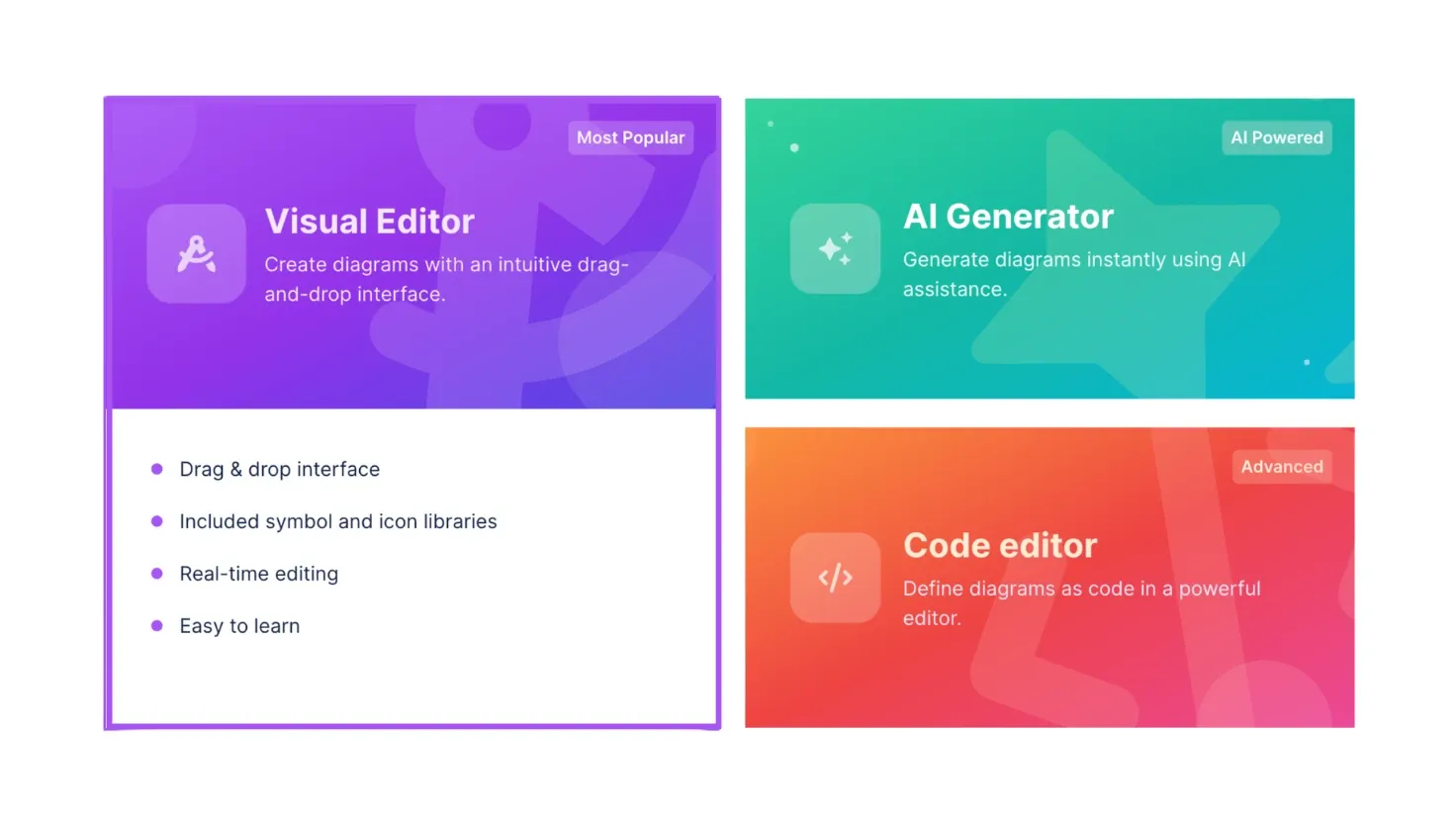
Start screen cards for Visual Editor (Most Popular), AI Generator (AI Powered) and Code editor (Advanced)

This update brings a few solid improvements to the Diagrams experience: some quality-of-life changes.

Here’s what’s new:

New 'Start from Scratch' Screen

A more intuitive entry point with a splash of color.
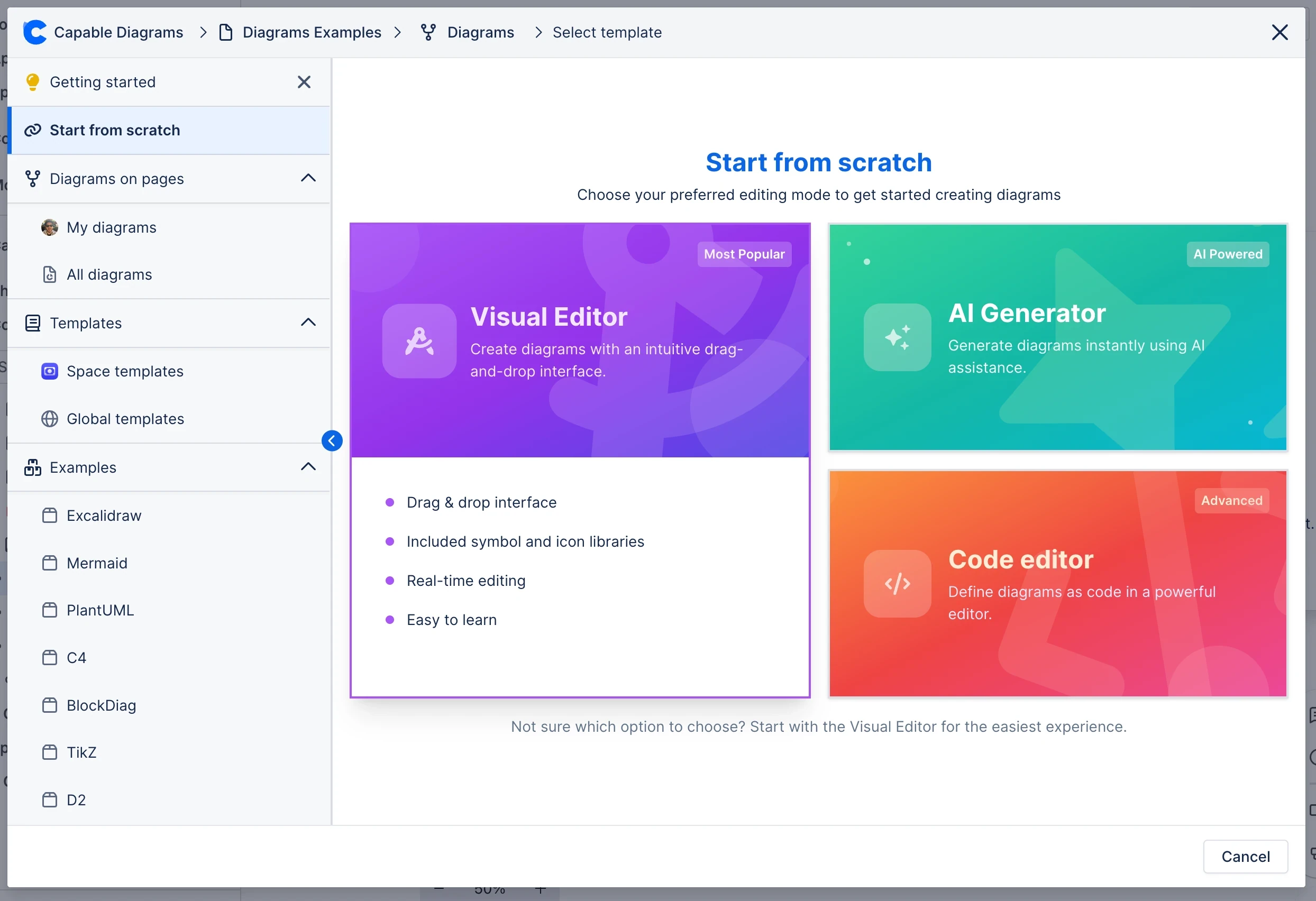
Capable Diagrams start screen offering Visual Editor, AI Generator and Code editor options

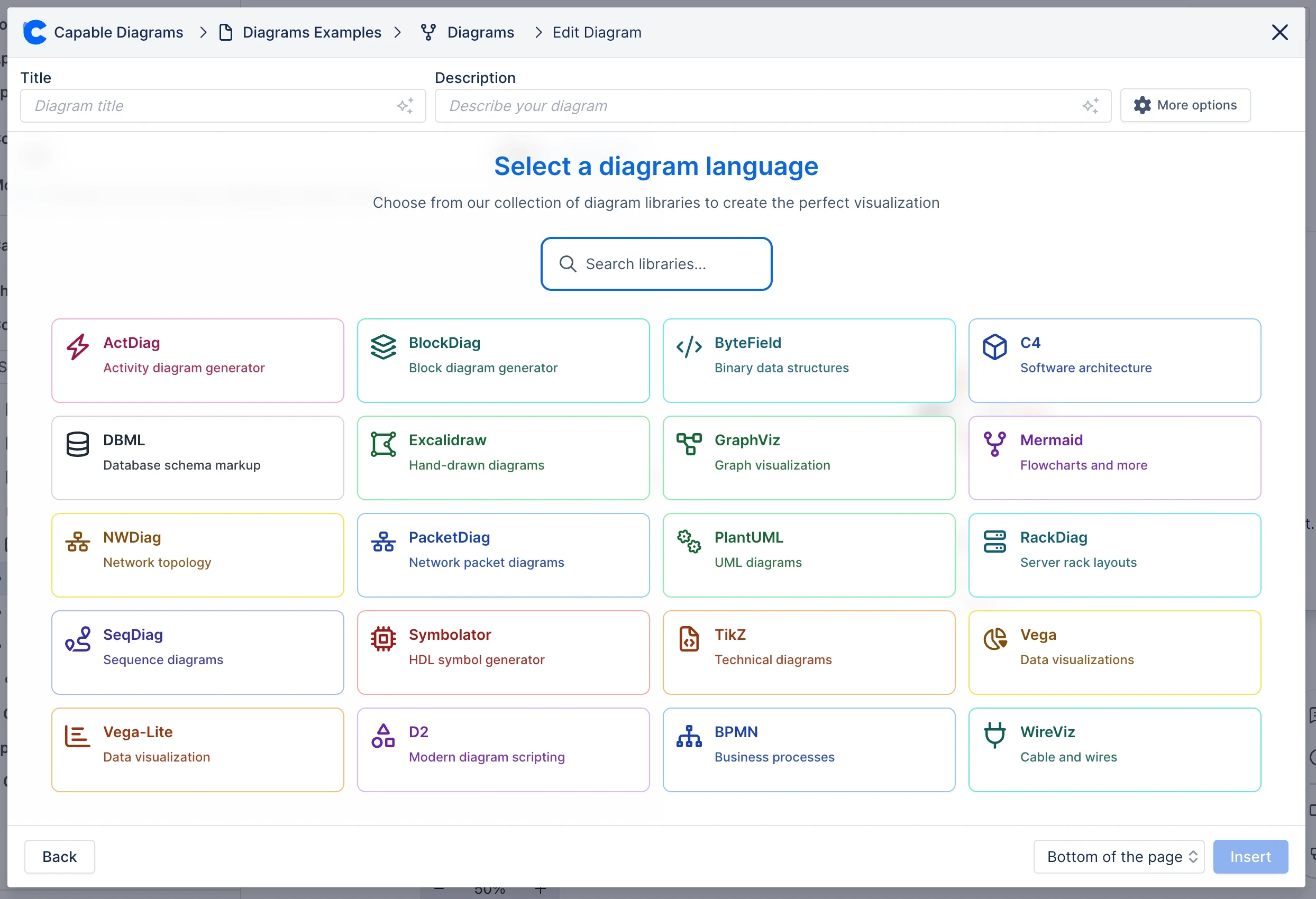
Capable Diagrams language picker with colourful tiles for 20 diagram libraries such as Mermaid, PlantUML and BPMN

Auto-Save Visual Editor Libraries

Libraries now stick between sessions: no more reloading.
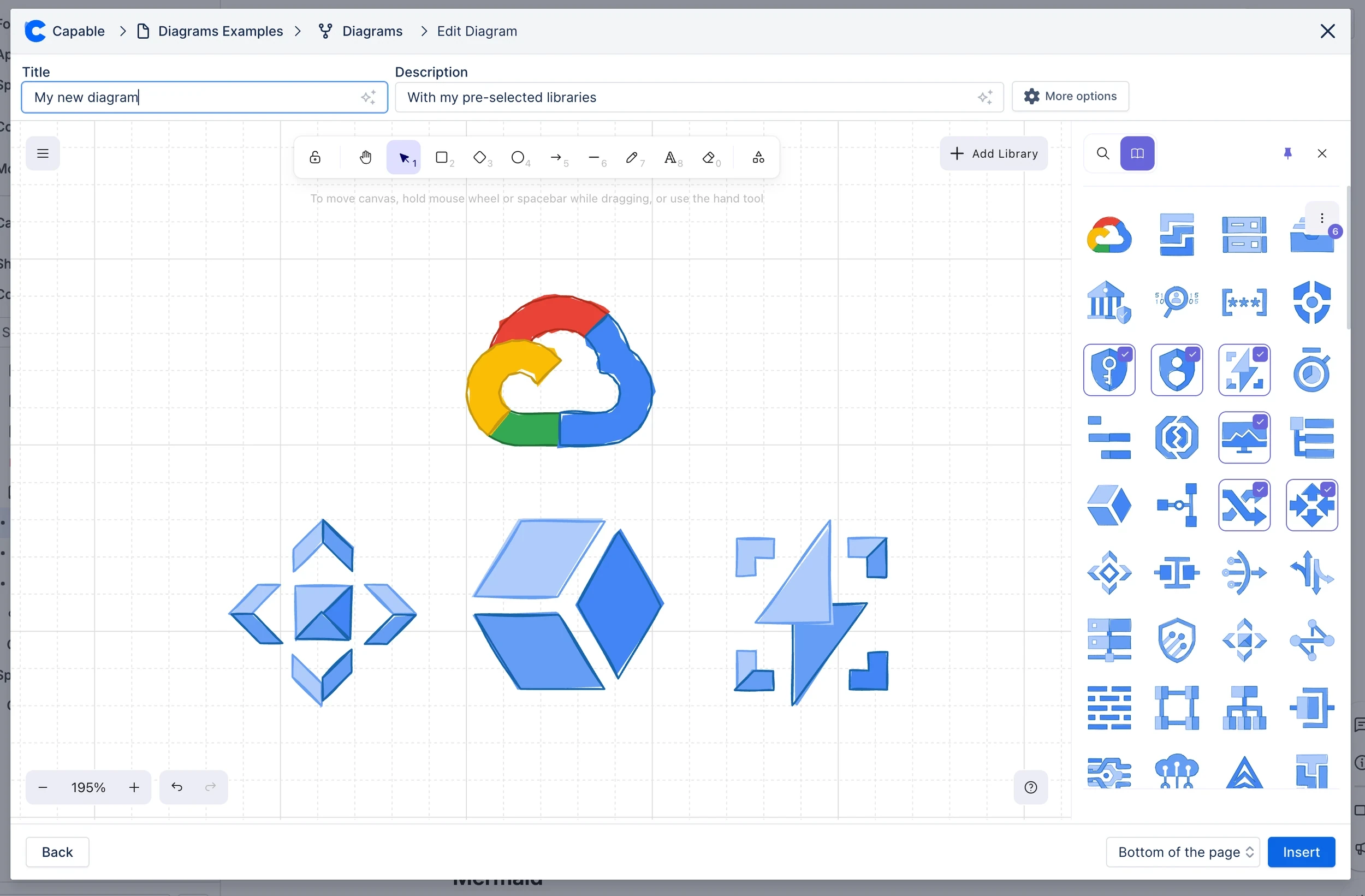
Capable Diagrams visual editor with a pre-selected cloud icon library open beside the canvas

More Libraries support AI

We've added support for PlantUML and DBML, in addition to Mermaid!
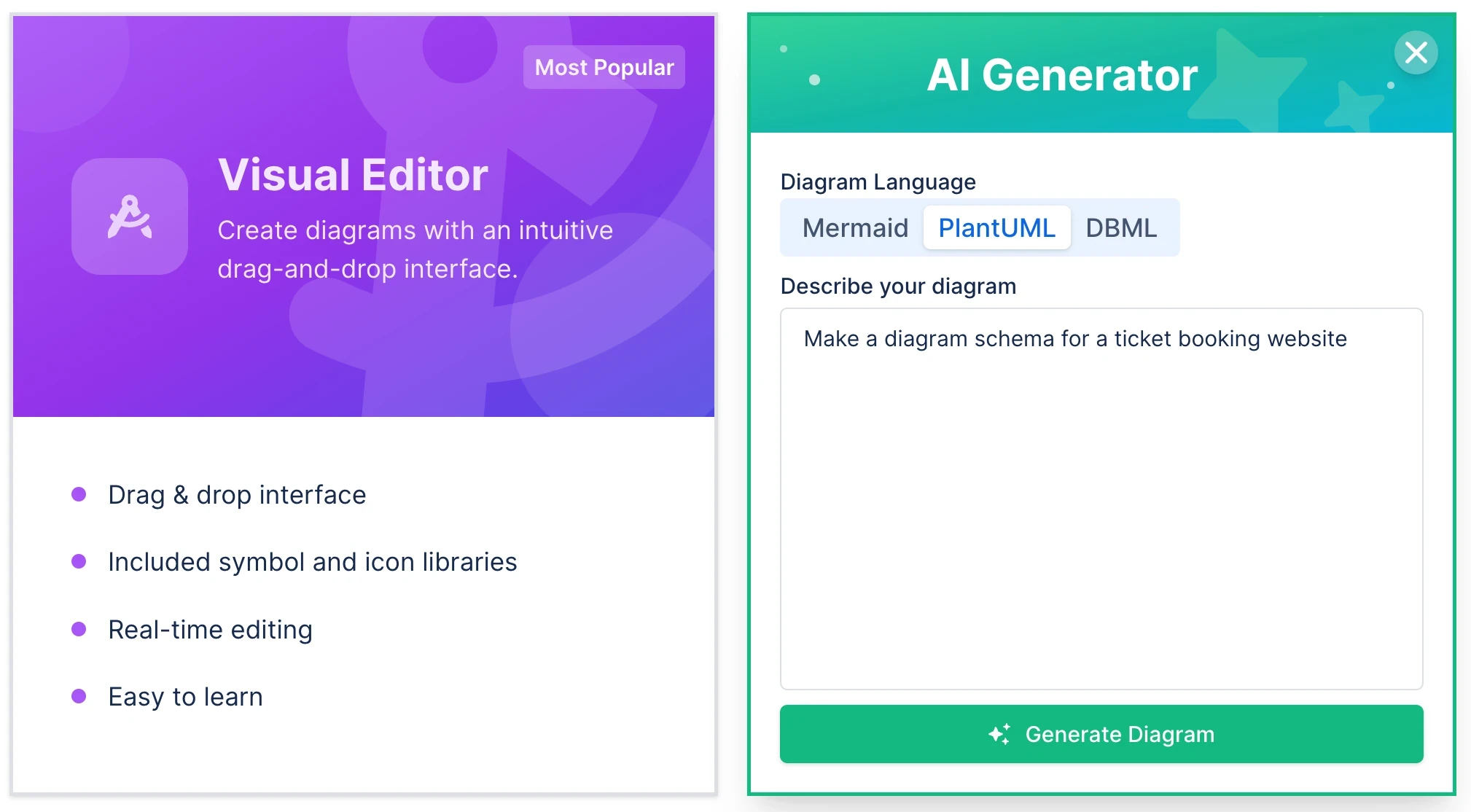
Visual Editor option beside the AI Generator, set to PlantUML with a prompt for a ticket booking schema

Better Diagram Rendering

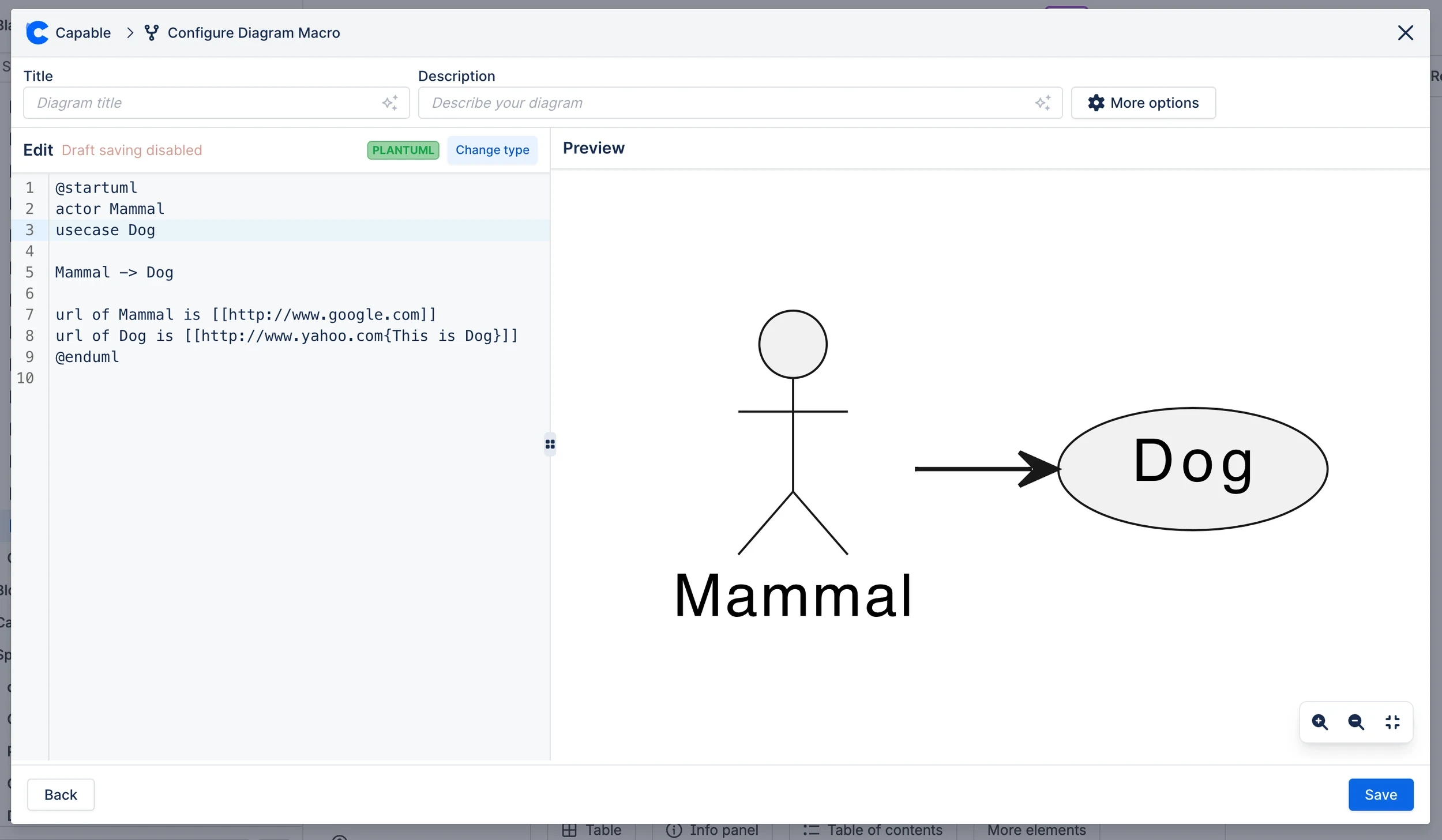
We fixed two rendering issues: a click link inside a Mermaid diagram now sends the reader to its URL, and PlantUML diagrams with multiple root nodes now render properly.
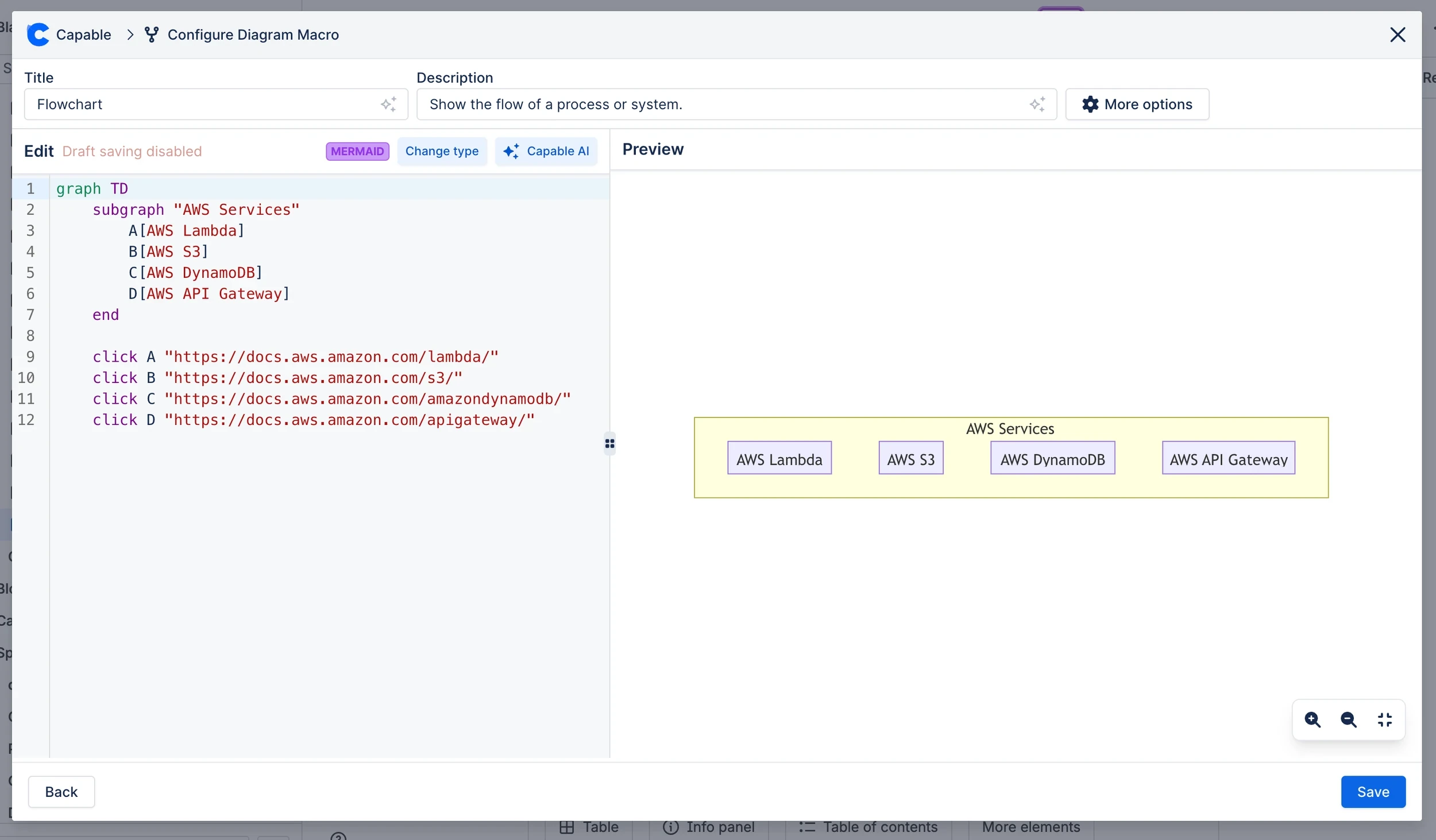
Mermaid flowchart of AWS services whose nodes link to their documentation using click

PlantUML use case diagram with clickable links rendering correctly in the diagram preview

Cookie Settings

We take good care of you and your data. You can read more about how we use cookies, the third parties who set cookies and update your cookie settings here.