Introducing Diagram Assistant for ChatGPT
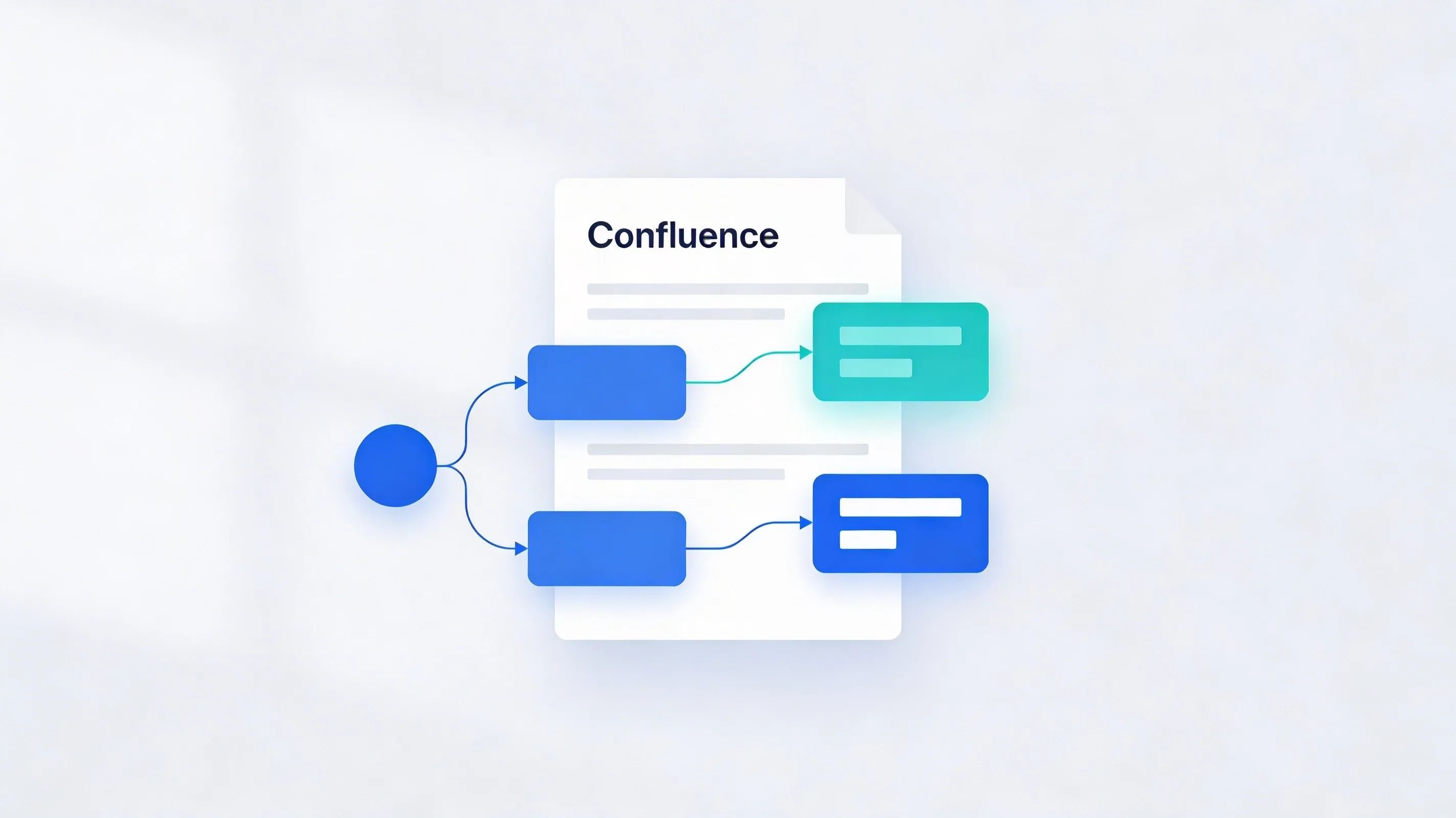
We're excited to unveil our latest innovation, Diagram Assistant for ChatGPT, designed to work seamlessly with our popular Capable Diagrams for Confluence app to make diagrams a breeze!

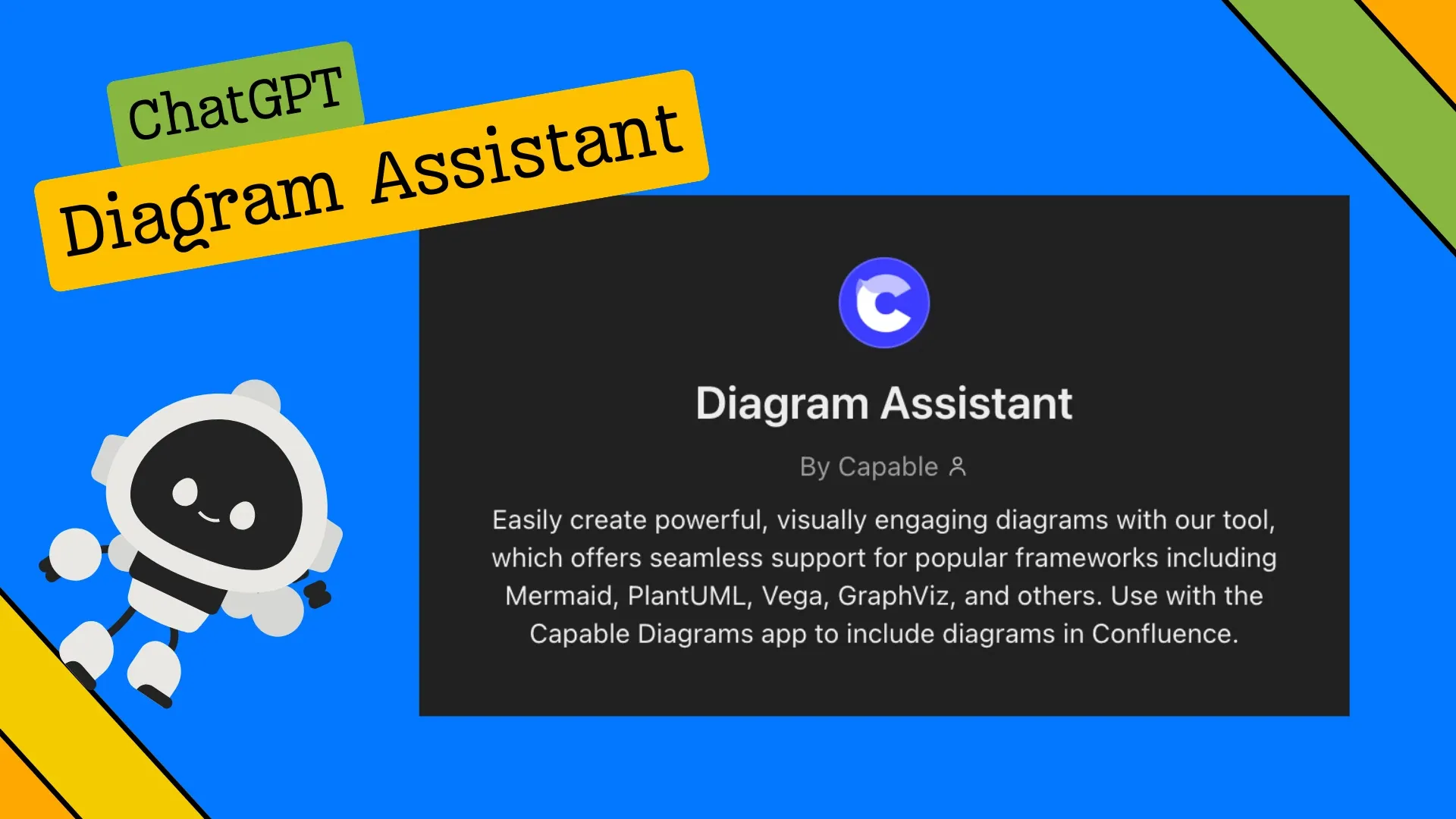
We're excited to unveil our latest innovation, Diagram Assistant for ChatGPT!
Designed to work seamlessly with our popular Capable Diagrams for Confluence, Diagram Assistant brings a whole new level of ease and creativity to generating professional diagrams directly from your ChatGPT prompts.
With Diagram Assistant, creating diagrams in Confluence becomes an effortless task. This tool leverages advanced AI to understand your needs, from flowcharts and network maps to complex data visualizations, and produces clear, precise diagrams tailored to your exact requirements.
Imagine being able to draft diagrams in all the frameworks you know and love (like Mermaid, PlantUML, Vega, and GraphViz) with a single prompt. Whether you’re illustrating workflows, mapping out processes, or designing architectural models, Diagram Assistant has you covered.
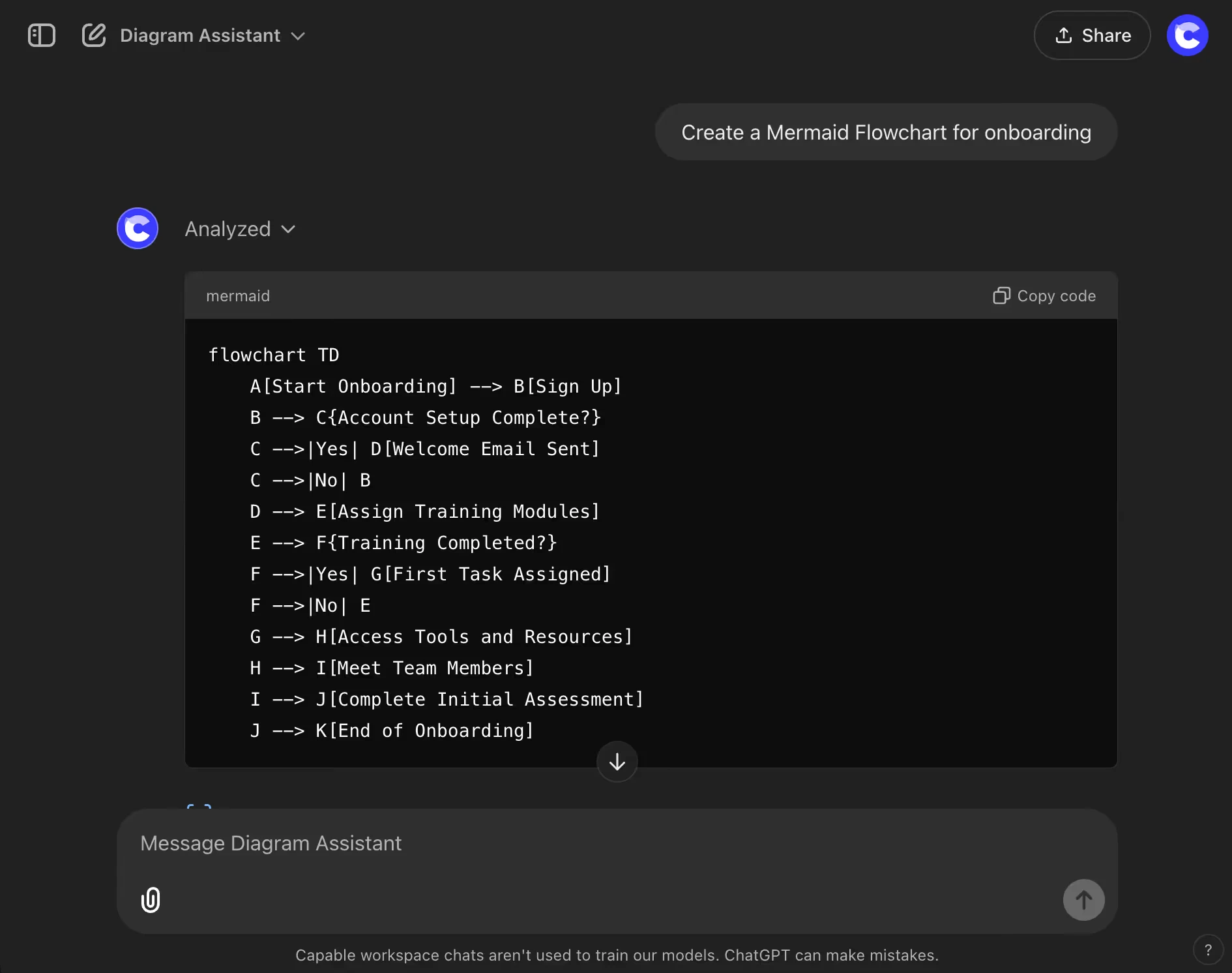
Use Diagram Assistant with Capable for Confluence
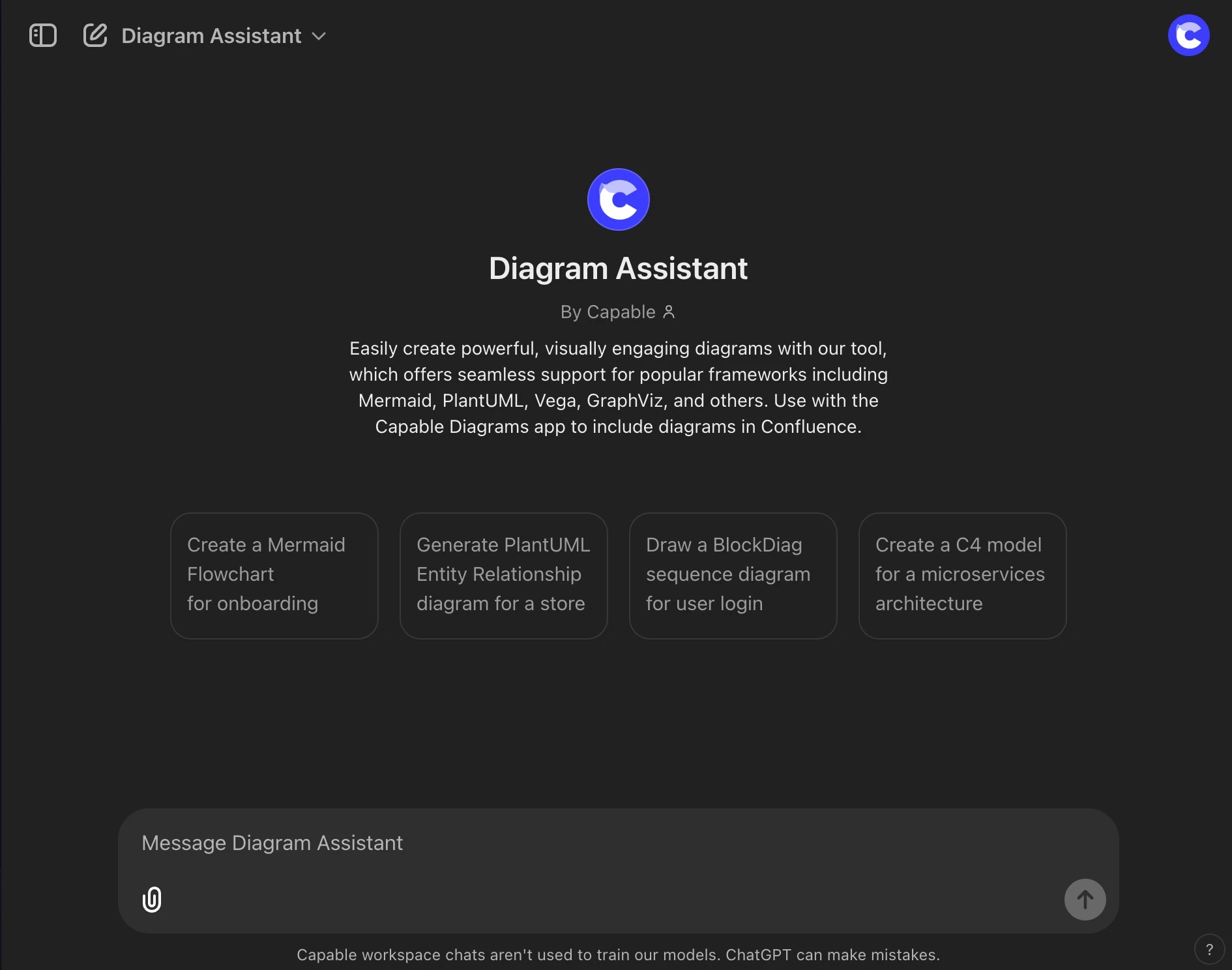
Diagram Assistant for ChatGPT is designed to integrate smoothly with our Capable Diagrams app, making it simple to transform conversations and data inside ChatGPT into ready-to-use diagrams for Confluence. Whether you're discussing complex processes, brainstorming ideas, or visualizing data directly in ChatGPT, Diagram Assistant allows you to create diagrams that are instantly compatible with Capable Diagrams.
With models trained specifically to support our frameworks, Diagram Assistant ensures that every diagram it generates can be copied and pasted into Capable Diagrams without hassle or compatibility issues. This means less time spent reformatting or troubleshooting and more time focused on creating and sharing valuable insights within Confluence.
Our vision for Diagram Assistant is to make diagramming accessible for all users, regardless of technical background. By combining AI with our Capable Diagrams, we’re delivering a faster, smarter way to enhance your Confluence pages and streamline your visual storytelling.
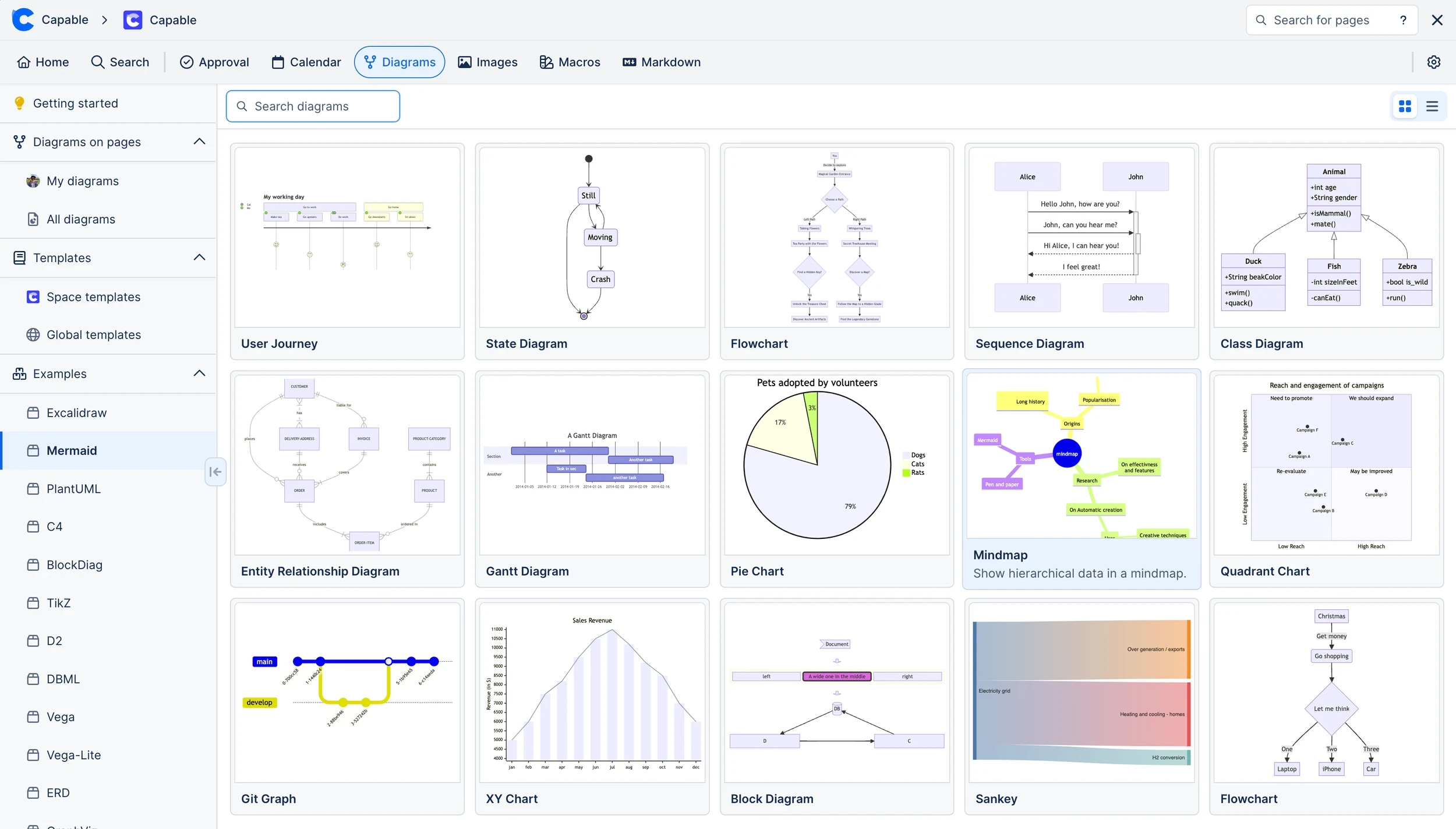
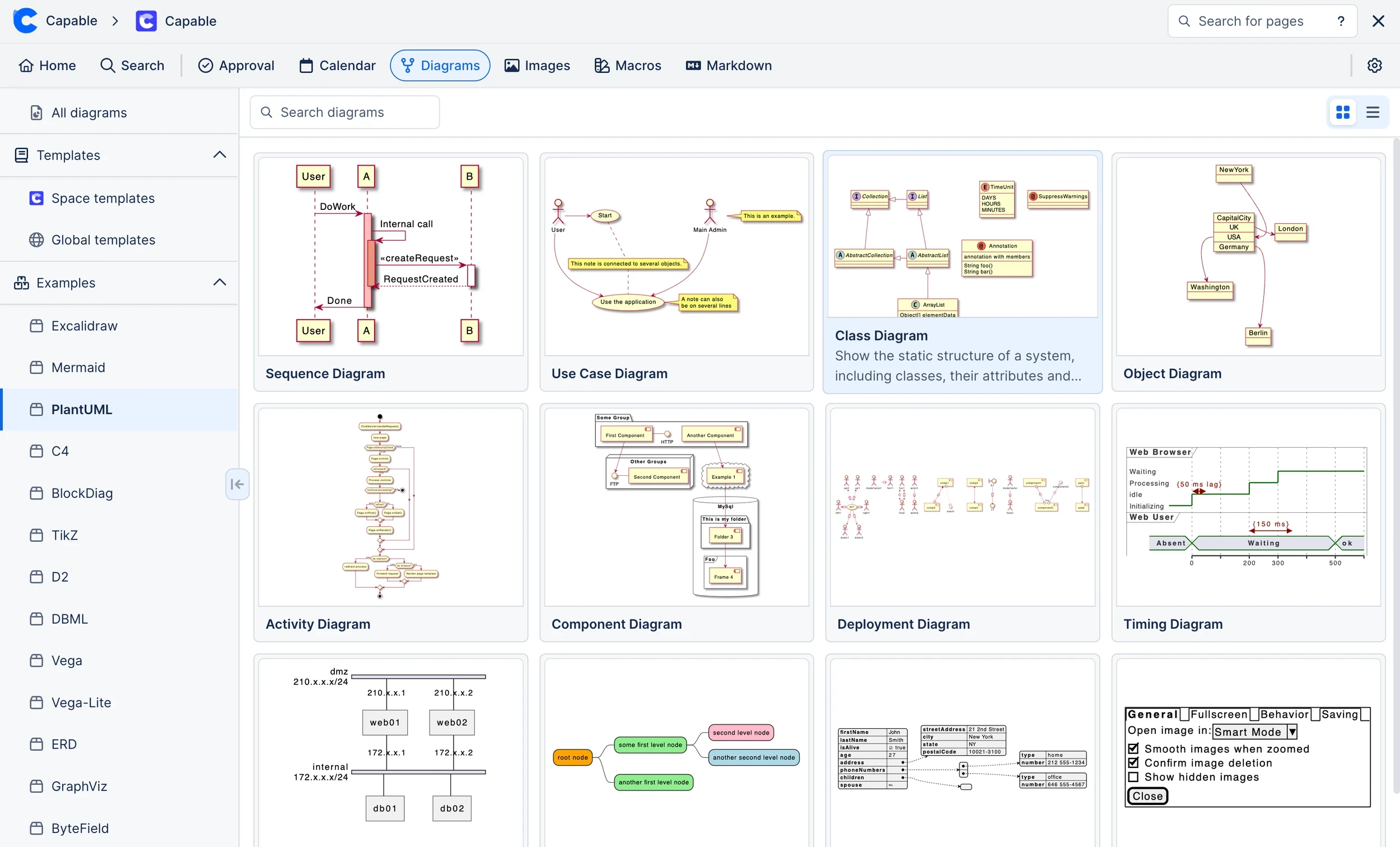
Try Diagram Assistant Today!
Diagram Assistant for ChatGPT is live and ready to transform the way you create diagrams in Confluence. Test it out with Capable Diagrams and experience the magic of generating powerful visuals with just a prompt. Happy diagramming!