Live publishing for Confluence sites that change every day
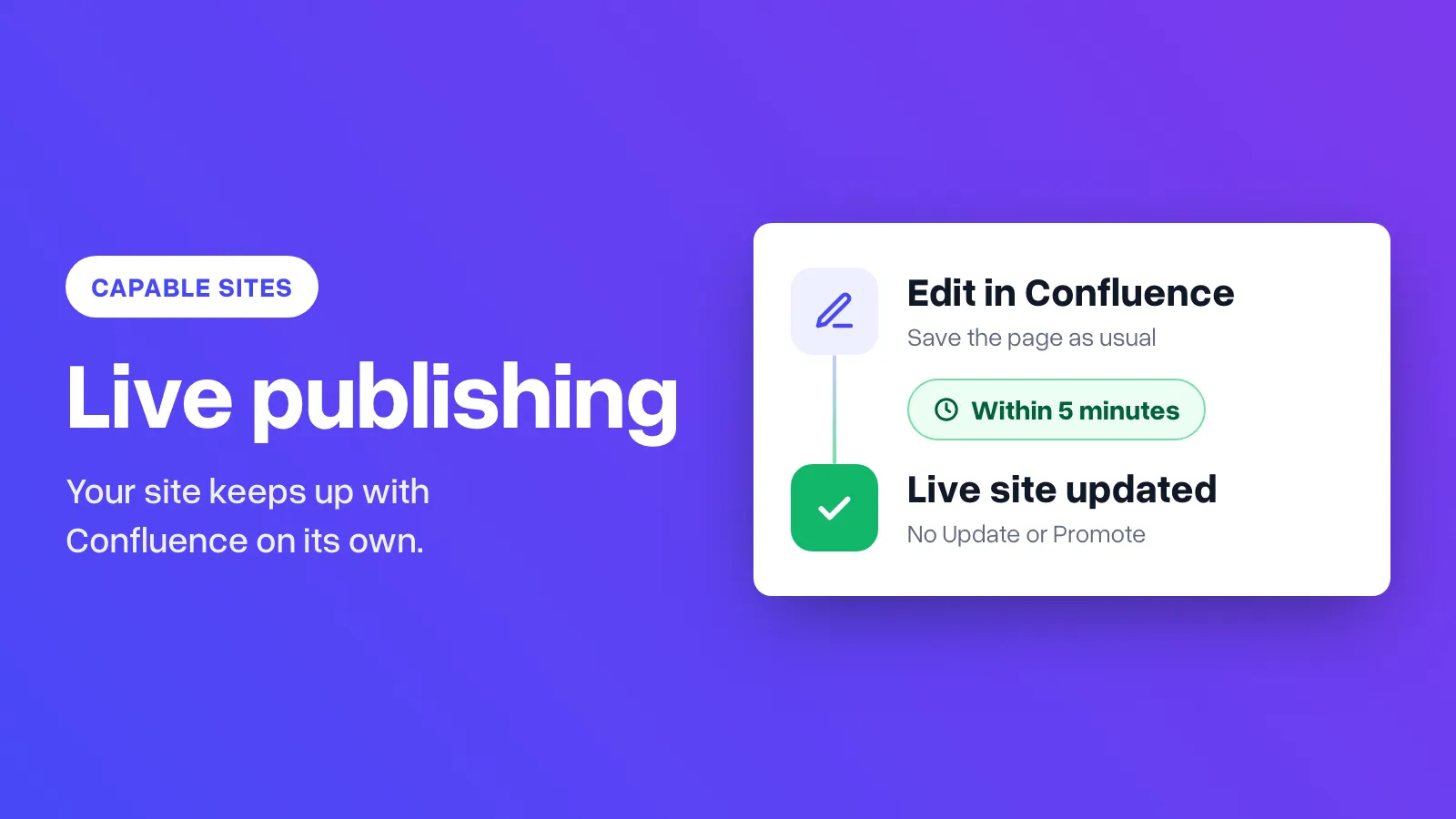
Capable Sites can follow Confluence on its own. A publish starts about five minutes after edits stop, with no Update or Promote.

Most teams that use Capable Sites write in Confluence and let the app turn a space into a website. Until now, every change needed someone to click Update, check the preview, then click Promote. That's the right habit for a public help centre. For an intranet or handbook that changes every day, it means the website is always a step behind Confluence.
Live publishing for Confluence sites takes those clicks away. Switch a site to live and Capable Sites publishes for you. A publish starts about five minutes after edits stop, and visitors see the change when that publish finishes. A page that keeps being edited still goes out within half an hour.
Two ways to publish
| Mode | Good for | What happens after a change |
|---|---|---|
| Preview, then publish (default) | Public docs, marketing sites, anything that needs a second look | Update builds a private preview. Promote puts that exact build live |
| Live site | Employee handbooks, internal runbooks, programme wikis | A publish starts about five minutes after edits stop. Nobody has to click anything |
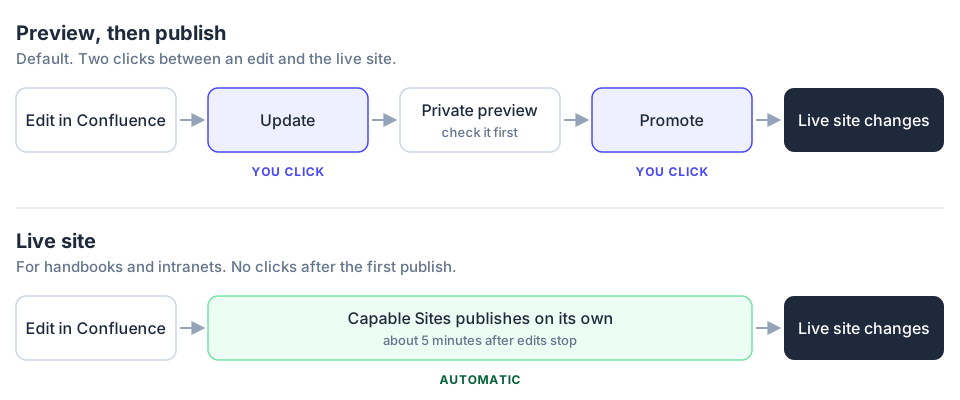
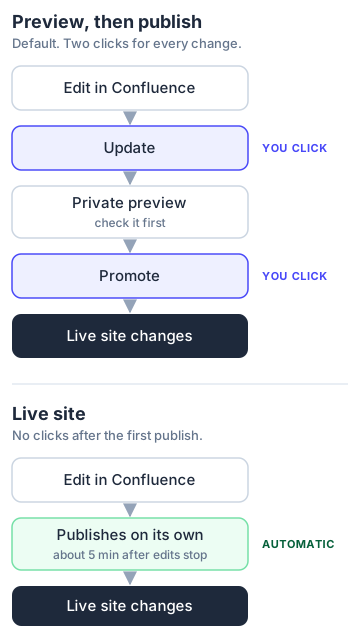
Choosing a mode
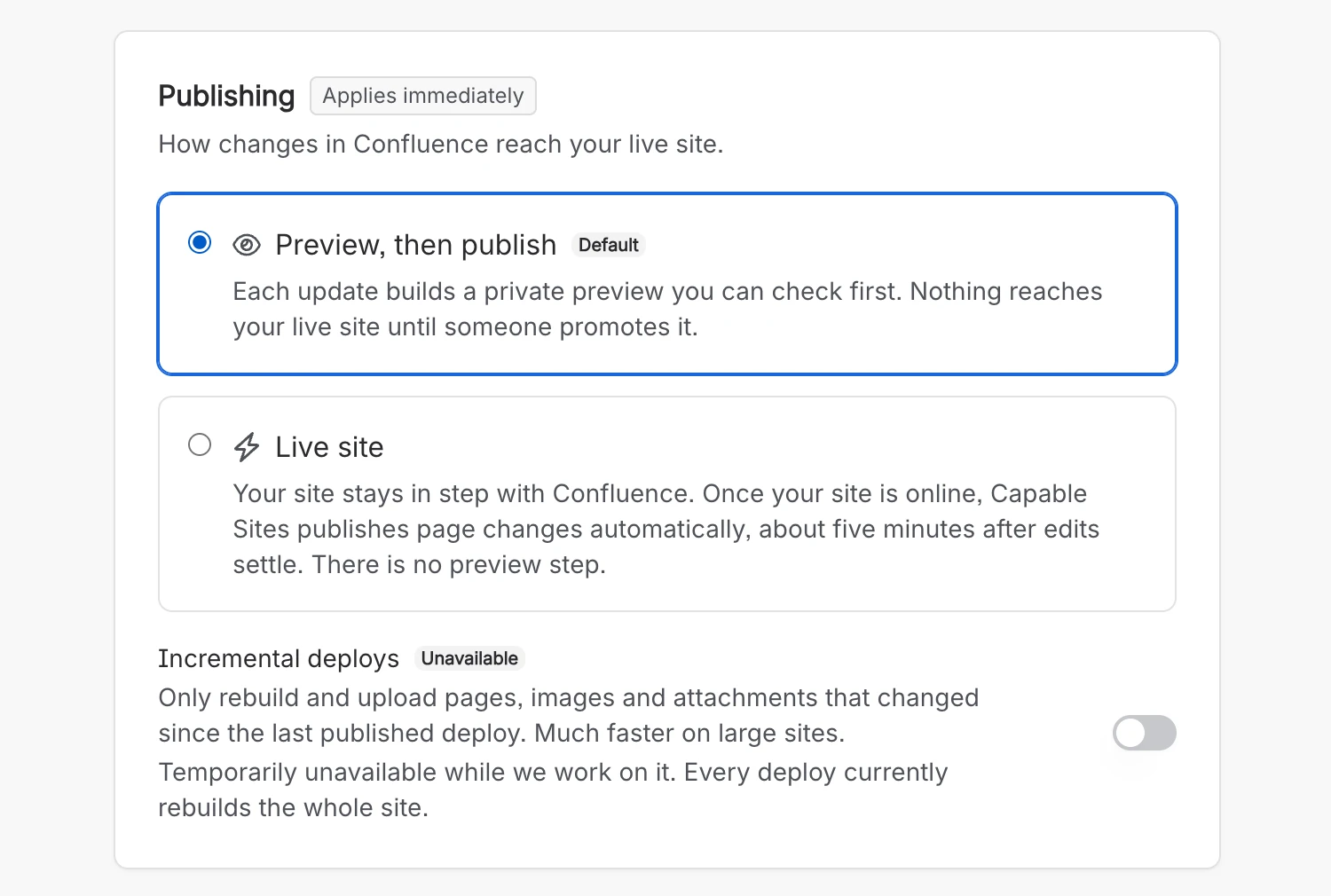
You choose when you create a site, at How should changes be published? You can change it later in Settings → General → Publishing. The new mode takes effect straight away, and you're asked to confirm first, so nobody turns on live publishing by accident.
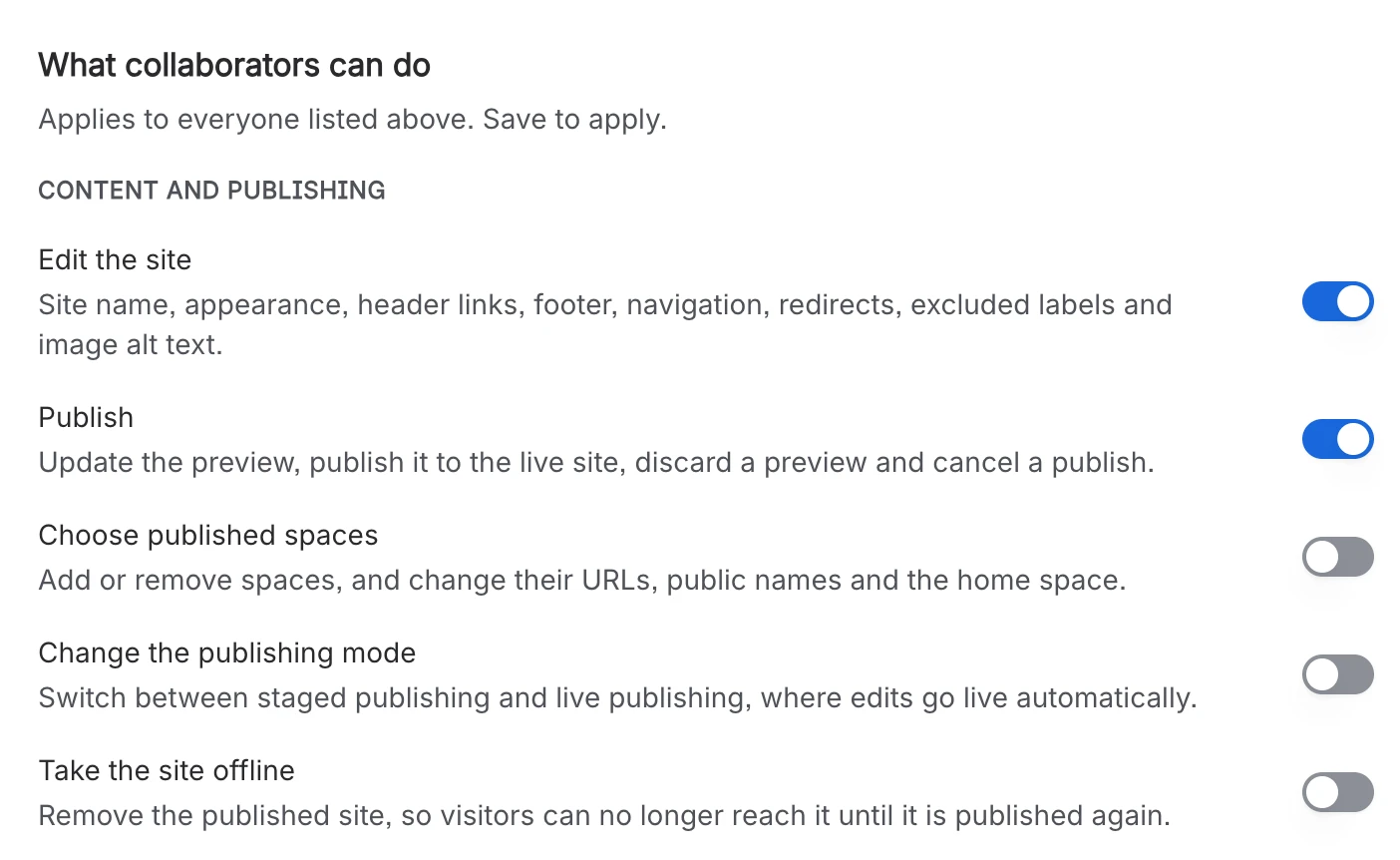
Only Confluence admins can switch modes. To let someone else do it, give them Change the publishing mode under Settings → Collaborators. It's separate from Publish, so a collaborator can publish a preview without being able to make the whole site live.
Checking that a change is live
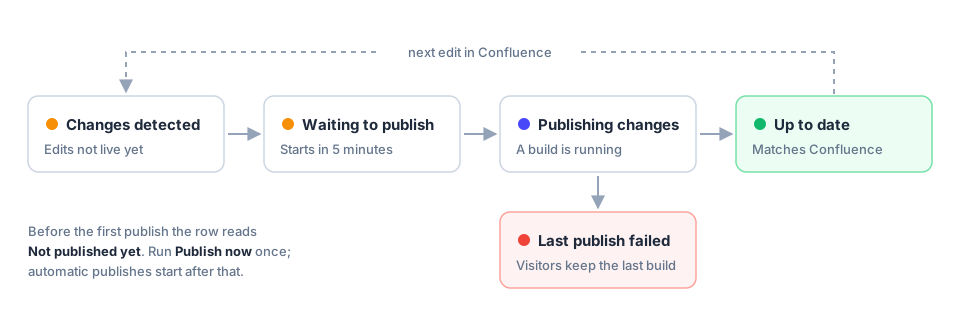
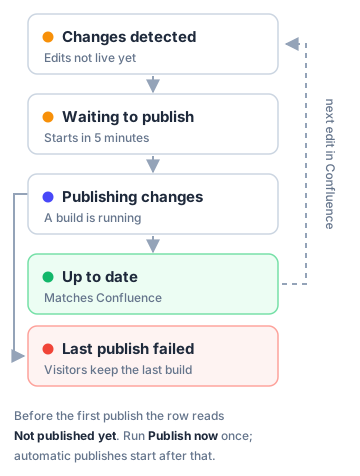
When you've just fixed a policy page, you want to know it's on the site. The Production row on the site's Overview shows where the change has got to.
| Status | What it means |
|---|---|
| Not published yet | The site has never been published. Click Publish now once and automatic publishing starts |
| Changes detected | Confluence has changes the live site doesn't have yet |
| Waiting to publish | Edits are settling. A publish starts about five minutes after the last one |
| Publishing changes | The site is being built |
| Up to date | The live site matches Confluence |
| Last publish failed | Something went wrong. Visitors still see the last good version |
Our docs list every status in Live site publishing.
Which mode to use
Live publishing suits:
- Employee handbooks, internal runbooks and programme wikis.
- Teams that already review pages in Confluence before they're published.
- Small fixes that should reach people the same day.
Stay on Preview, then publish if:
- The site is customer-facing and a mistake would be embarrassing.
- Legal or comms sign changes off outside Confluence.
- You share the preview link with people who can't see the space.
Before you switch
- There's no preview on a live site. If someone saves a mistake in Confluence, visitors see it once the next publish finishes.
- Permissions still apply. Live publishing doesn't change what's public. To keep a page off the site, add the
capable-sites-excludelabel; to hide part of a page, use the Hide on published site (Capable) macro. Excluding pages covers both. - Drafts and blog posts are never published automatically, in either mode.
- Label and attachment changes are slower. If a change touches only labels or attachments, it can take up to an hour. A content edit starts publishing about five minutes after editing stops.
- Publishing has an hourly limit. Each Confluence gets 12 publishing steps an hour, shared by every site on it, and a live publish uses two. If that allowance is used up, the next edit waits until there is room again. It is not lost.
- Switching back is safe. Going back to Preview, then publish doesn't take anything down. The live site stays as it is, and Update and Promote return.
See one in use
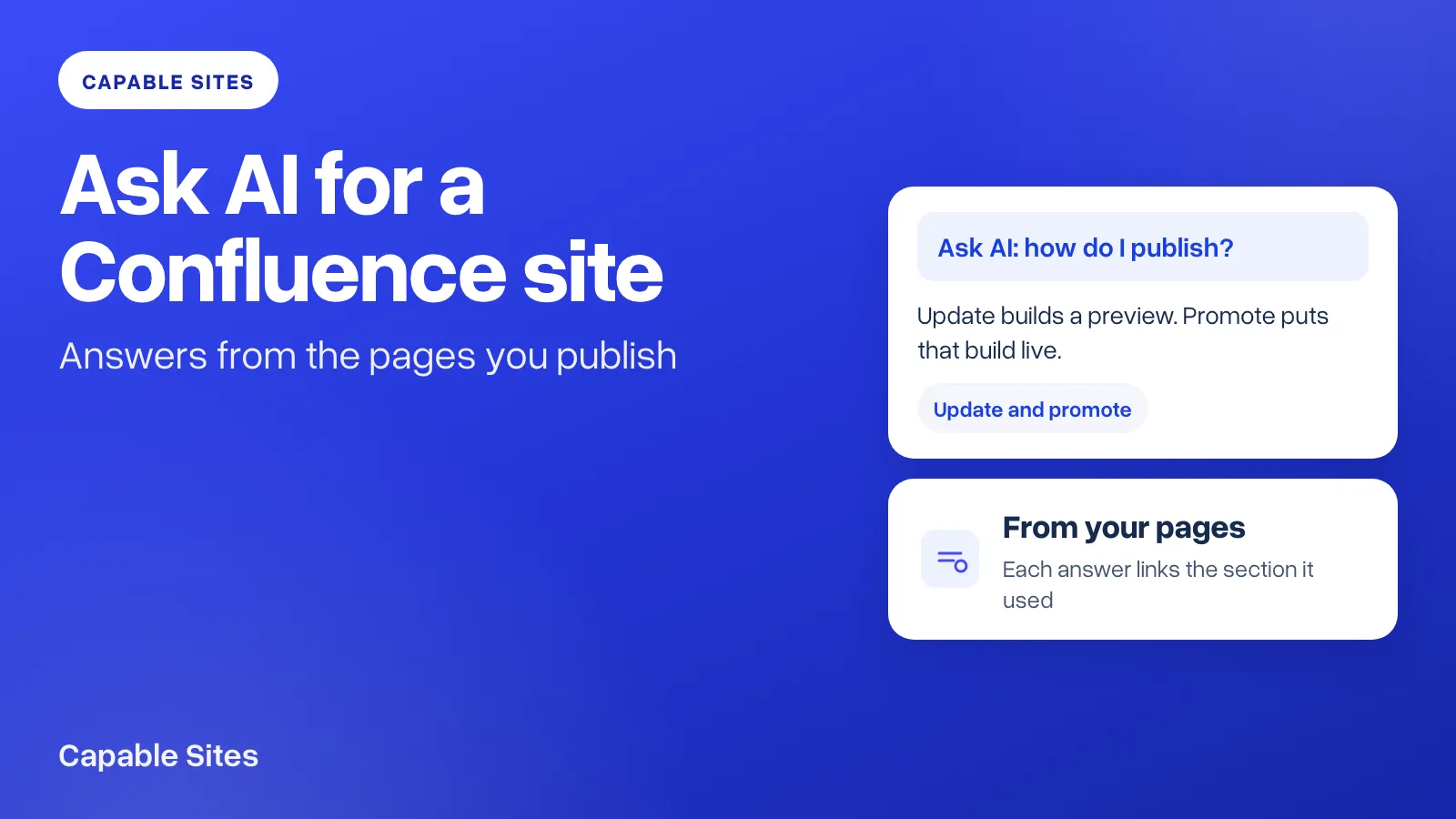
Our own docs at help.gocapable.com are a Capable site published from our Confluence spaces. If you're new to the app, Introducing Capable Sites explains how a space becomes a website, and Ask AI for a published Confluence site adds a question box that answers from your pages.
Try Capable Sites free on the Atlassian Marketplace →
Atlassian and Confluence are trademarks of Atlassian Pty Ltd. Capable Works Limited is not affiliated with, endorsed by or sponsored by Atlassian.